



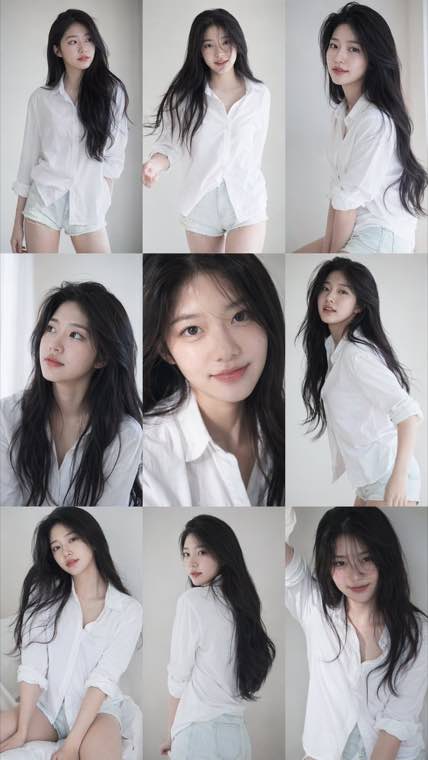
A consistent nine-frame portrait series with soft photobook lighting and natural texture.
GPT Image 1.5 AI Image Generator - Create & Edit Professional Images Online Free
Generate high-quality images with GPT Image 1.5 . Create stunning visuals from text prompts with improved fidelity and detail. Compare with GPT Image 2 and start creating for free.
Free to start • Professional quality output • Fast generation • Commercial license available
What is GPT Image 1.5?
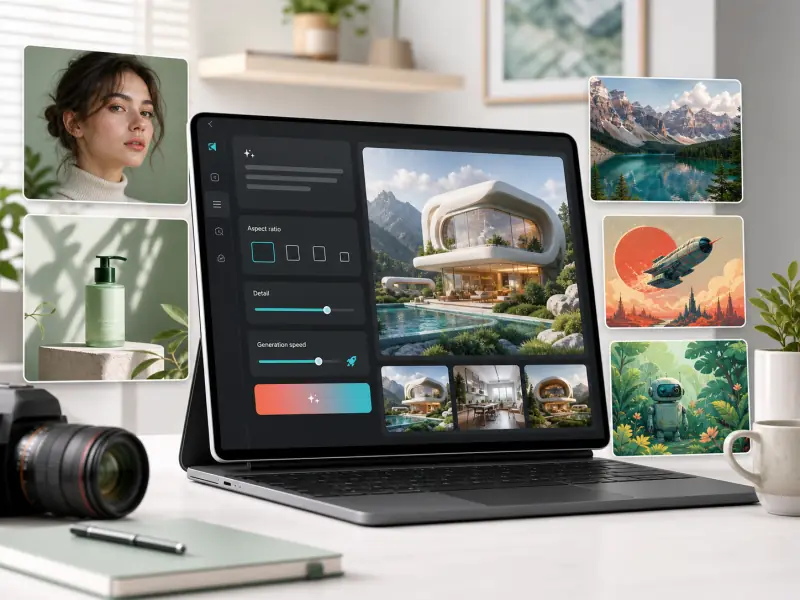
GPT Image 1.5 (also known as gpt-image-1.5) is Advanced AI image generation model that transforms text descriptions into high-fidelity visual content. As part of the GPT Image series, version 1.5 delivers improved detail rendering, better prompt understanding, and faster generation compared to earlier versions. Whether you're creating marketing materials, concept art, social media content, or product visualizations, gpt-image-1.5 provides a powerful balance of quality and speed for professional creative workflows.
Powerful GPT Image 1.5 Features
Everything you need to create professional AI-generated images with high fidelity and precision
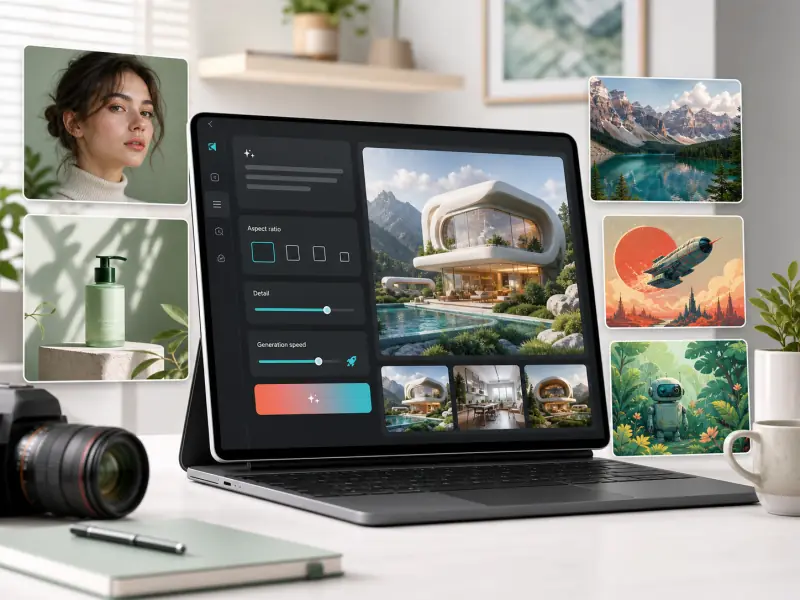
- Enhanced detail rendering for textures, lighting, and complex visual elements
- Improved color accuracy and natural-looking gradients
- Better handling of intricate patterns and fine details
- Professional-quality output suitable for marketing and commercial use
Who Uses GPT Image 1.5?
Trusted by creators, marketers, and businesses for professional AI image generation
Marketing Teams
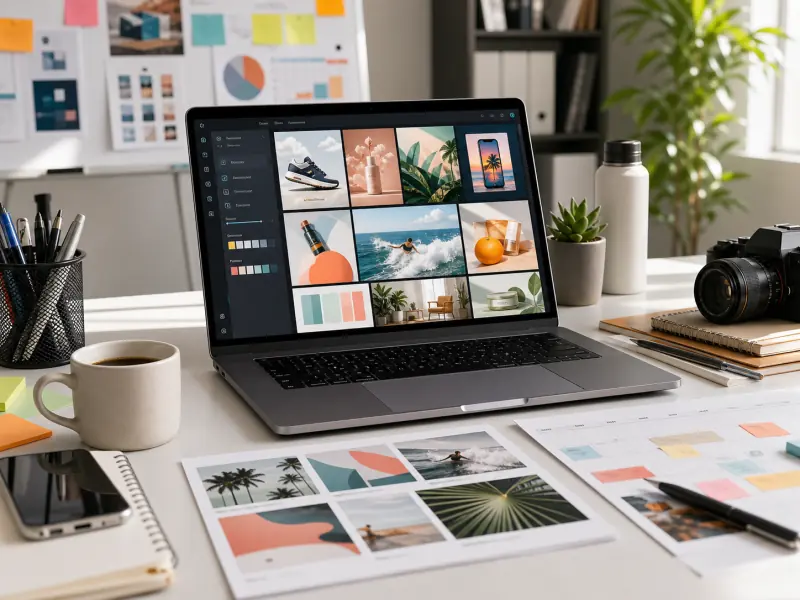
Create social media graphics, ad creatives, blog illustrations, and campaign visuals quickly. GPT Image 1.5 helps marketing teams produce high-volume visual content without expensive photoshoots or designer bottlenecks.
Graphic Designers
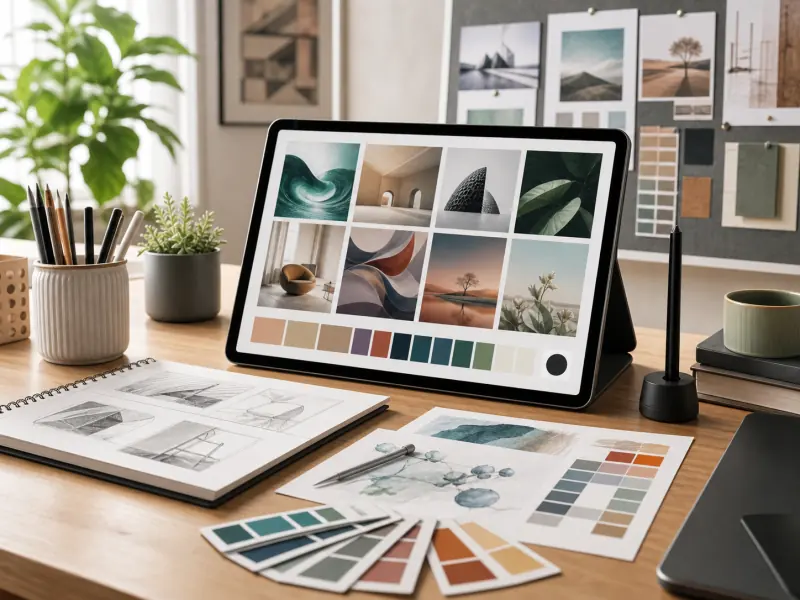
Speed up concept exploration, generate mood boards, create design variations, and produce client presentation materials. Use GPT Image 1.5 for rapid ideation before moving to final production tools.
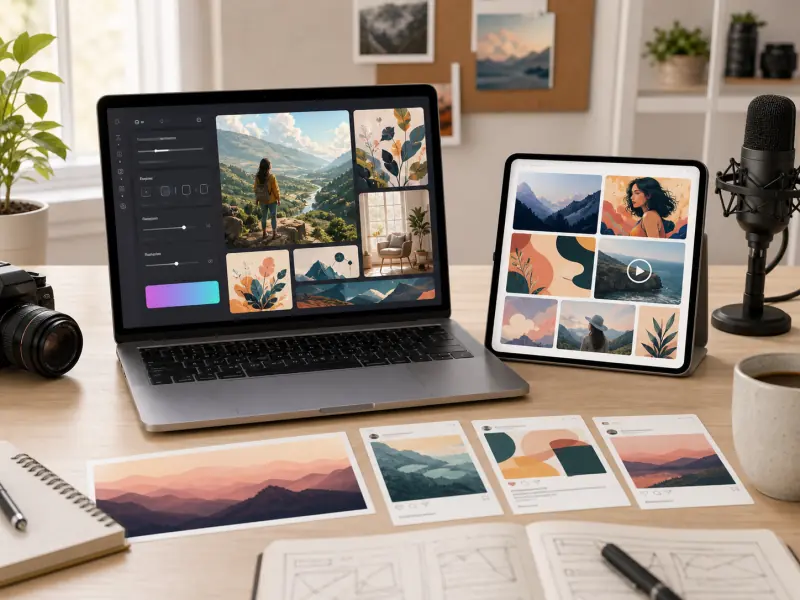
Content Creators
Generate custom images for blog posts, YouTube thumbnails, social media content, newsletters, and digital publications. GPT Image 1.5 provides unique visuals without stock photo licensing concerns.
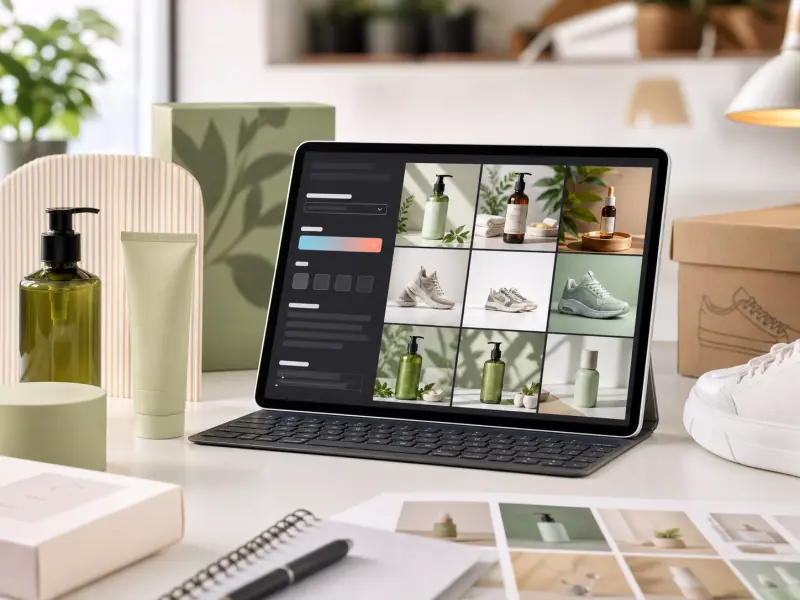
E-commerce Sellers
Create product lifestyle images, generate background variations, design packaging concepts, and produce catalog visuals. GPT Image 1.5 helps online sellers create professional product photography without expensive studio setups.
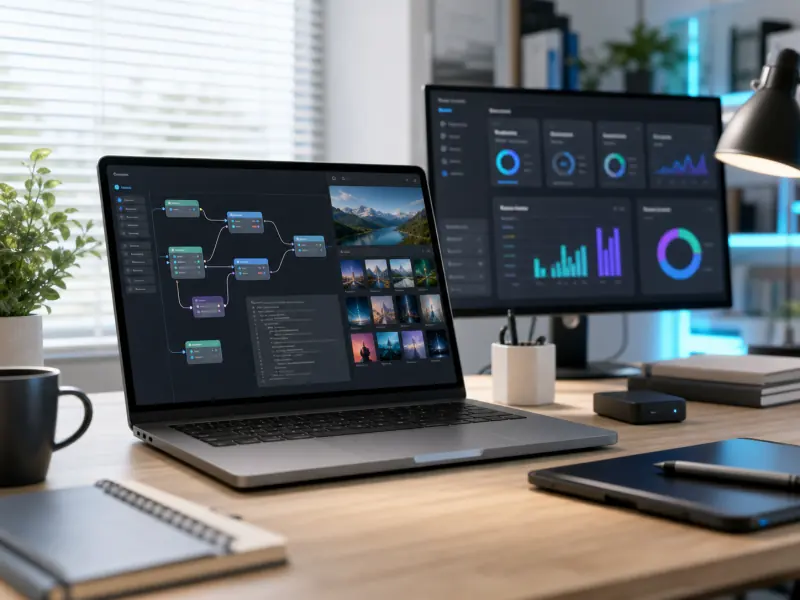
Developers and SaaS Builders
Integrate AI image generation into applications, automate visual content creation, build creative tools, and enhance user experiences. Use GPT Image 1.5 for professional image generation at scale.
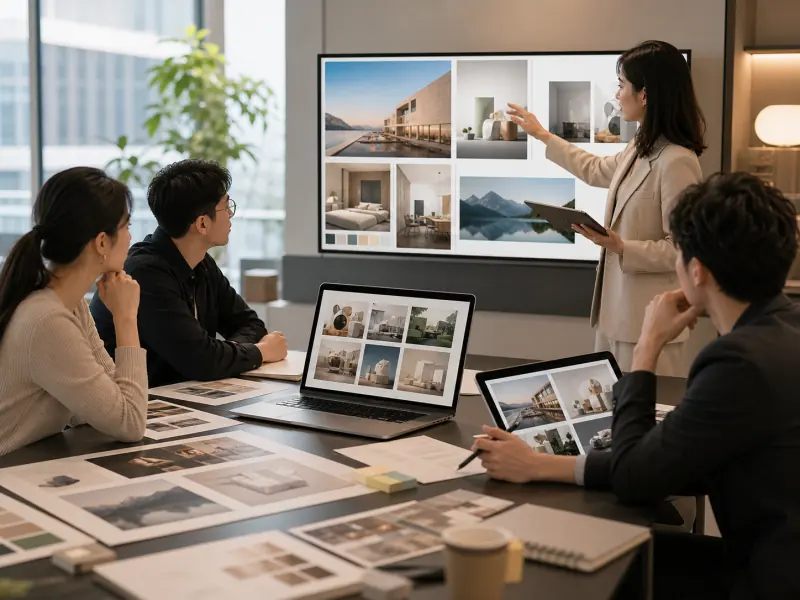
Agencies and Consultants
Deliver client concepts faster, create presentation materials, generate campaign mockups, and produce pitch deck visuals. GPT Image 1.5 accelerates agency workflows and improves client communication.
Why Choose GPT Image 1.5?
The advantages that make GPT Image 1.5 a powerful choice for AI image generation
Balanced Quality and Speed
GPT Image 1.5 delivers high-fidelity output with fast generation times, providing an optimal balance for creative workflows that need both quality results and quick iteration.
Improved Detail Rendering
Experience enhanced detail preservation in textures, lighting, and fine visual elements. GPT Image 1.5 captures subtle nuances that bring professional quality to your generated images.
Reliable and Stable
GPT Image 1.5 provides consistent results across multiple generations, making it reliable for production workflows where visual consistency matters across campaign assets and content series.
Commercial-Ready Output
Generate images with commercial usage rights included. Use GPT Image 1.5 creations in client work, advertising, products, and business applications without licensing concerns.
Easy Integration
Access through our web platform for intuitive image generation with full control over model settings, parameters, and output options. GPT Image 1.5 fits seamlessly into creative and production workflows.
Versatile Style Range
Create photorealistic images, artistic illustrations, concept art, and everything in between. One model handles diverse visual styles by adjusting your text prompts.
How to Generate Images with GPT Image 1.5
Create stunning AI images in 4 easy steps—no technical skills required
Write Your Image Prompt
Describe the image you want to create using natural language. Include details about subject, style, composition, lighting, colors, and mood for best results.
Select Model Settings
Choose GPT Image 1.5 as your generation model and select your preferred aspect ratio and resolution based on where you'll use the final image.
Adjust Generation Options
Set additional parameters such as style preferences, quality settings, or number of variations. Review your prompt before generating.
Generate and Download
Click generate and wait for GPT Image 1.5 to create your image. Review the result, create variations if needed, and download for use in your projects.
Frequently Asked Questions
Everything you need to know about GPT Image 1.5 and creating high-fidelity AI images
Ready to Create with GPT Image 1.5?
Join creators, marketers, and designers using GPT Image 1.5 to generate high-fidelity AI images in seconds.