



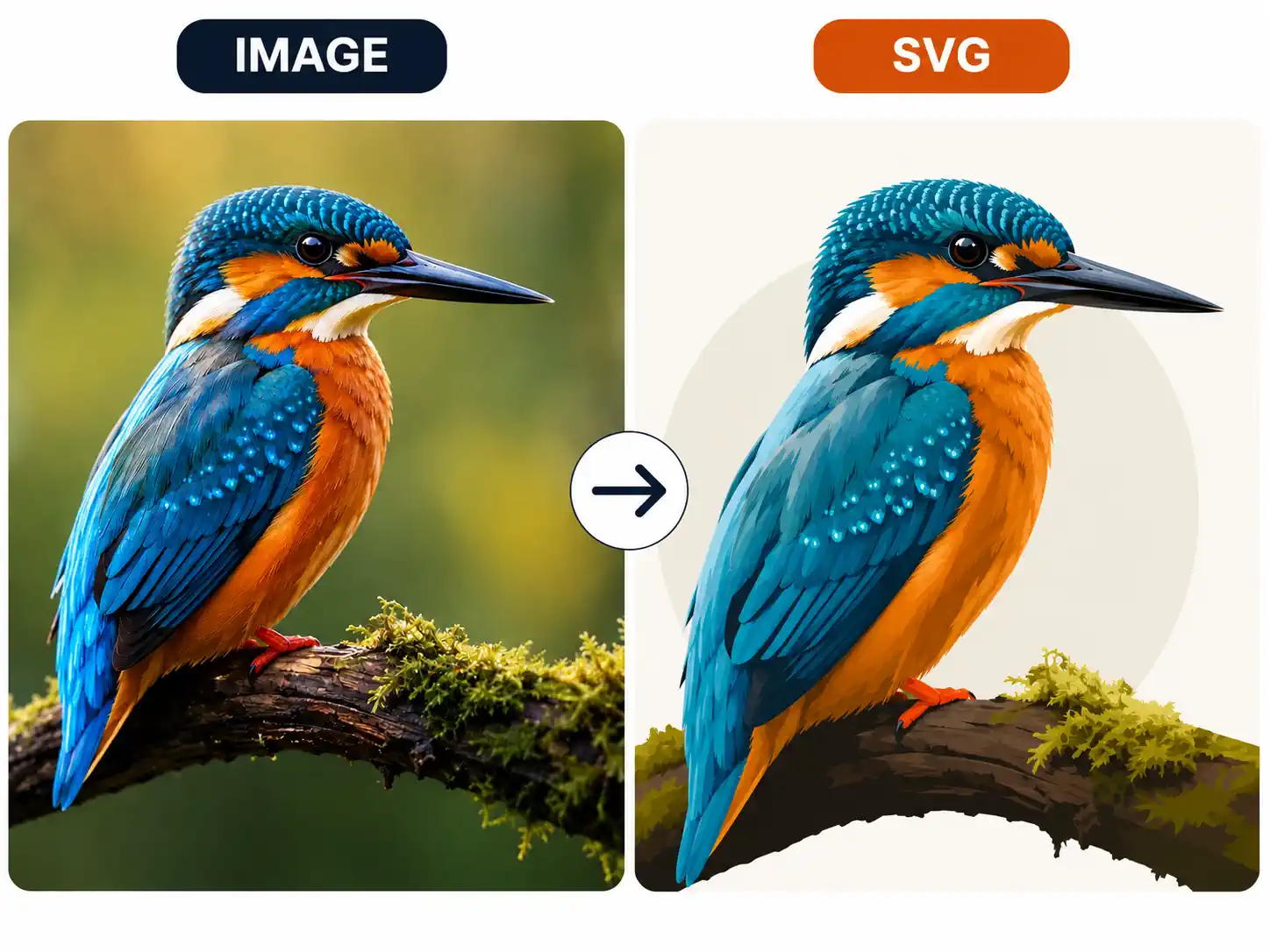
Image to SVG Converter by AI - AI Vector Converter Online
Convert image to SVG instantly with our AI image to SVG converter. Transform PNG, JPG, JPEG, and WebP into clean, scalable SVG vectors. No design software needed—just upload and download.
PNG to SVG • JPG to SVG • JPEG to SVG • WebP to SVG • AI Vectorizer
What is Image to SVG Conversion?
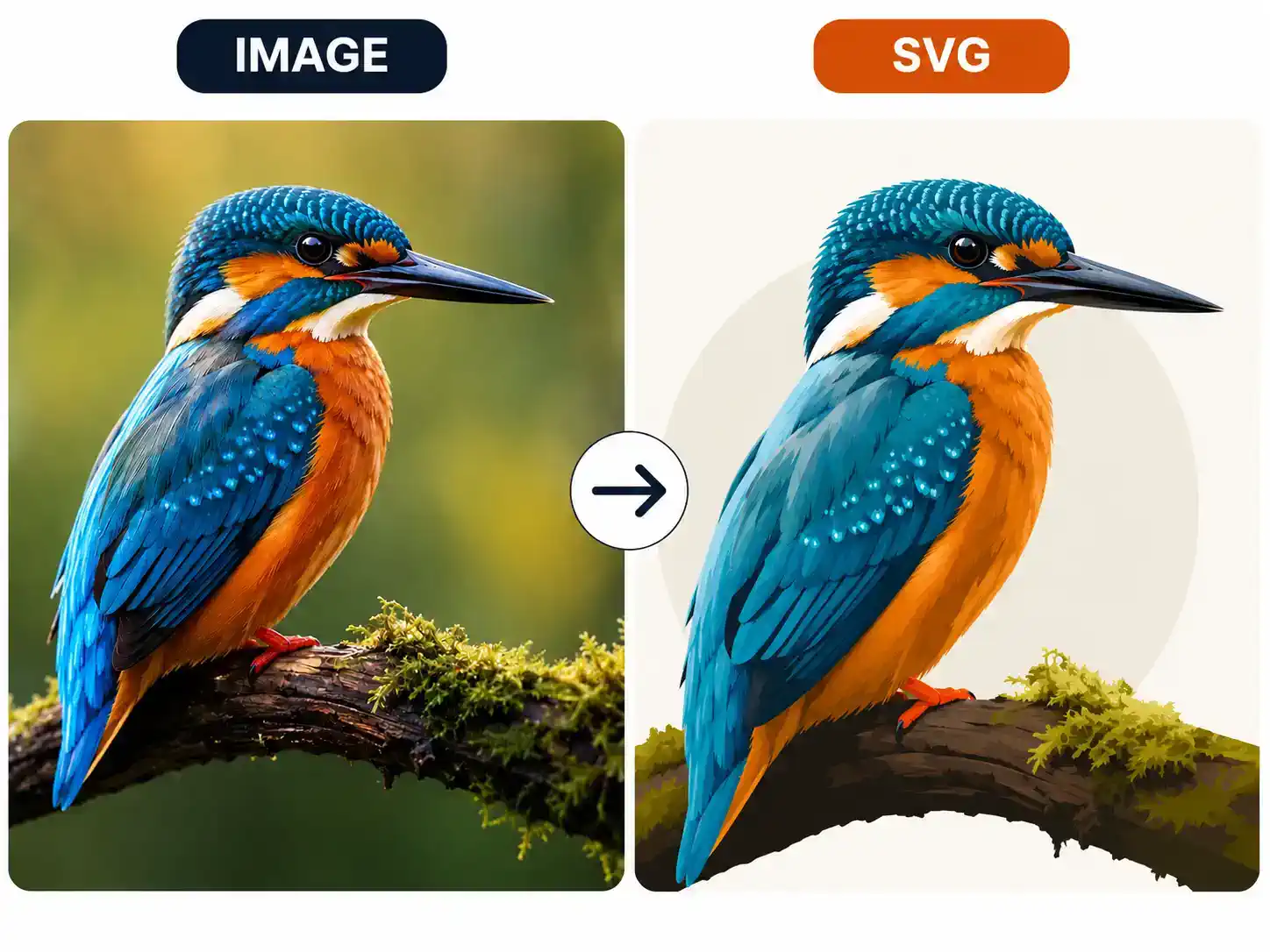
Image to SVG conversion transforms pixel-based raster images (PNG, JPG, JPEG, WebP) into vector-based SVG format. Unlike raster images made of fixed pixels, SVG files use mathematical paths—so they stay perfectly sharp at any size, from a favicon to a billboard. Our AI image to SVG converter automates this process: upload any PNG, JPG, or WebP and download a clean SVG in seconds. Whether you need SVG code for web development, scalable logos for Figma, or converting multiple images to SVG for large projects, this converter handles it all. Use it as a online image to SVG tool or integrate it into your design workflow.
What Our Image to SVG Converter Does
AI-powered vectorization for every type of image and format
- Upload PNG and convert to SVG in seconds
- Preserves transparency, colors, and shapes perfectly
- Clean SVG code output ready for web and design
- Best image to SVG converter for icons, UI elements, and logos
Who Uses Image to SVG Conversion?
Trusted by developers, designers, and creators worldwide
Web Developers
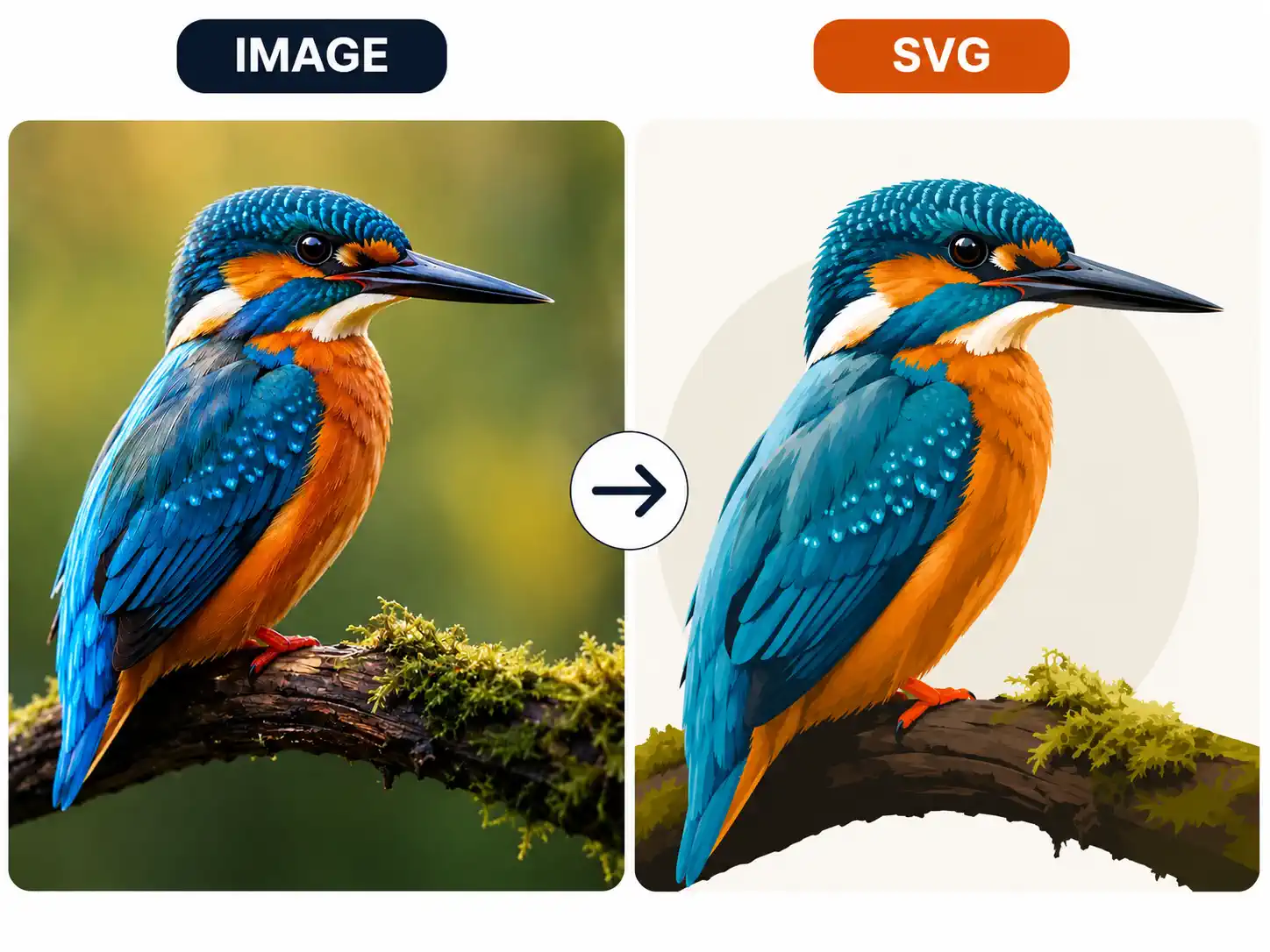
Convert image to SVG code for faster page loads, pixel-perfect retina displays, and CSS-animatable web graphics. SVG files are typically 60–80% smaller than high-res raster images. Use our online image to SVG tool for every web project.
UI/UX Designers
Import SVG assets directly into Figma, Sketch, or Adobe XD. Vectorize UI screenshots, icons, and illustrations for clean, scalable design system components. Our image to SVG converter is the best tool for Figma-ready SVG output.
Graphic Designers
Convert raster illustrations and scanned artwork into editable SVG files. Prepare designs for large-format printing, signage, and brand identity projects. Use our PNG to SVG and JPG to SVG converter for professional vectorization.

E-commerce Sellers
Create sharp product images for online stores and promotional banners. SVG product graphics scale perfectly across desktop, mobile, and high-DPI displays. Convert entire product catalogs to SVG in minutes.
Content Creators
Generate unique visuals for YouTube thumbnails, blog posts, and social media. Convert image to SVG for crisp quality across all platforms. Copy SVG code directly into your blog or CMS for lightweight, scalable graphics.

SVG Code Learners
Convert any image to SVG code to study vector graphics structure, learn SVG markup, and experiment with CSS animations on real SVG files. Our SVG generator from image is a great learning tool for web and design students.
Why Use Our Image to SVG Converter?
The best AI image to SVG converter for web, design, and code
Image to SVG AI
Our AI image to SVG AI engine produces cleaner vector paths than traditional auto-trace tools. It detects edges, shapes, colors, and text automatically—giving you better results with less manual cleanup.
Convert Image to SVG Online
No software to install. Upload your PNG, JPG, or WebP and convert image to SVG online 2-credit in seconds. Works entirely in your browser on desktop and mobile—no downloads required.
SVG Code Generator from Image
Copy clean SVG code directly from the converter. The SVG generator from image produces readable, optimized markup ready for HTML, React, Vue, CSS animations, or any web project.
PNG to SVG & JPG to SVG
Handles all major raster formats—PNG, JPG, JPEG, WebP, BMP, GIF. Our PNG to SVG and JPG to SVG converter delivers the same clean vector output quality for every format.
How to Convert Image to SVG Online
Use our AI image to SVG converter to transform any raster image in seconds
Upload Your Image
Drag and drop or click to upload any PNG, JPG, JPEG, WebP, BMP, or GIF file. Our image to SVG converter supports all common raster formats. Your files are processed securely in the cloud.
AI Converts Image to SVG
Our AI image to SVG AI engine traces edges, shapes, and colors into clean vector paths automatically. The SVG output is generated in seconds—no manual tracing needed.
Preview the SVG Output
Inspect the vectorization quality at any zoom level. If it looks great, proceed to download. This is the best image to SVG converter for getting clean results on the first conversion.
Download SVG or Copy SVG Code
Download your SVG file directly, or copy the SVG code to paste into HTML, Figma, or any design tool.
Frequently Asked Questions
Everything you need to know about our image to SVG converter
Ready to Convert Image to SVG?
Use our AI image to SVG converter to transform PNG, JPG, JPEG, and WebP into clean, scalable SVG vectors.