




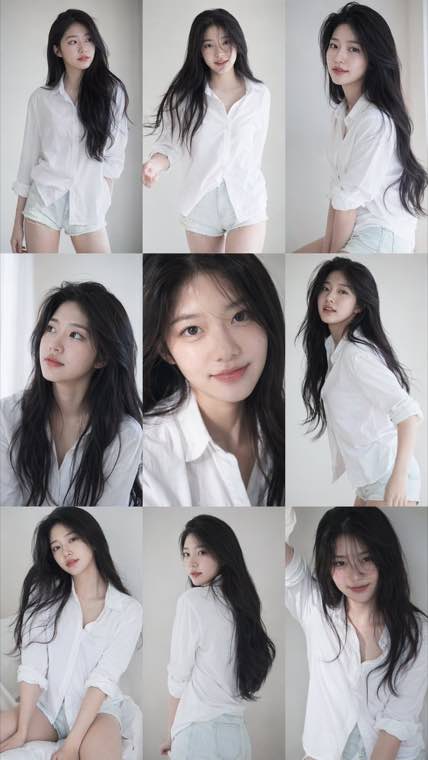
A consistent nine-frame portrait series with soft photobook lighting and natural texture.
AI Image to Image Generator & Editor
Upload any photo and transform it instantly with our AI image generator. Change art styles, edit with text prompts, or create stunning variations while keeping your original composition.
Free to start • Fast generation • Commercial license available
What is AI Image to Image Generator & Editor?
Image to image AI technology transforms your existing photos into new creative variations. Unlike text-to-image generators that start from scratch, our tool preserves your original image structure while applying artistic styles, edits, or enhancements based on your input. Perfect for designers, content creators, and anyone looking to reimagine their photos.
Powerful Image Transformation Features
Everything you need to transform and enhance your images with AI
- Prompt-based style control for looks such as anime, watercolor, sketch, cinematic, or realistic
- Use detailed prompts to control the transformation direction
- Maintains original image composition and key elements
- High-resolution output suitable for printing and commercial use
Who Uses Image to Image AI?
Trusted by professionals and creators across industries
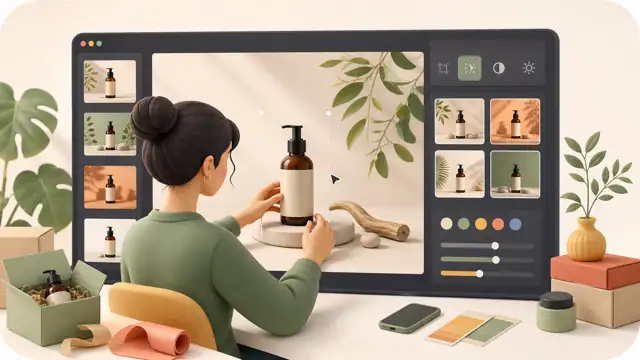
E-commerce Sellers
Create product photos in multiple scenes and styles without expensive photoshoots. Generate lifestyle images from simple product shots.
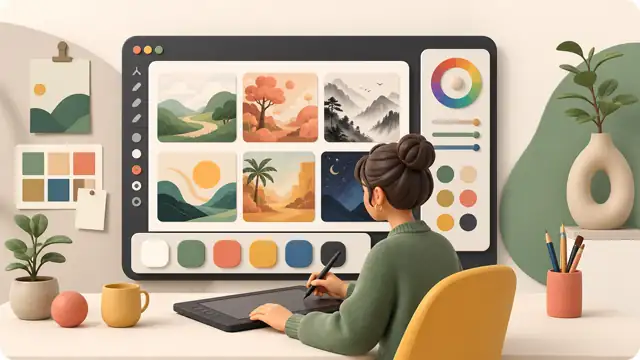
Designers & Artists
Explore different artistic directions quickly. Generate client presentation options and iterate on design concepts in minutes.
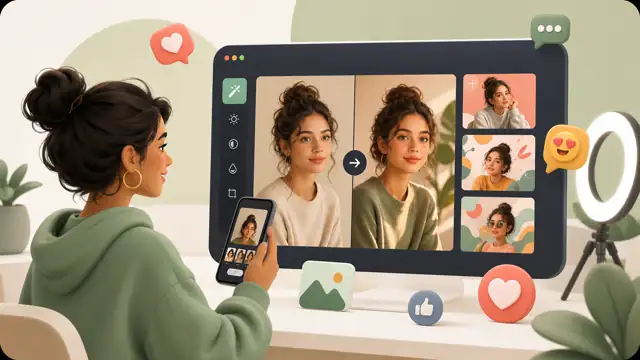
Social Media Creators
Create a consistent visual direction for your content by transforming photos with prompts and reference images.
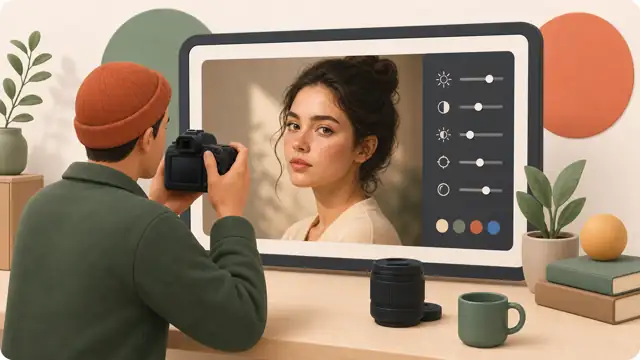
Photographers
Offer clients artistic variations of their photos. Restore old photographs and enhance image quality with AI.
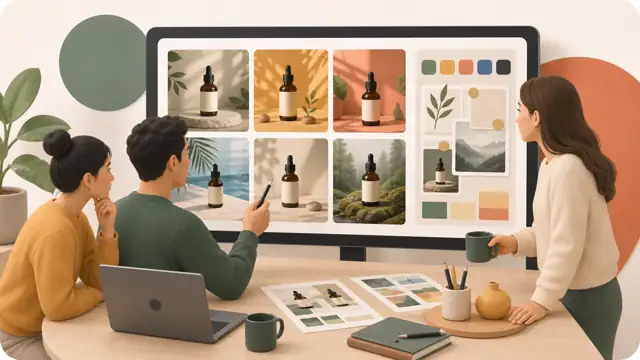
Marketing Teams
Generate multiple ad creative variations for A/B testing. Create localized visual content without additional photoshoots.
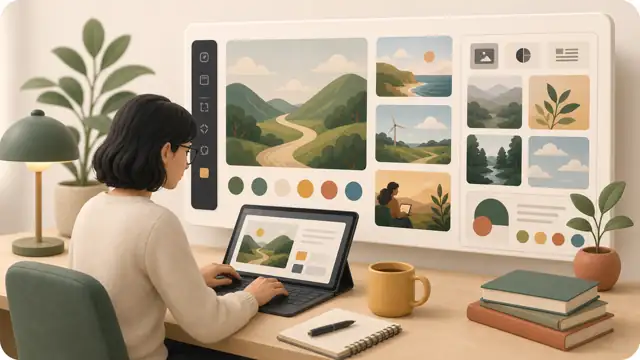
Content Writers
Create custom illustrations for blog posts and articles. Transform stock photos into unique, on-brand visuals.
Why Choose Our Image to Image AI?
The most powerful and user-friendly image transformation tool
Lightning Fast
Generate transformed images in 10 seconds or less. No waiting, no queues - instant results every time.
Precise Control
Use detailed prompts and available output settings to guide the result toward your intended look.
Commercial License
All generated images come with full commercial use rights. Use them in your business, client projects, or products worry-free.
Free to Start
Create an account to receive welcome credits. Earn more credits through daily sign-in rewards. Upgrade when you need higher volume, better quality, or commercial licensing.
Privacy Protected
Your images are processed securely and never used for training. Delete your uploads anytime.
Works Everywhere
Browser-based tool works on desktop, tablet, and mobile. No app installation needed.
How to Use Image to Image AI
Transform your images in 4 easy steps - no technical skills required
Upload Your Image
Drag and drop your photo or click to browse. Supports JPG, PNG, and WebP formats up to 10MB.
Set Output Options
Choose available output settings such as model, aspect ratio, or resolution before generating.
Describe Your Edit
Write a prompt describing the style, scene, or changes you want, then adjust available settings such as aspect ratio or resolution.
Generate & Download
Click generate and get your transformed image in seconds. Download in high resolution or create more variations.
Frequently Asked Questions
Everything you need to know about image to image AI
Ready to Transform Your Images with AI?
Join thousands of creators, designers, and businesses using our image to image AI tool.