




Compress Image Online Free – Reduce File Size Instantly
Reduce JPG, PNG, WebP file size without losing quality. Set target size or adjust quality level. 100% free, no signup, no watermark.
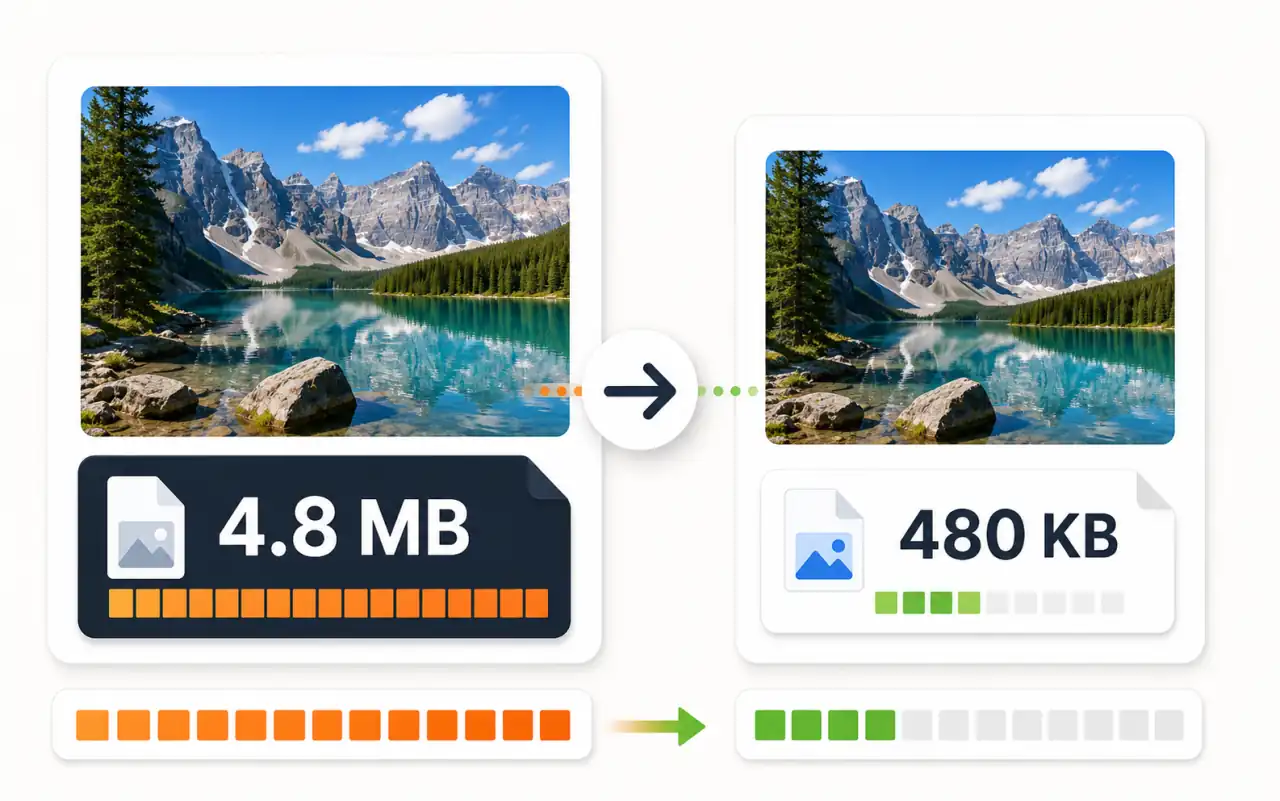
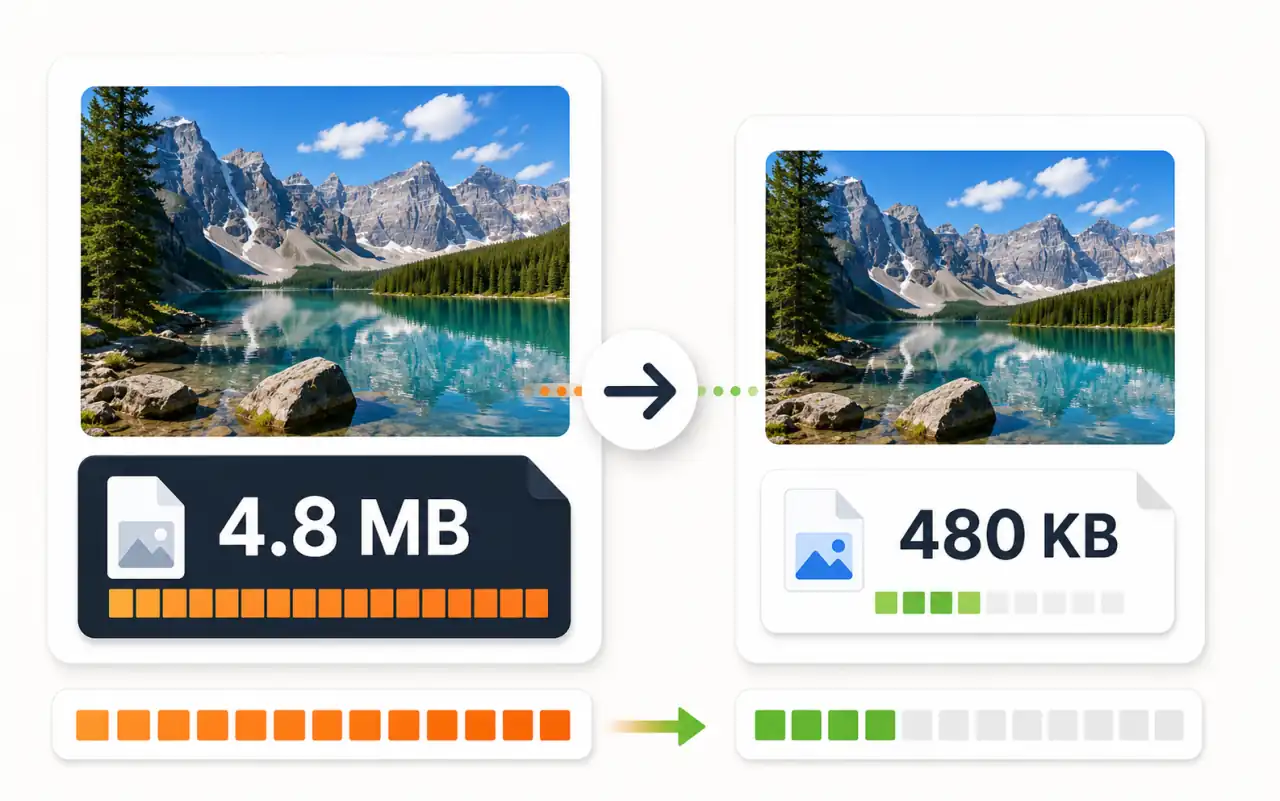
What is Image Compression?
Image compression reduces file size by removing redundant data while preserving visual quality. Our browser-based compressor uses Canvas API to re-encode your images at your chosen quality level. Files never leave your device — all processing happens locally in your browser. Perfect for optimizing images for web, email, social media, or meeting upload size limits.
Compress Images for Every Scenario
Whether you need pixel-perfect quality or a strict file size limit, we have you covered
- Adjustable quality slider (1-100%)
- Real-time file size preview
- Visual quality comparison
- Best for fine-tuning compression
Who Uses Image Compression?
Essential for anyone working with images online
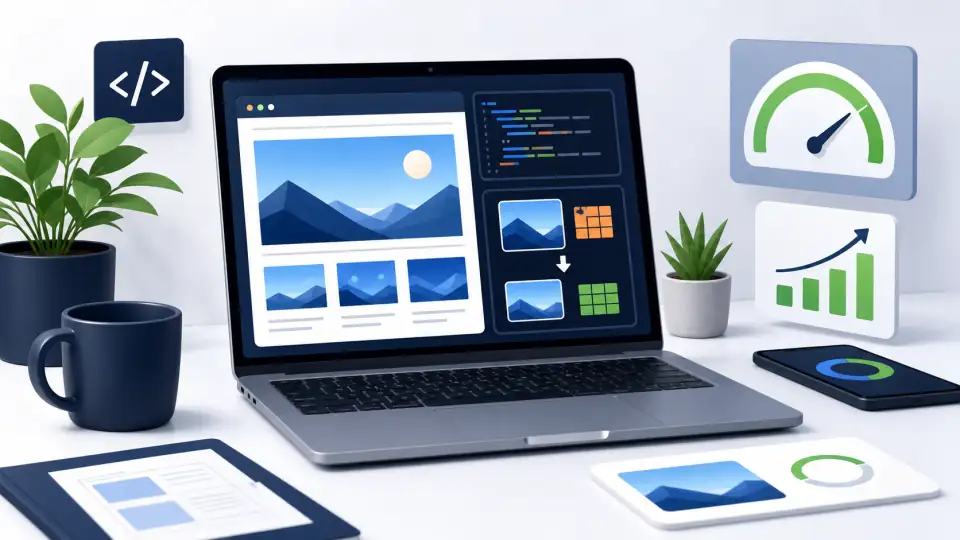
Web Developers
Optimize images for faster page loads and better Core Web Vitals scores. Compress hero images, thumbnails, and assets to reduce bandwidth.
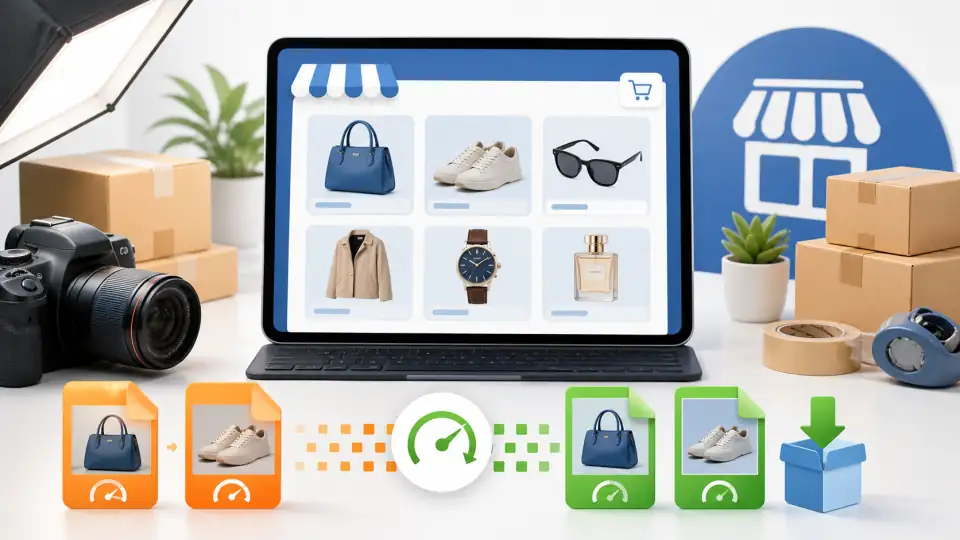
E-commerce Sellers
Compress product photos for faster store loading. Meet marketplace upload limits while keeping images sharp and professional.
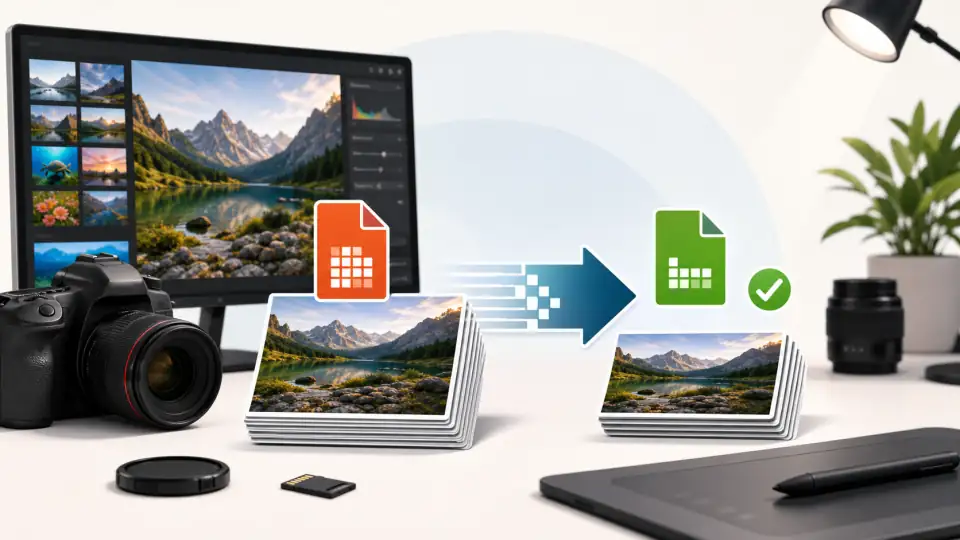
Photographers
Reduce photo file sizes for client delivery, portfolio websites, and social media sharing without visible quality loss.
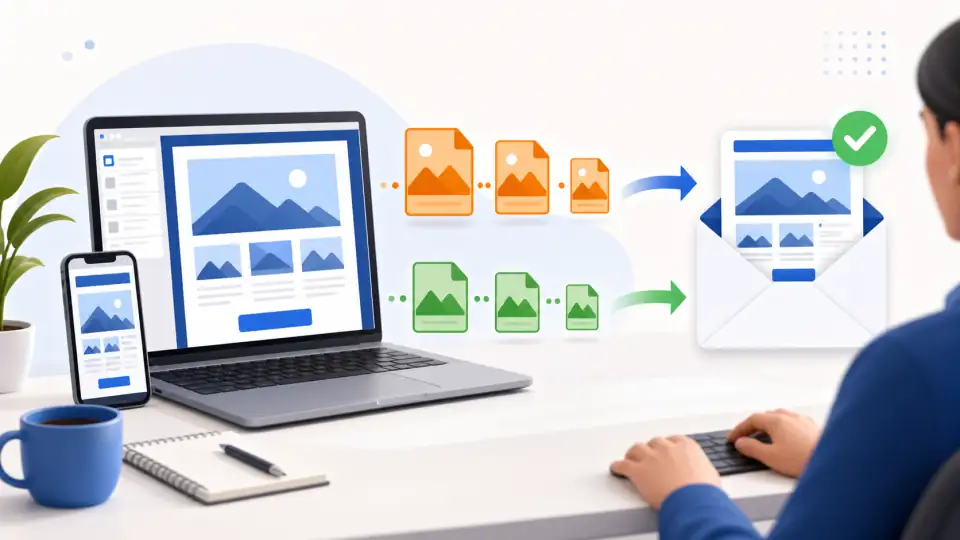
Email Marketers
Compress images to meet email size limits. Ensure newsletters load fast on mobile and avoid spam filters triggered by large attachments.
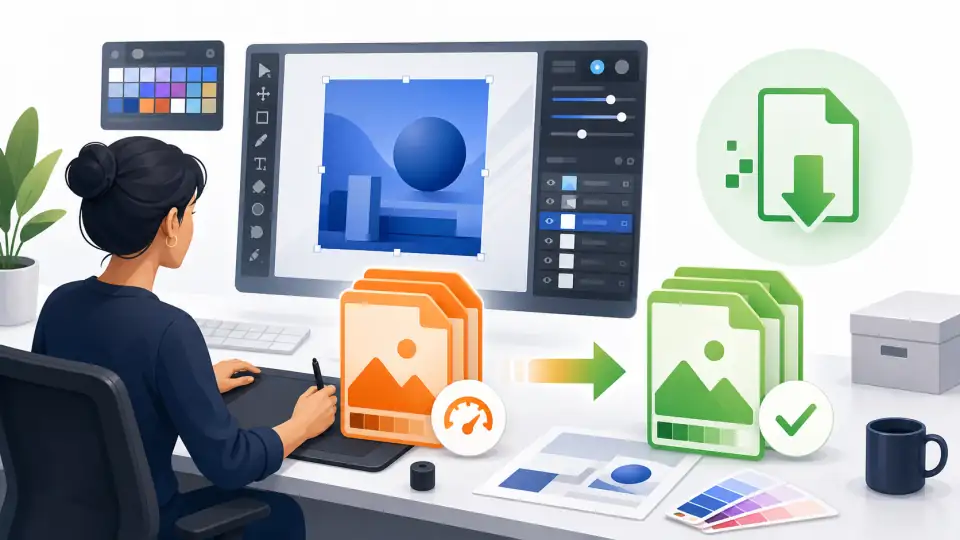
Graphic Designers
Compress final deliverables for client handoff. Reduce PSD exports and mockup screenshots for faster uploads to Figma, Notion, or project boards.
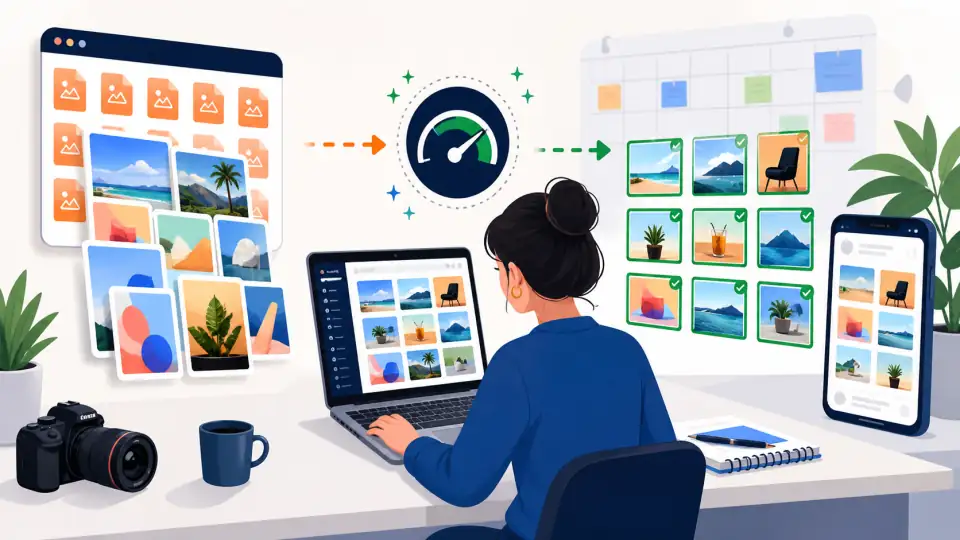
Social Media Managers
Batch-optimize images for Instagram, LinkedIn, and X. Faster uploads, consistent quality, and meet platform file size recommendations.
Why Use Our Image Compressor?
Fast, free, and private image compression
100% Private
All compression happens in your browser. Your images never leave your device — no server uploads, no data collection.
Instant Results
Compress images in milliseconds. No waiting for server processing. See the result immediately and download right away.
Completely Free
No signup, no watermark, no limits on single image compression. Use it as many times as you need.
Target Size Mode
Need to compress to exactly 100KB for a form upload? Set your target and we find the optimal quality automatically.
Works on Any Device
Use on desktop, tablet, or mobile. No app to install — just open the browser and compress. Works offline once loaded.
No Quality Loss
Smart compression removes invisible data while keeping your images visually identical. Most users can't tell the difference at 75-85% quality.
How to Compress an Image Online
Reduce image file size in seconds
Upload Your Image
Drag and drop, paste from clipboard, or click to select a JPG, PNG, or WebP file up to 50MB.
Choose Compression Settings
Select Quality mode and adjust the slider, or switch to Target Size mode and pick your desired file size.
Compress Instantly
Click Compress and see the result in milliseconds. Compare original and compressed file sizes side by side.
Download Compressed Image
Review the before/after comparison, then download your optimized image ready for web, email, or upload.
Frequently Asked Questions
Common questions about image compression
Ready to Compress Your Images?
Free, fast, and private. Reduce image file size without losing quality.