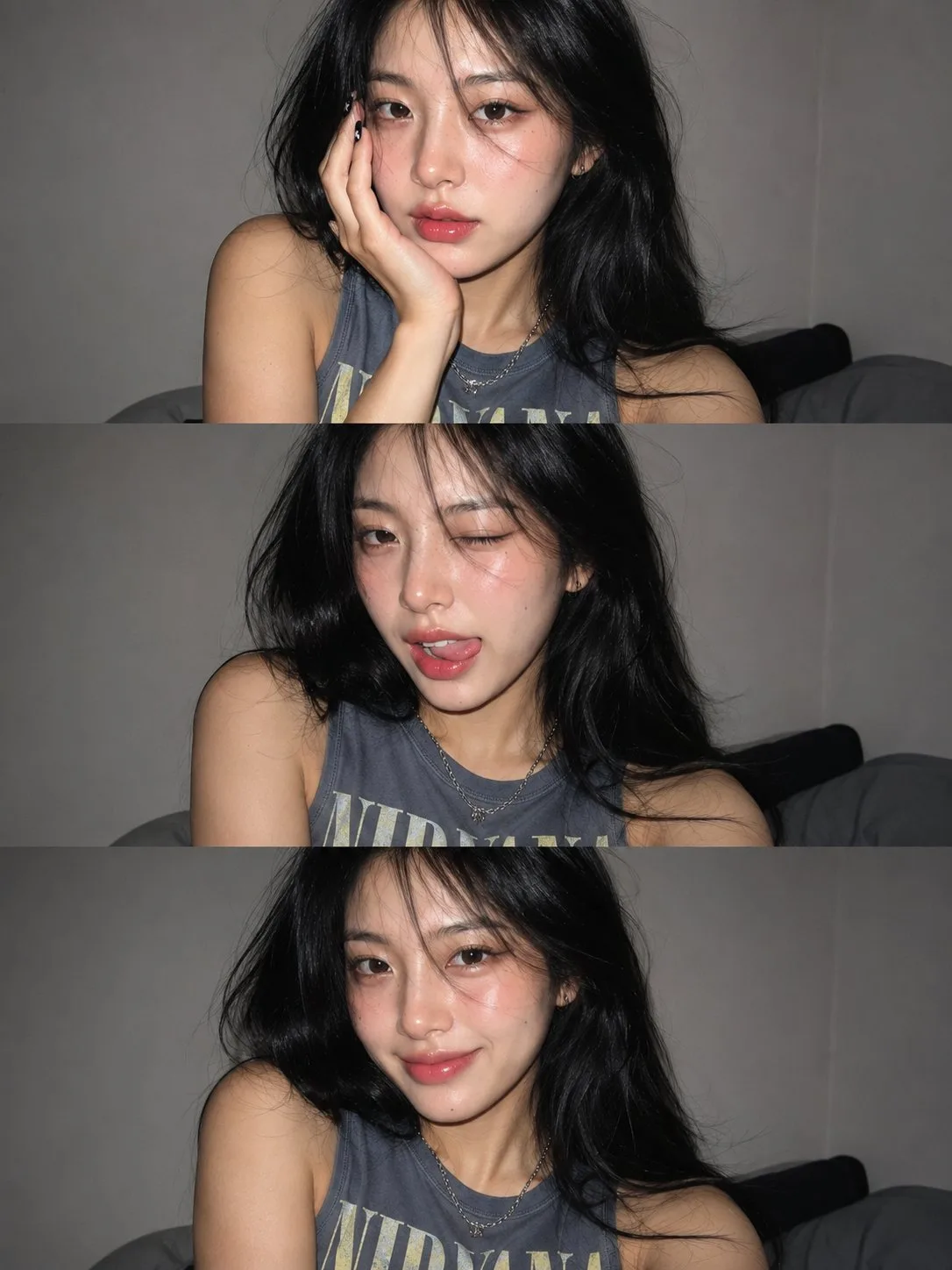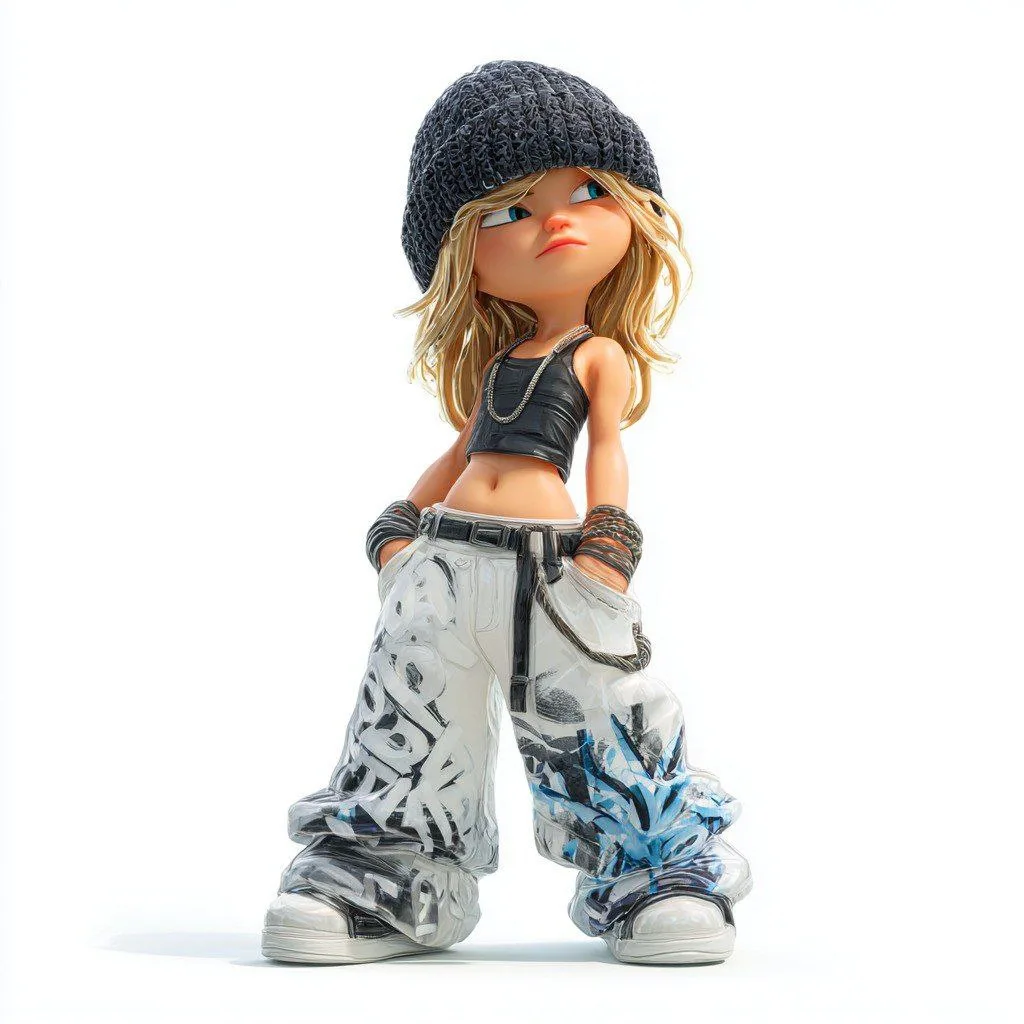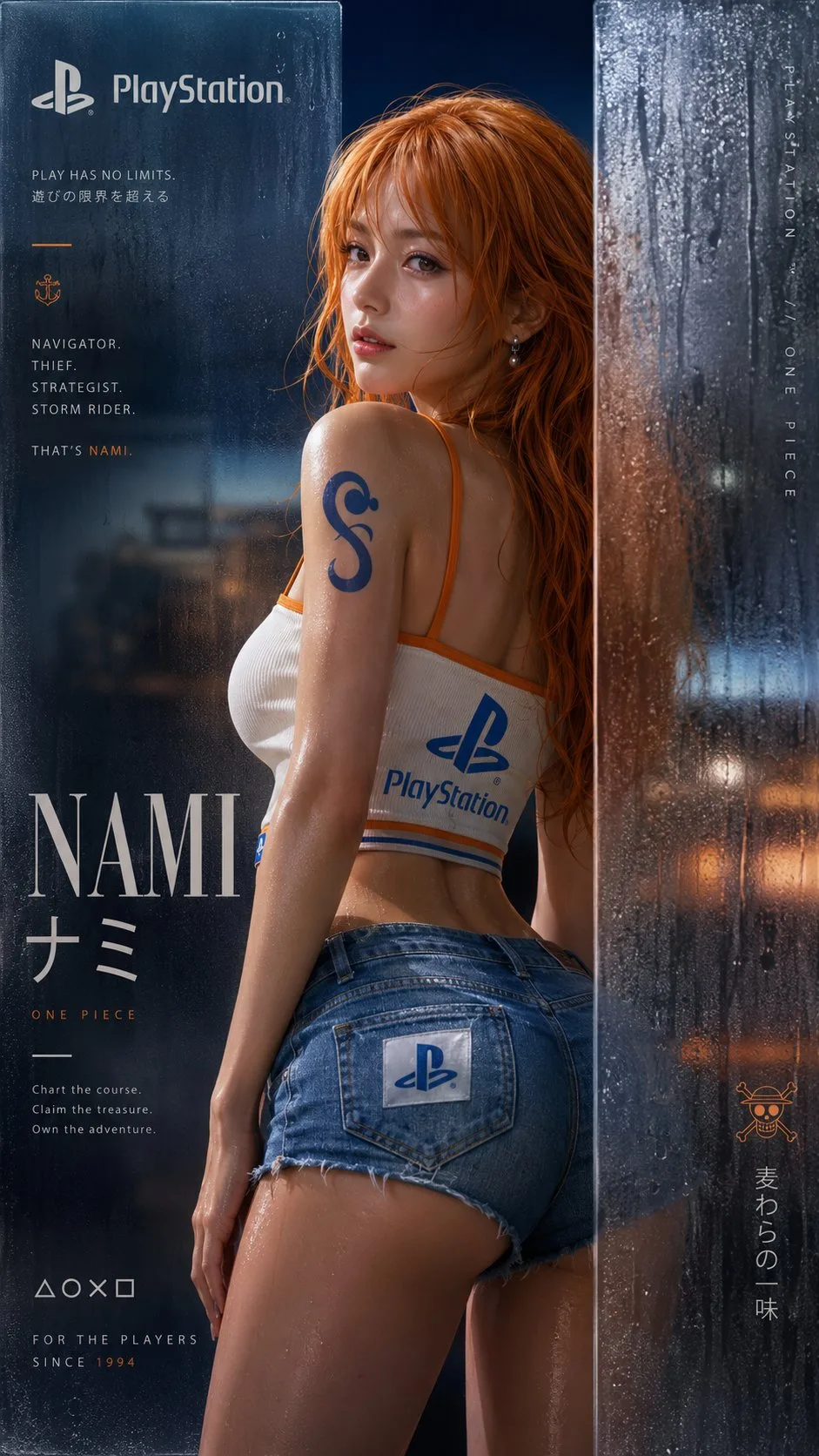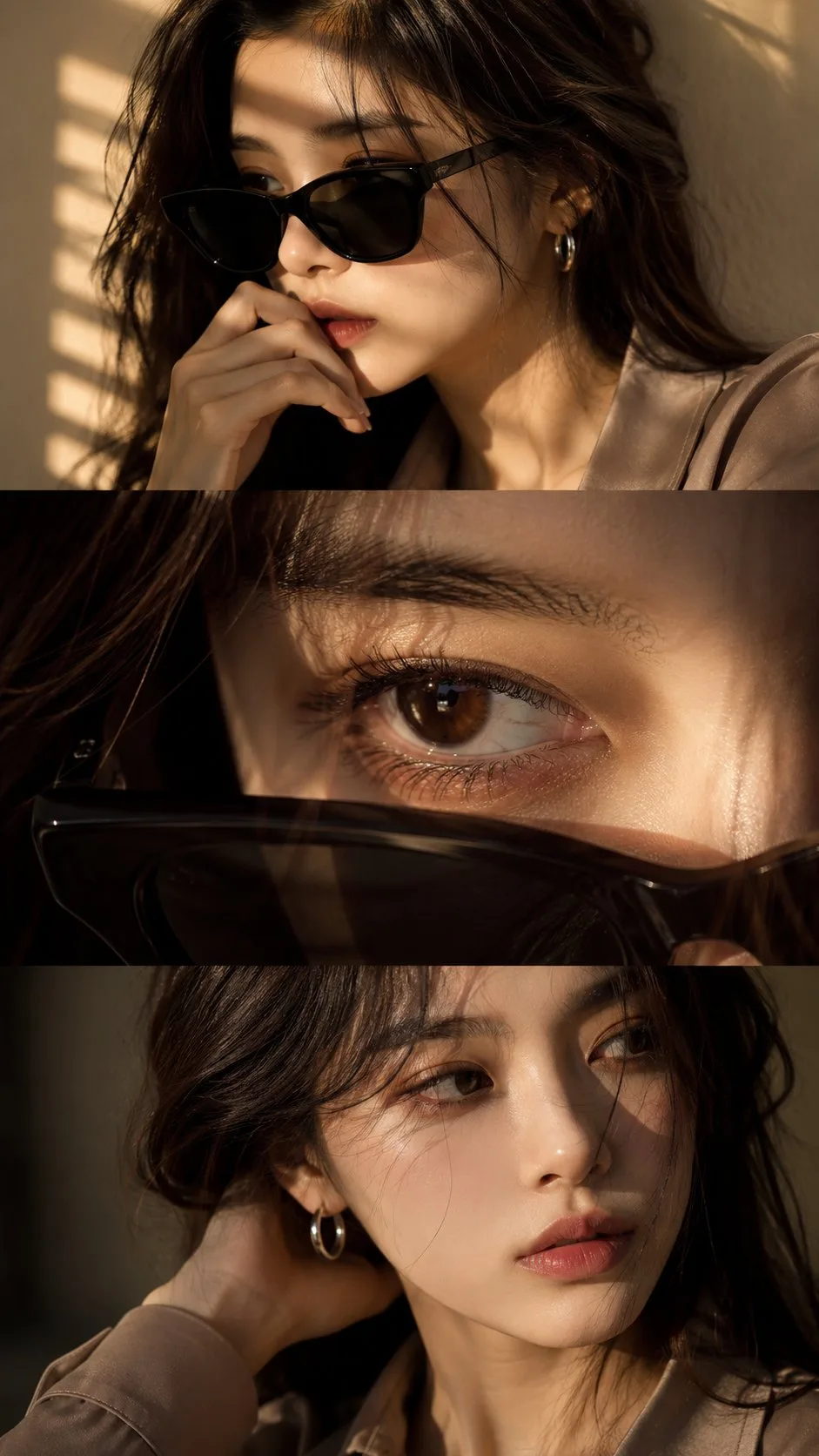



GPT Image 2
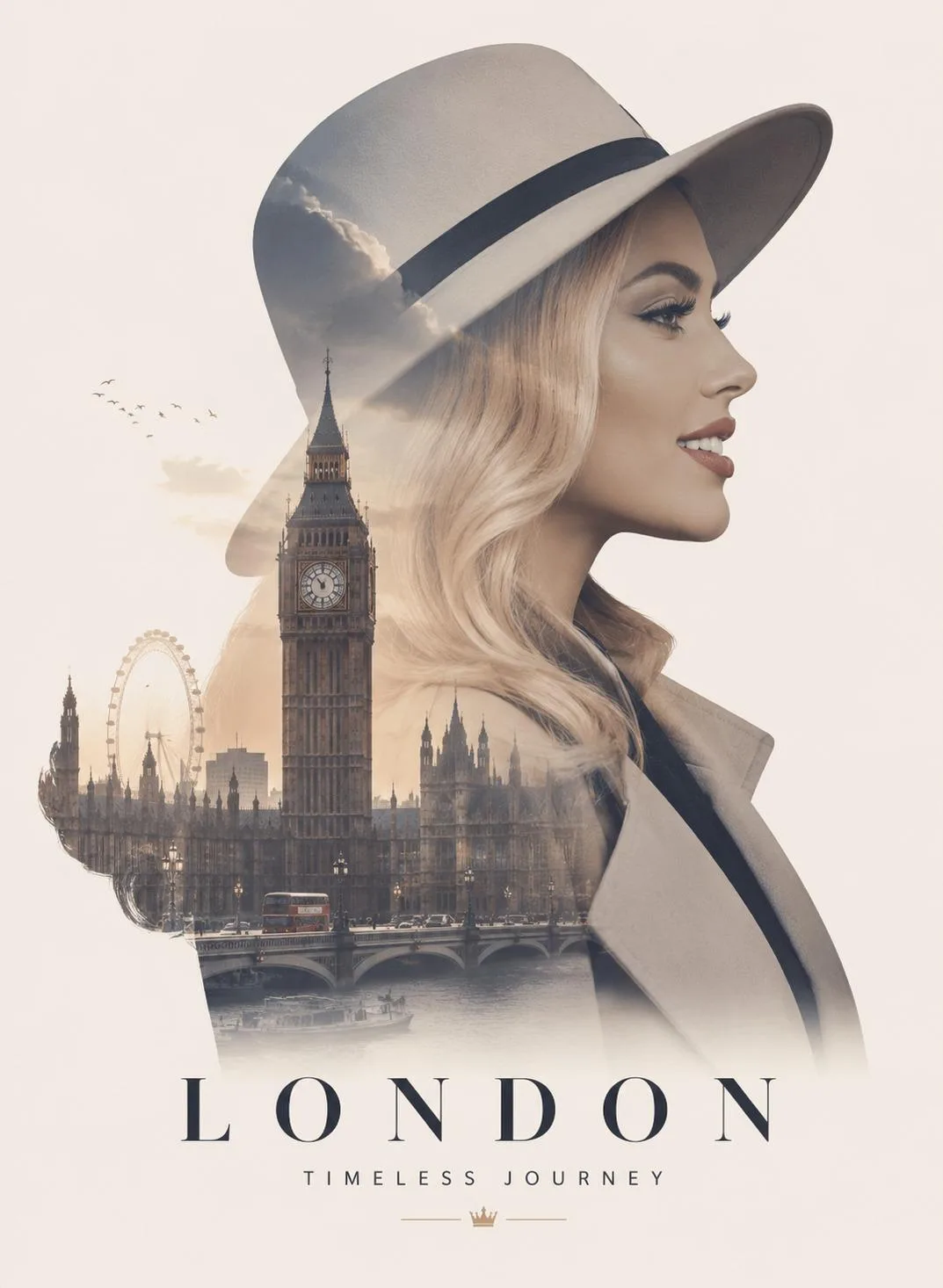
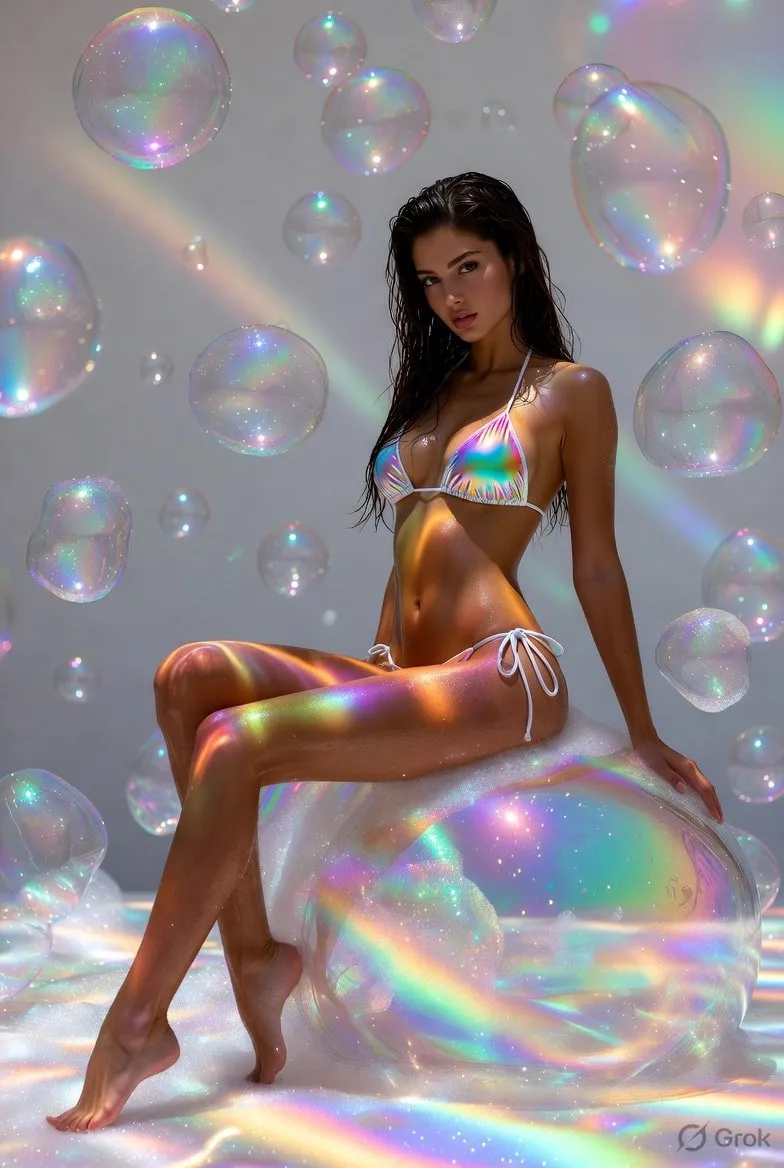
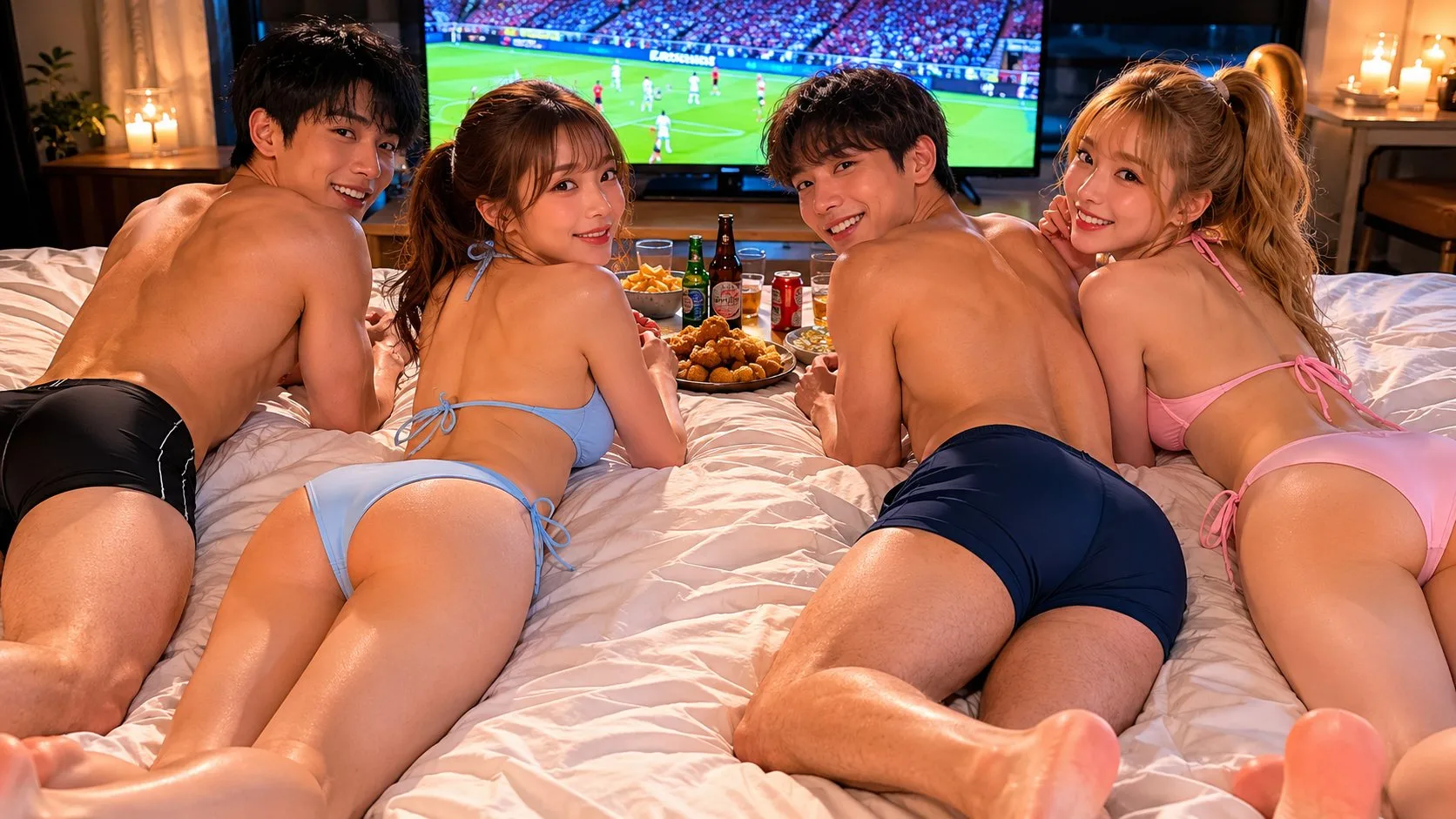
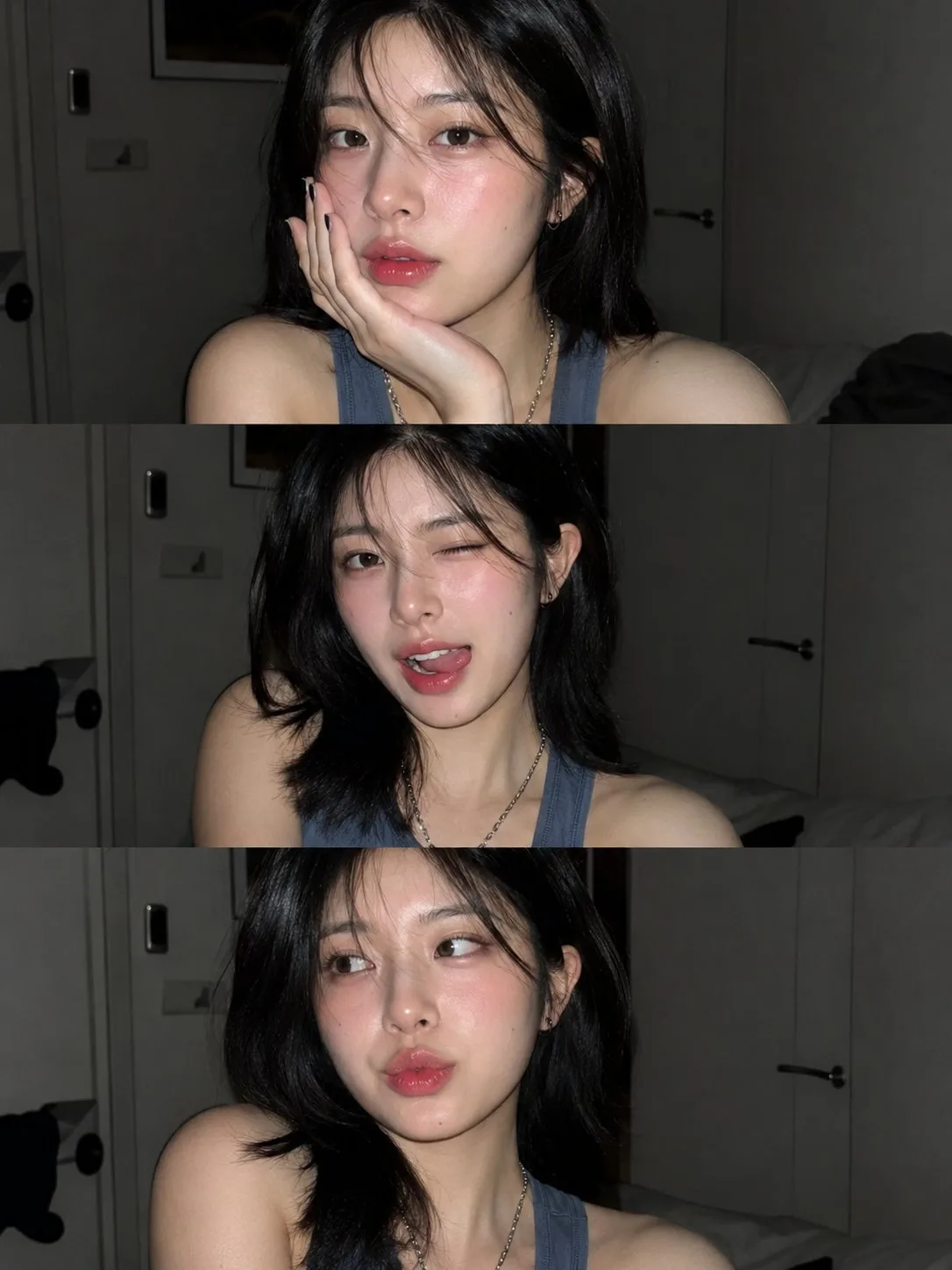
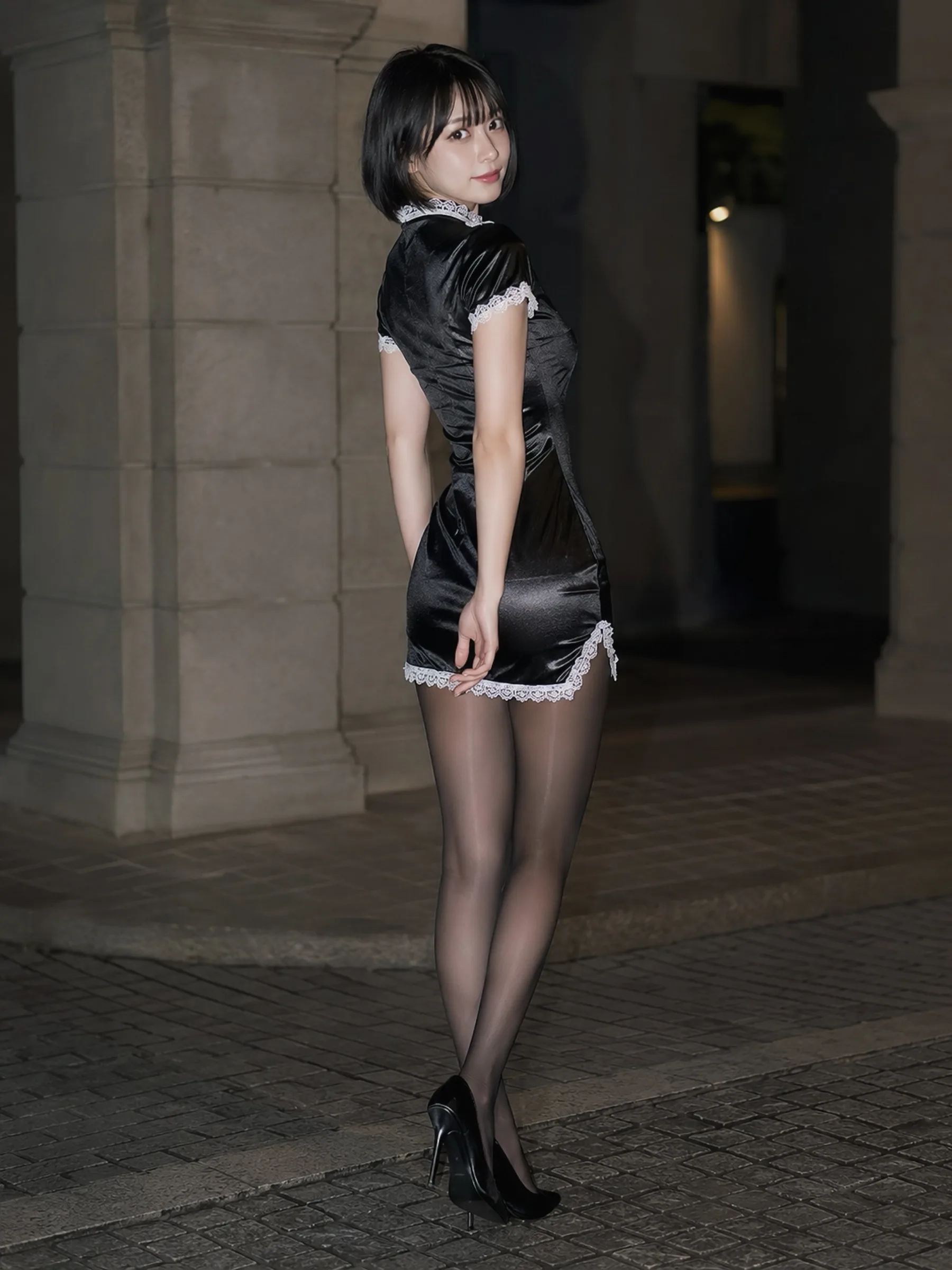
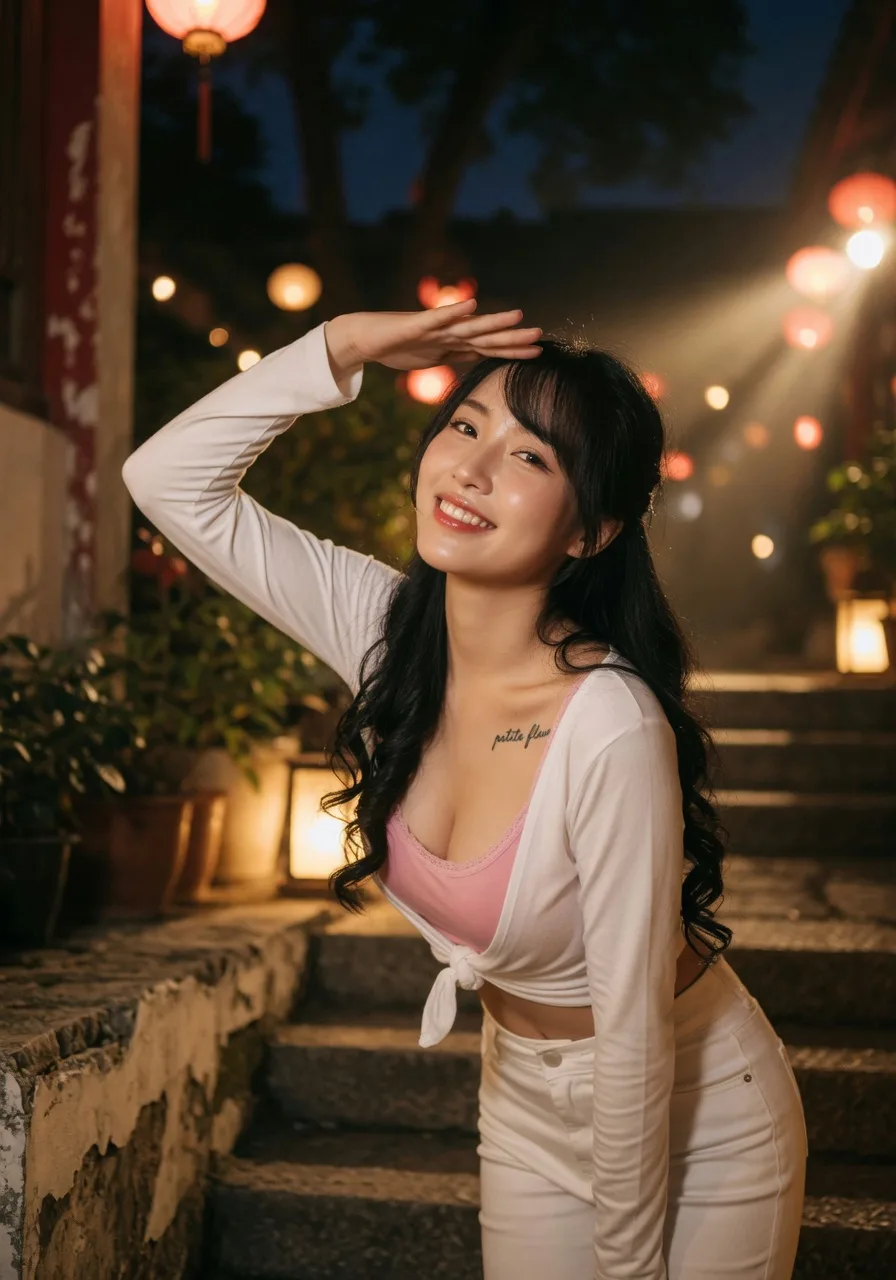
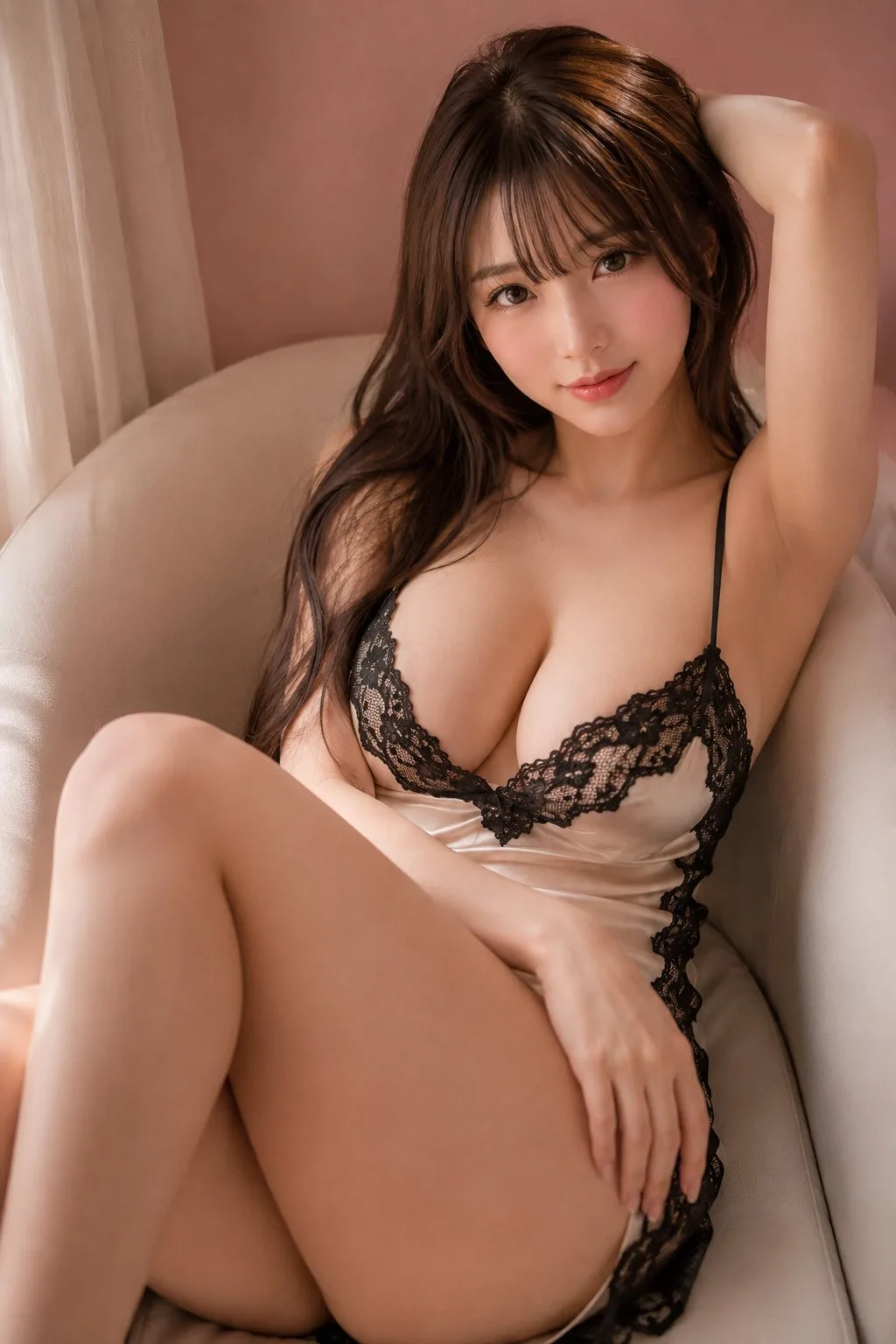
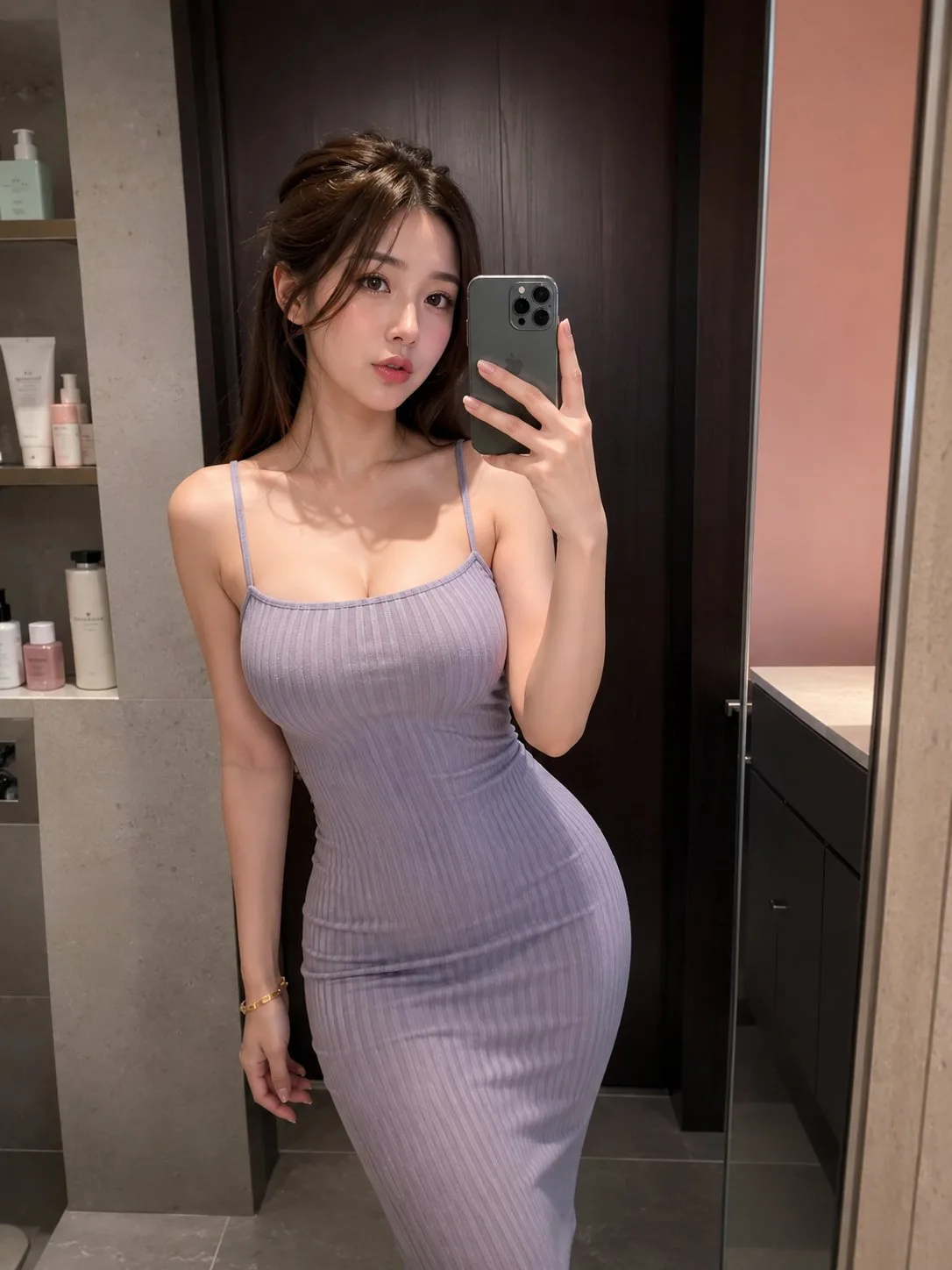
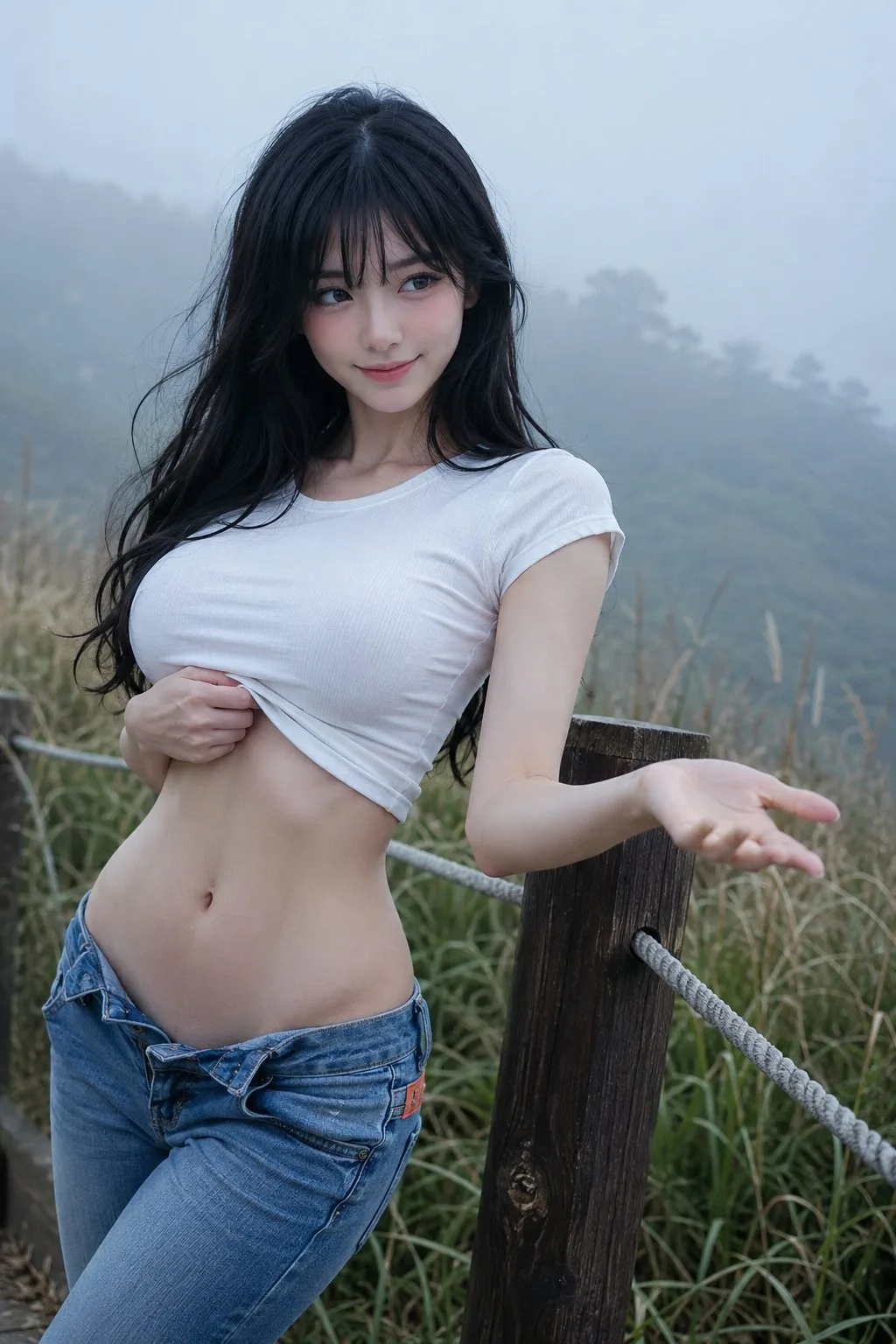
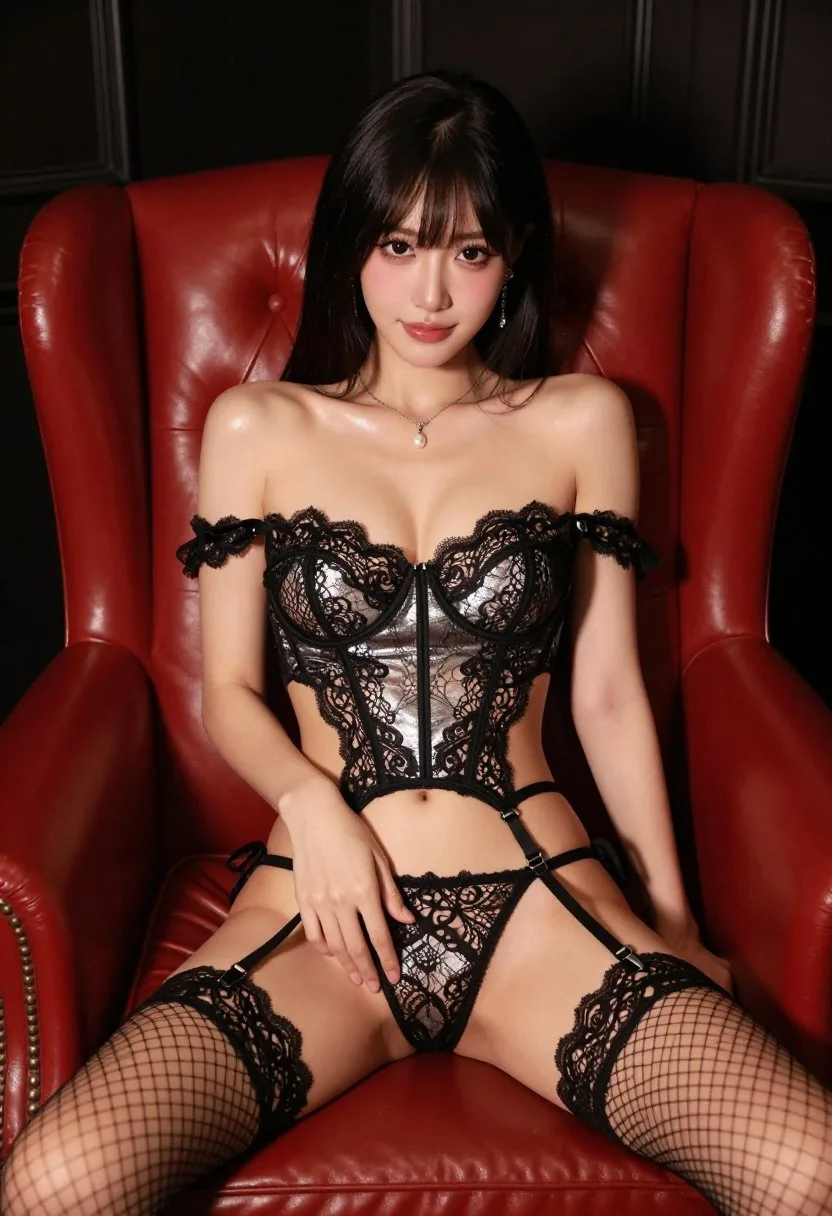
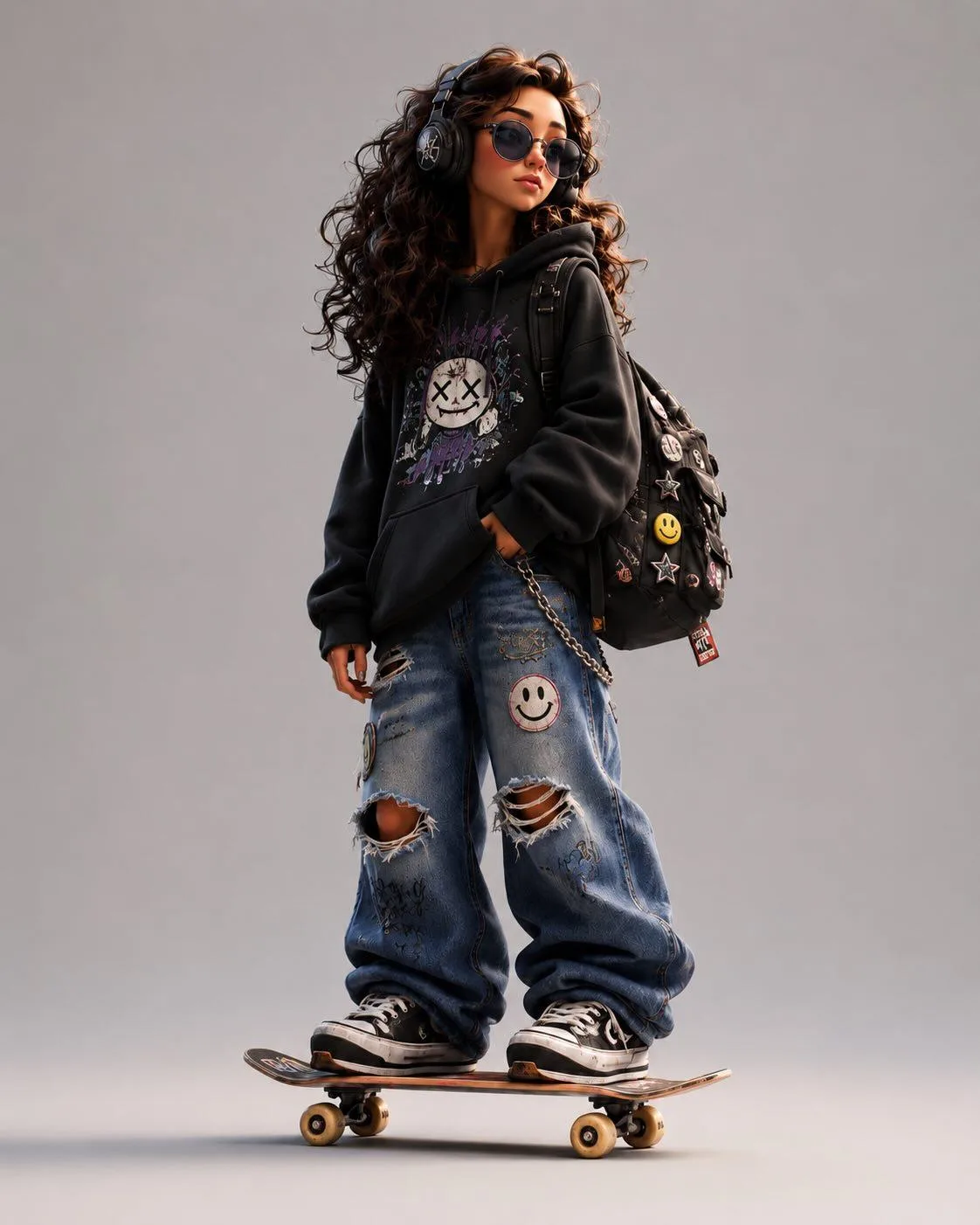
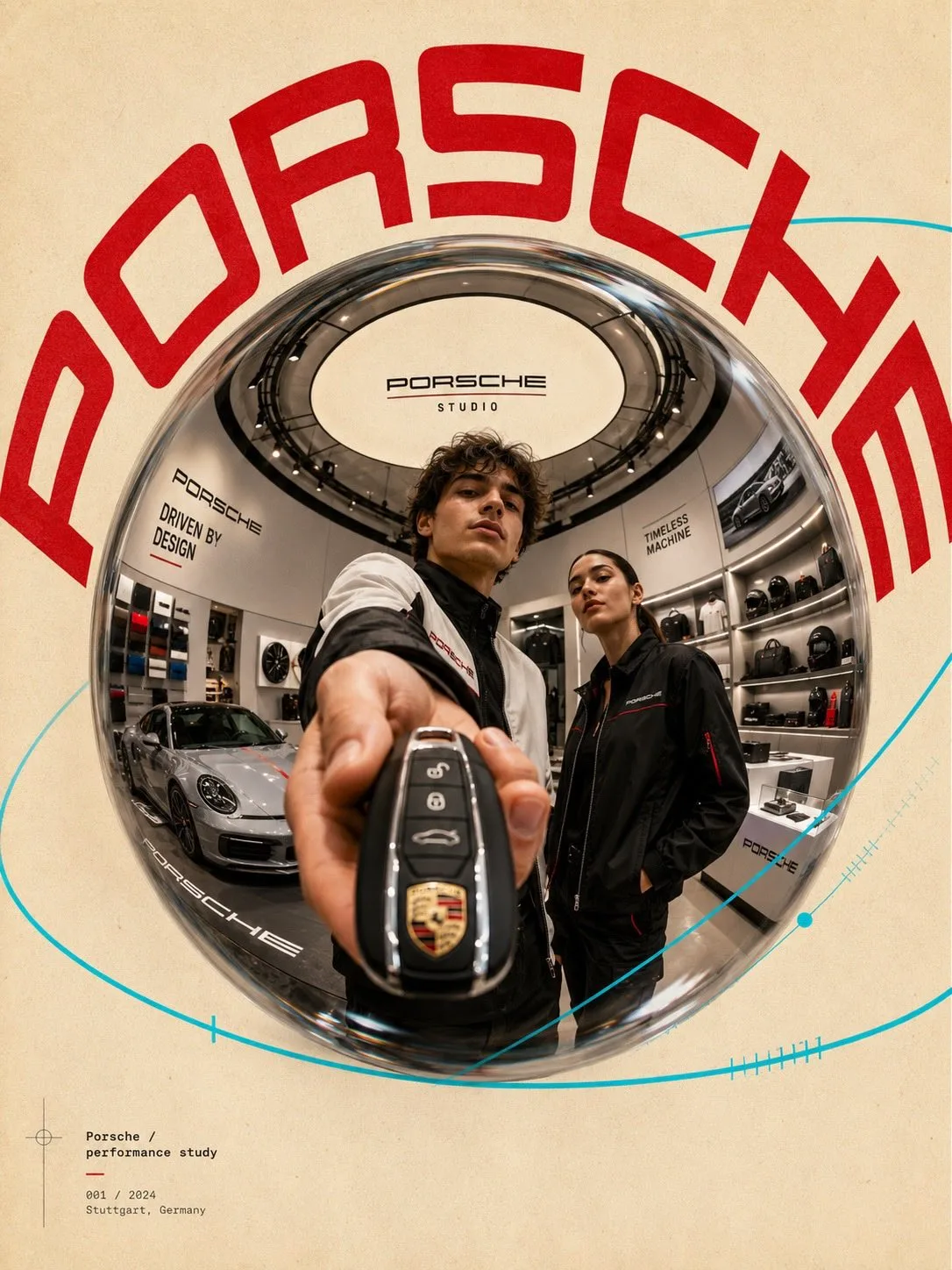
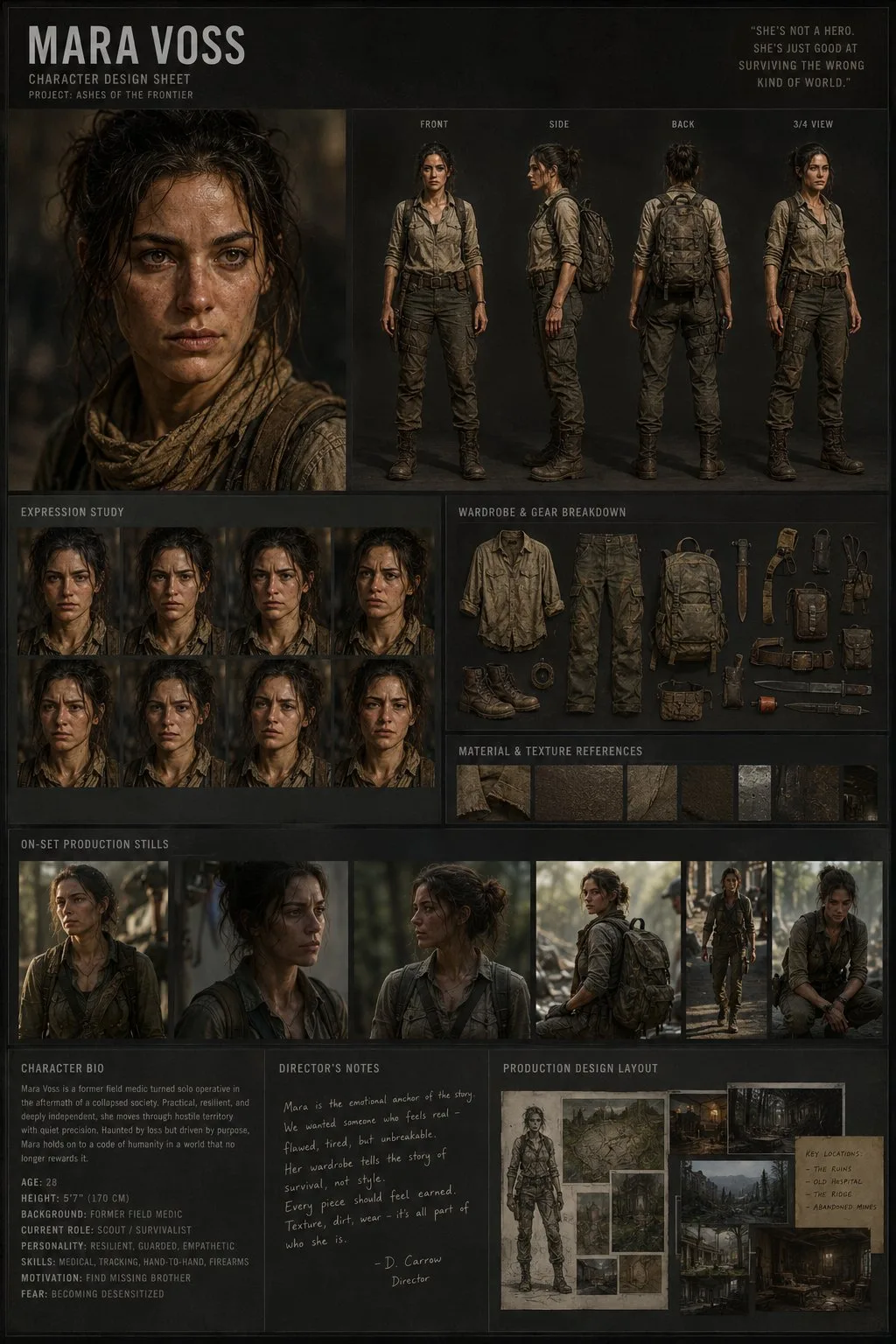
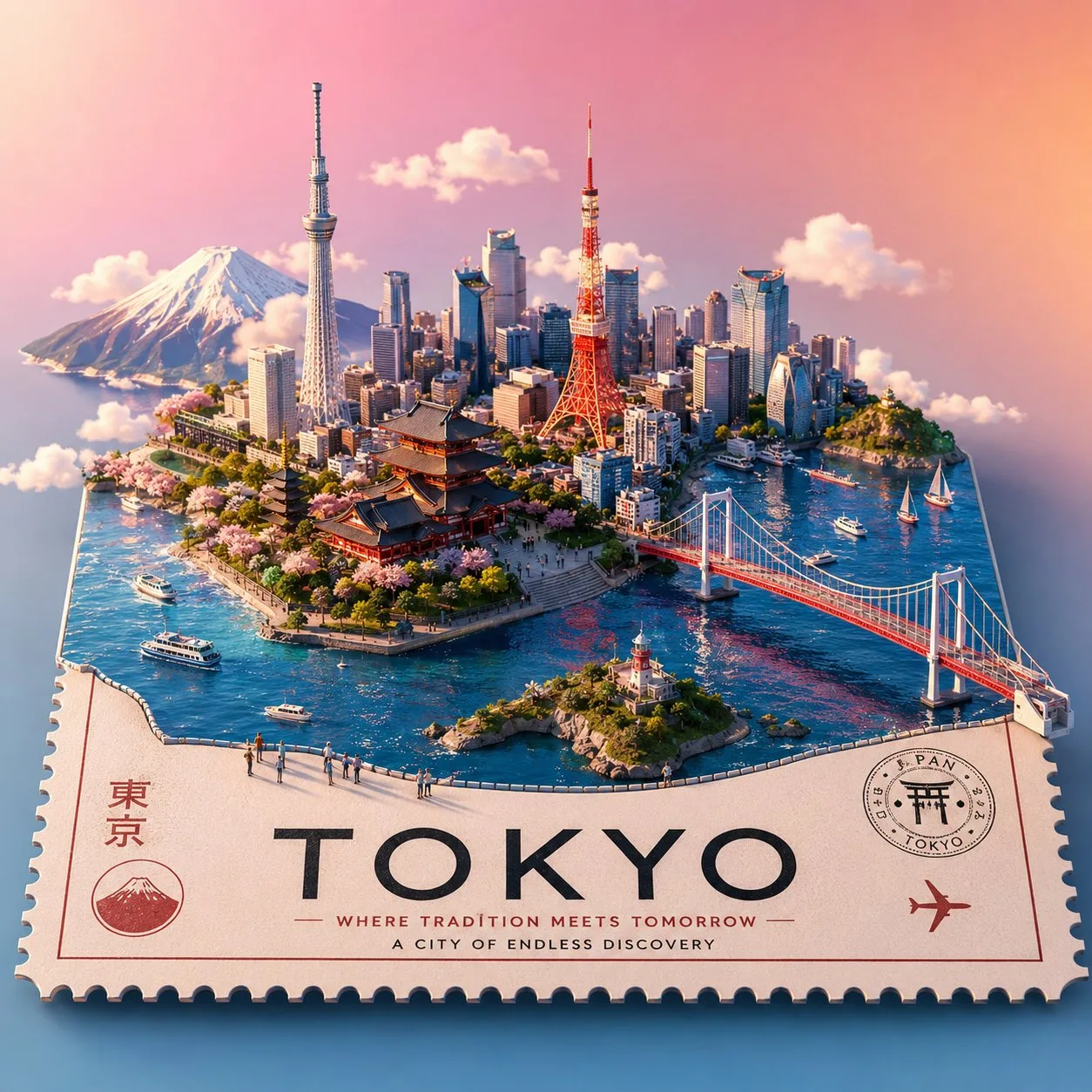
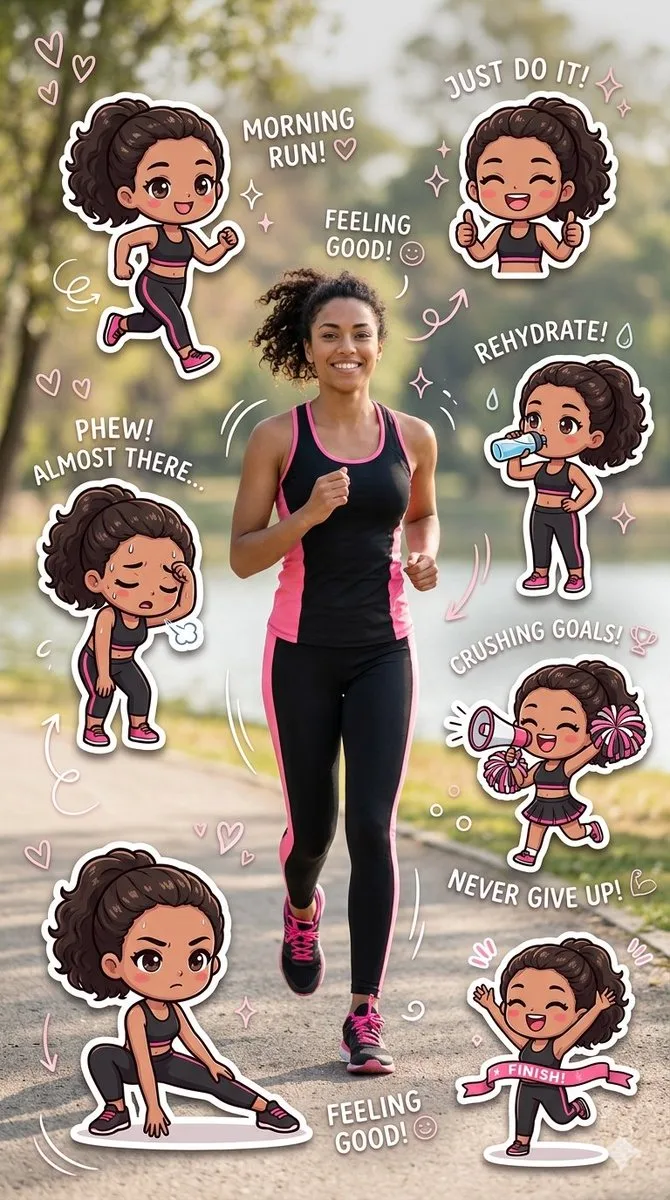
Scroll through visual examples to find the style you need
Click any prompt to copy the exact text used
Modify keywords to match your specific needs
Paste into GPT Image 2 and adjust settings as shown
Learn how to write effective GPT Image 2 prompts
What you want to generate
Photography style, art style, or rendering type
Natural light, studio lighting, golden hour, etc.
Camera angle, framing, depth of field
4K, ultra realistic, professional photography
Effective GPT Image 2 prompts include: 1) Clear subject description, 2) Style keywords (photorealistic, illustration, etc.), 3) Lighting details, 4) Composition notes, and 5) Quality tags like "4K" or "professional photography".
Yes, all prompts in this library are free to use for personal and commercial projects. The generated images follow GPT Image 2's usage terms.
Absolutely! These prompts are templates. Feel free to adapt subject, style, colors, composition, or any other elements to match your specific needs.
For best results: 1) Use the exact model version shown in the example, 2) Match the aspect ratio and resolution settings, 3) Adjust style strength if needed, and 4) Iterate by modifying one element at a time.
GPT Image 2 works well with prompts ranging from 10 to 200 words. Be specific about key details (subject, style, lighting) but avoid over-describing. Quality over quantity.
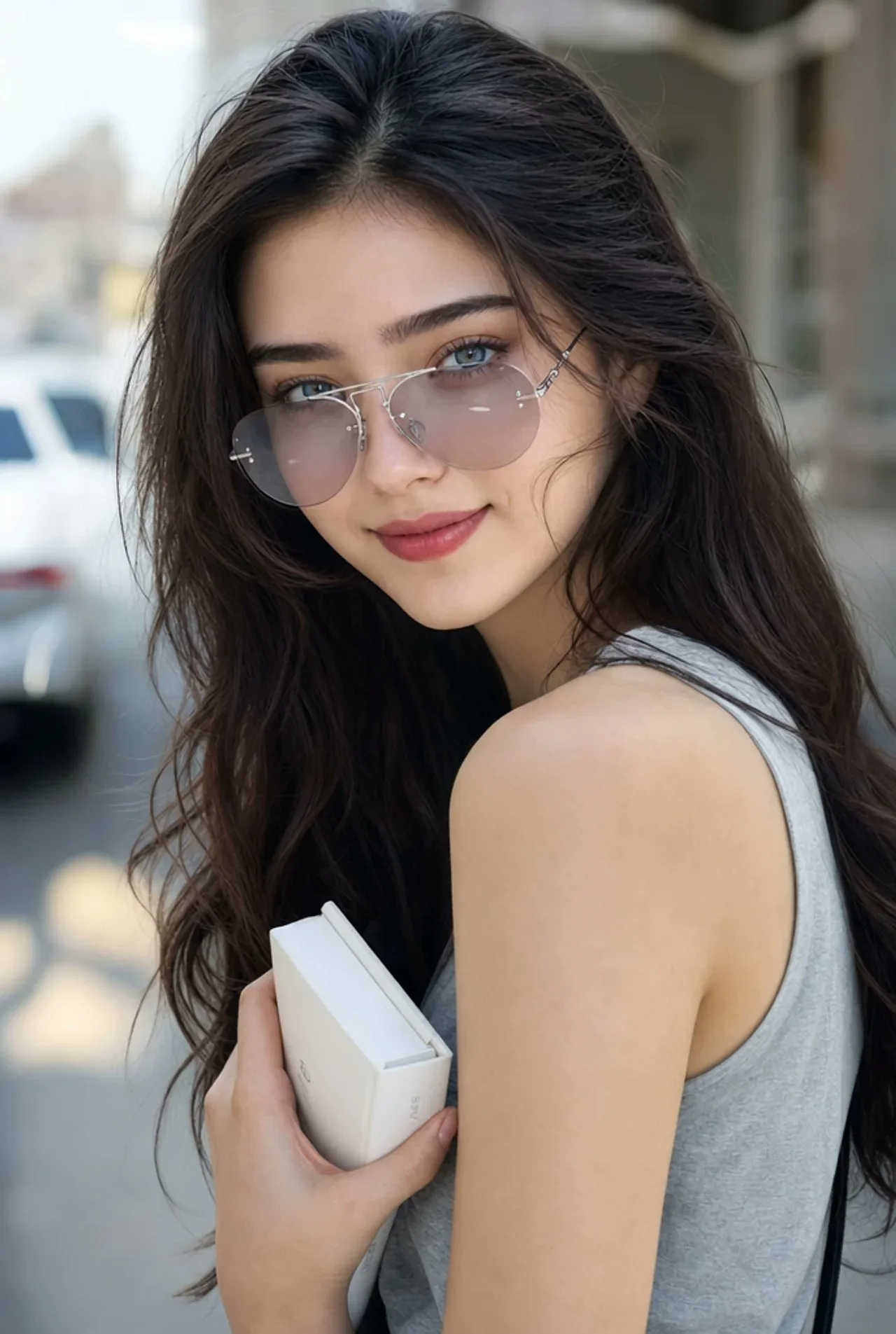
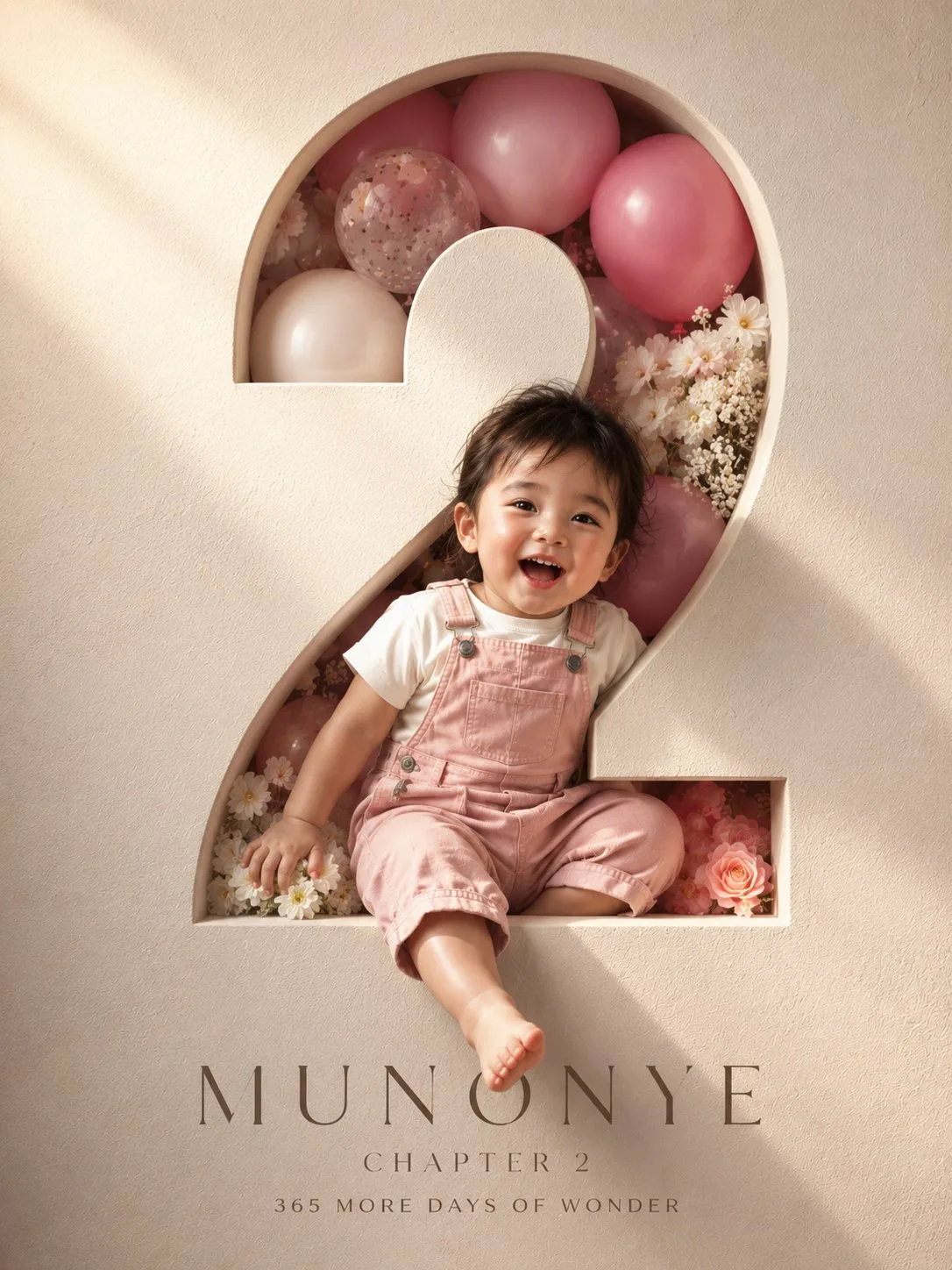
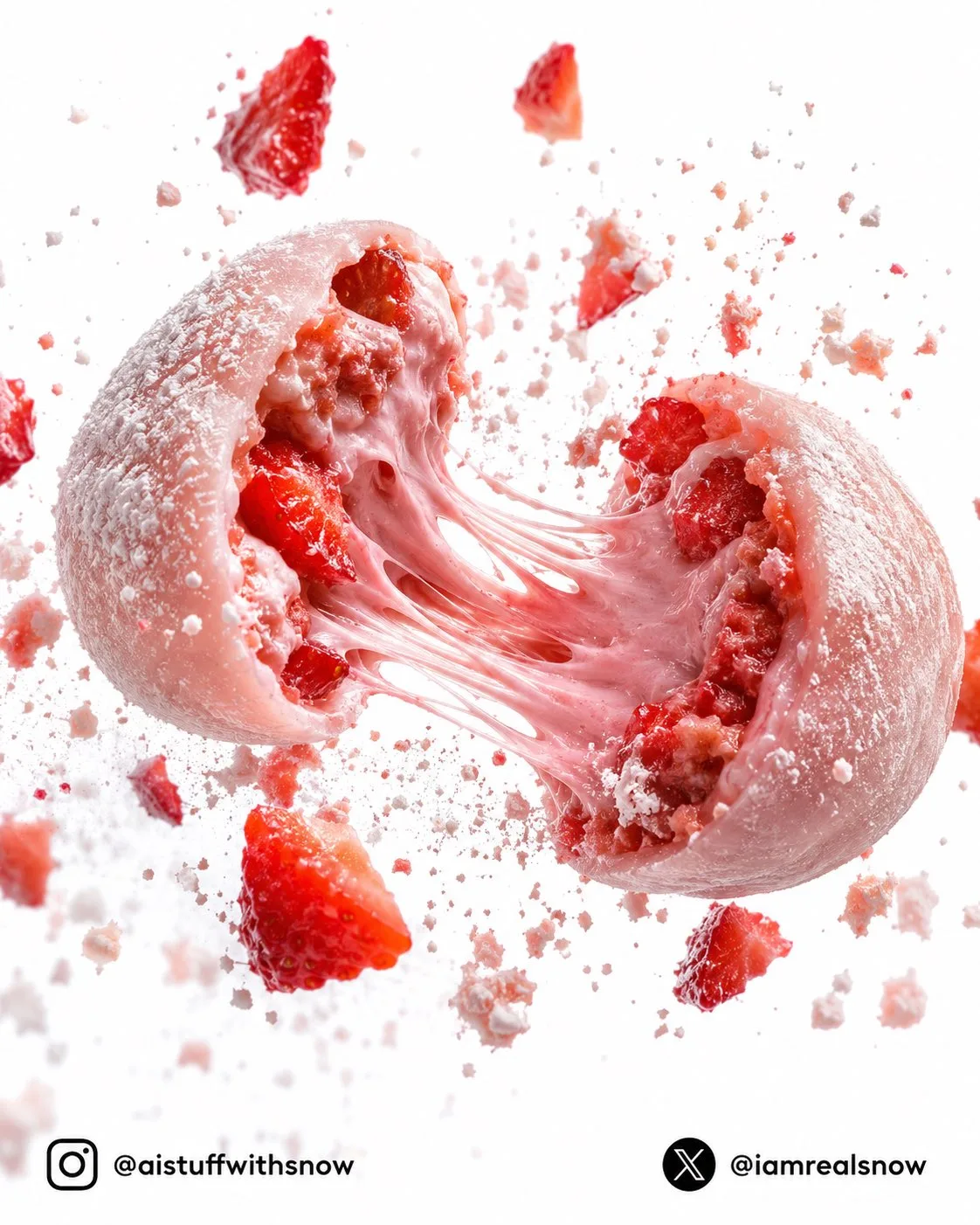
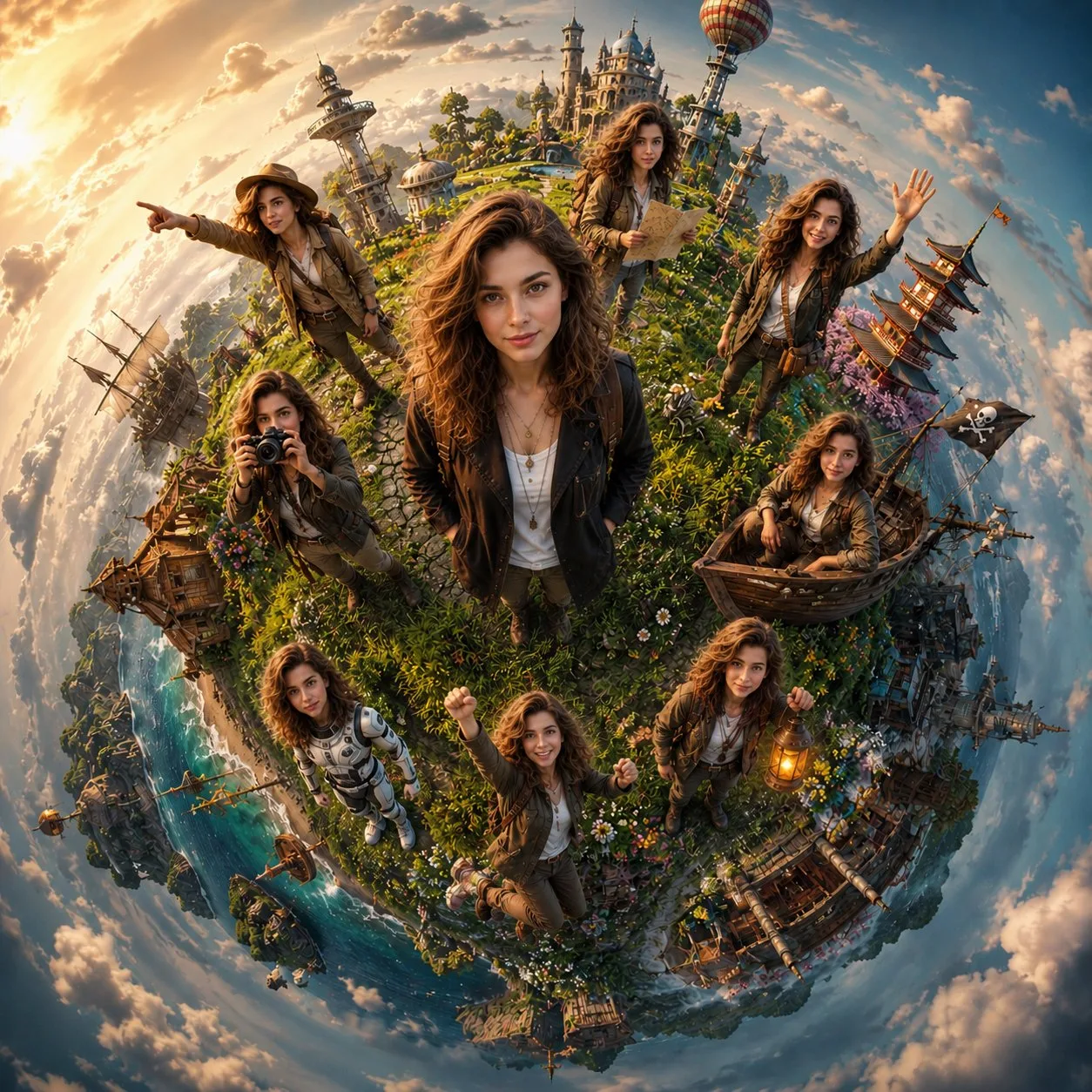
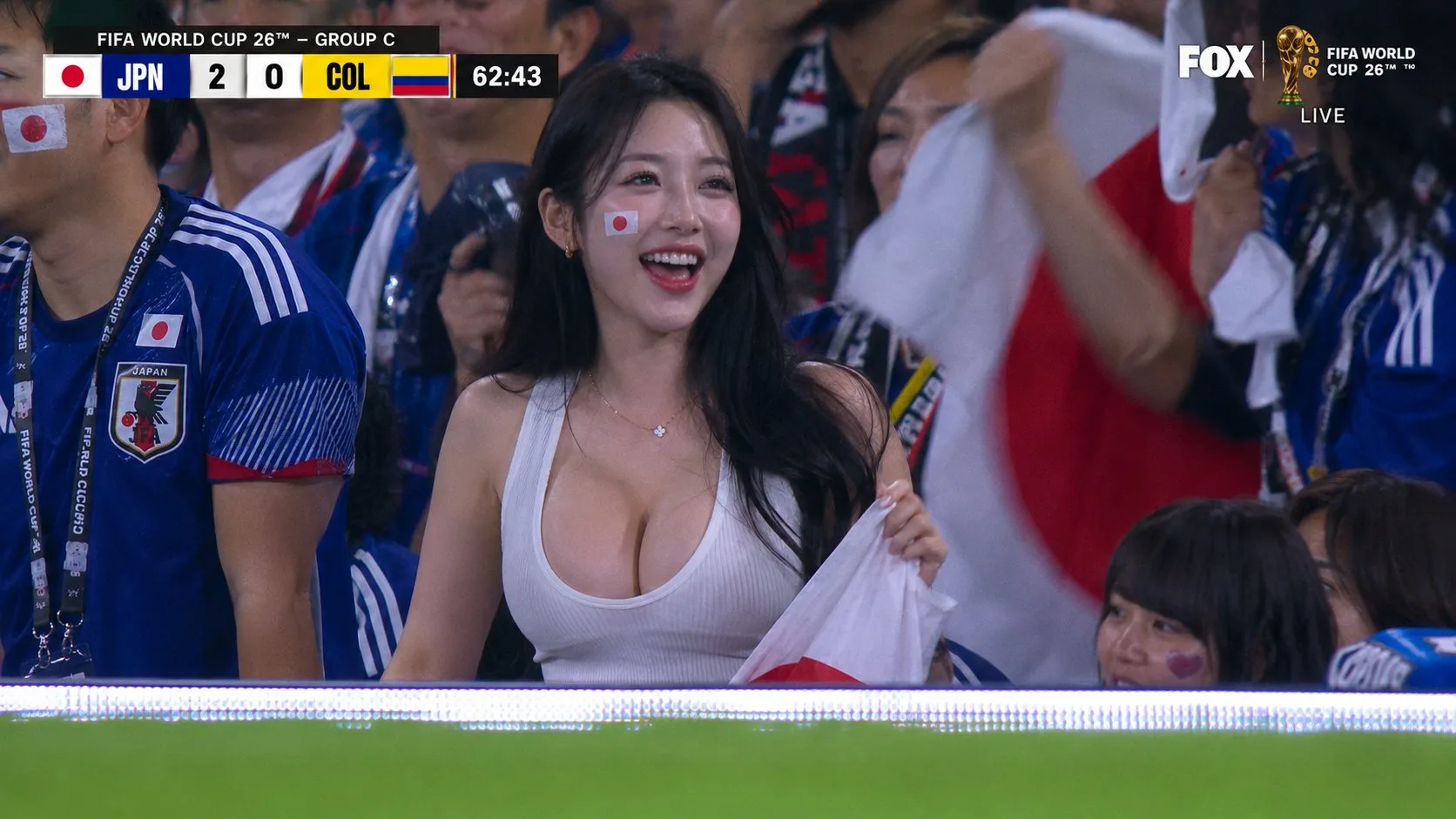
Explore 3000+ production-ready GPT Image 2, Nano Banana, and other AI image model prompts with visual examples. Copy prompts, understand structure, and generate professional images for ads, portraits, product photography, UI design, and more. Each prompt includes the exact text used and the resulting image.