





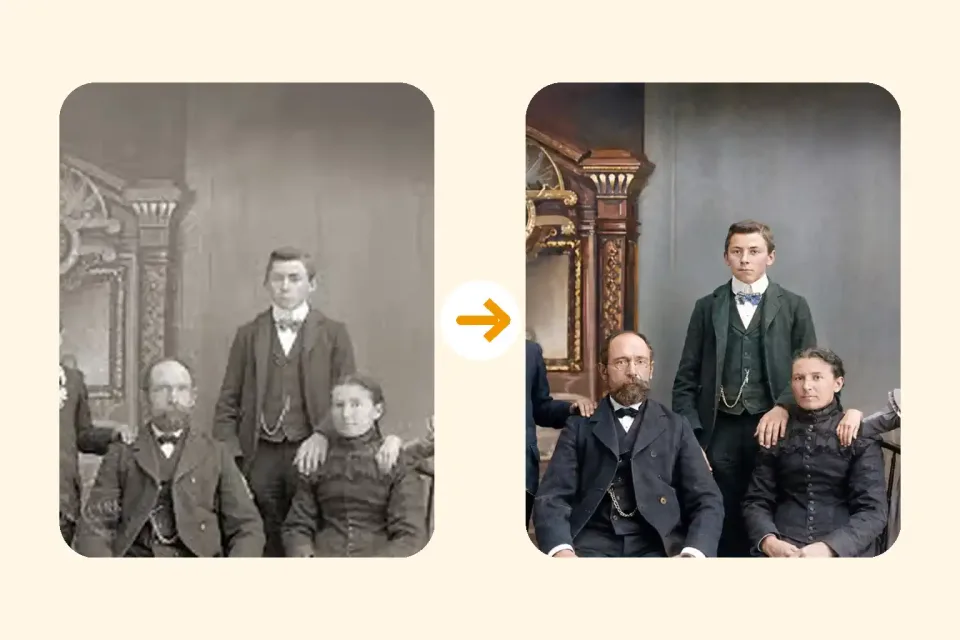
Restore a damaged vintage portrait into a clean, realistic, high-resolution color photo.
Restore Old Photos Online Free — AI Photo & Image Restoration Tool
Upload old, faded, scratched, or damaged photos and restore them with AI. Fix scratches, enhance blurry faces, repair torn pictures, and revive vintage images — free online, no download needed.
Free online • Scratch repair • Face enhancement • Color restoration • No download needed •
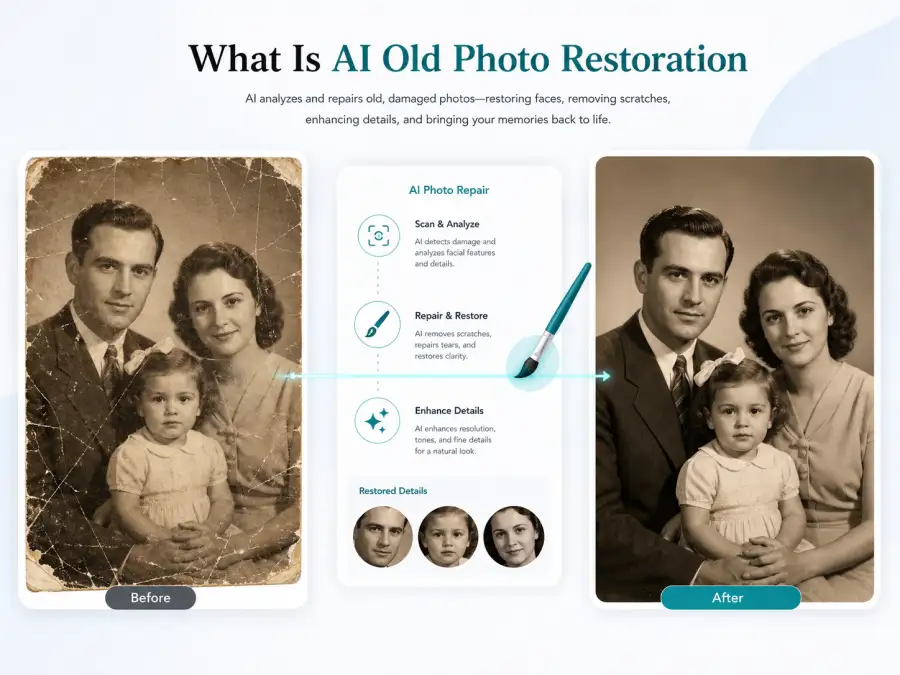
What Is AI Old Photo Restoration?
AI old photo restoration uses advanced image restoration technology to repair visible damage while preserving the people, composition, and character of your original photo. Upload a scratched, faded, or damaged picture and the AI analyzes every pixel — removing scratches, dust spots, and creases, enhancing blurry faces, restoring yellowed colors, and reconstructing missing details. Unlike manual Photoshop retouching that takes hours, AI photo restoration delivers professional-grade results in seconds. Works with scanned family photos, vintage portraits, damaged prints, and historical images.
Photo Restoration Capabilities — From Scratch Repair to Full Image Restoration
AI-powered tools to fix every type of old photo damage — scratches, fading, blur, tears, and more
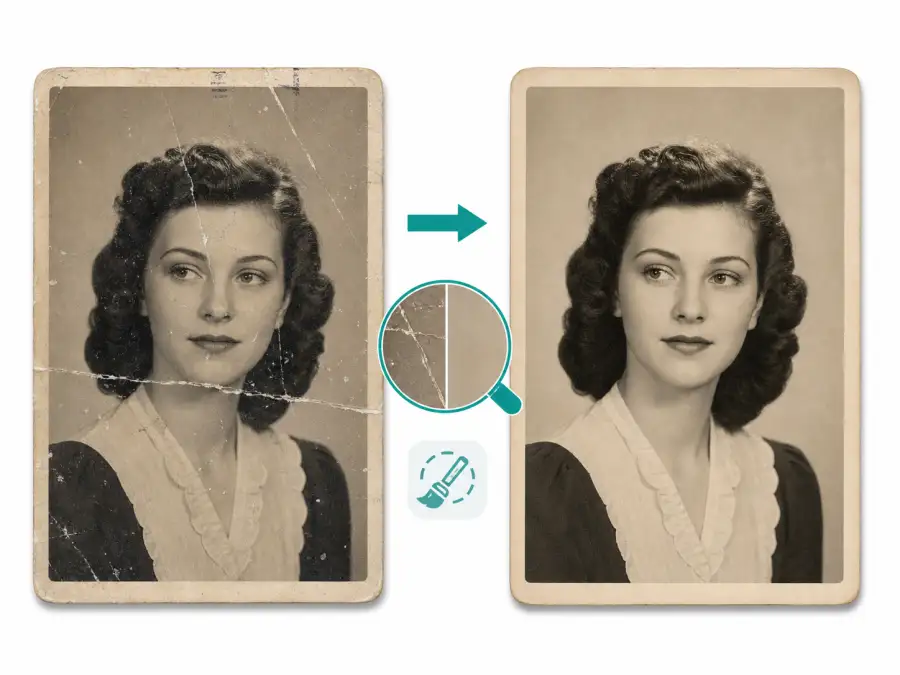
- Detect and remove surface scratches across the entire image
- Fill fold creases and crease lines with matching texture
- Clean dust spots, dirt marks, and scanner artifacts
- Preserve original detail while removing only the damage
Who Uses AI Photo Restoration?
Anyone with an old, damaged, or faded photo that deserves a second life
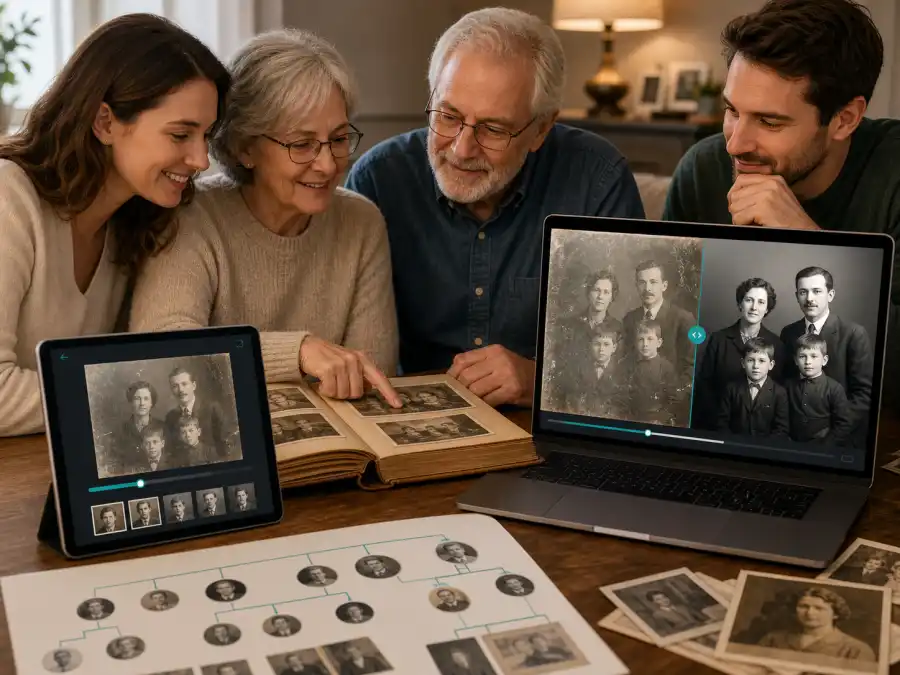
Families & Genealogy Researchers
Restore old family photos, wedding portraits, and inherited photo collections for genealogy trees, family reunions, and digital albums. AI photo restoration lets you preserve family memories that would otherwise be lost to scratches, fading, and physical decay — no Photoshop skills required.
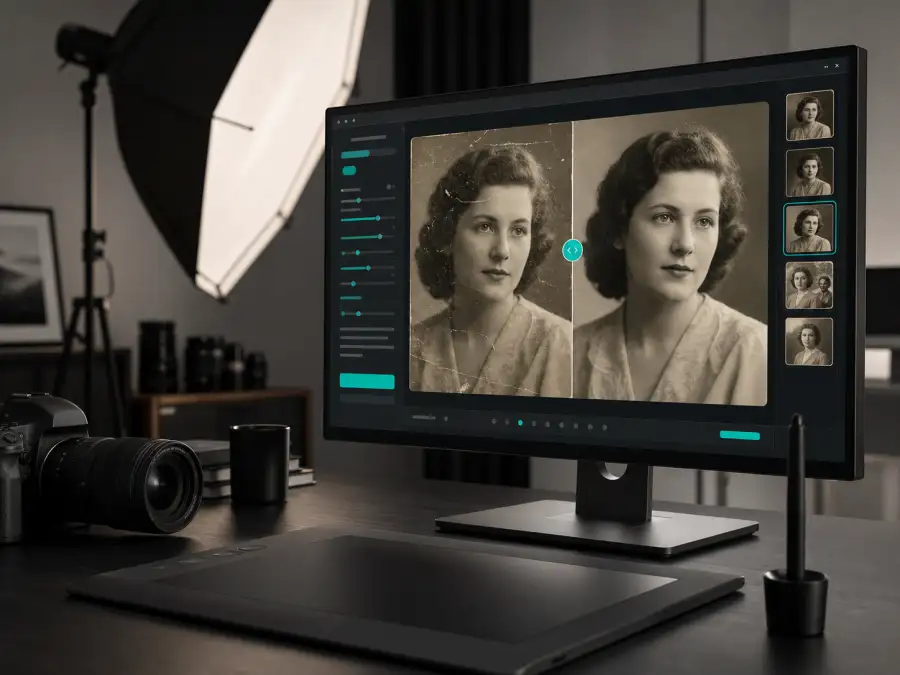
Professional Photographers & Studios
Offer old photo restoration as a service to clients. AI handles the heavy lifting — scratch removal, face enhancement, color correction — freeing you to focus on fine-tuning and client communication. Process restoration requests faster and at lower cost than manual retouching.
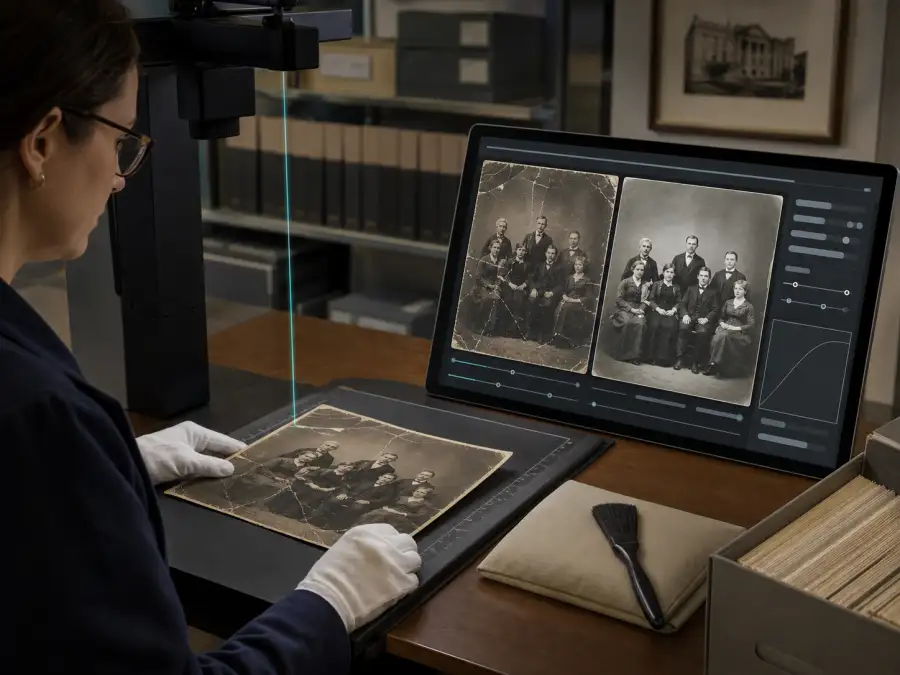
Museums & Archive Curators
Digitize and restore historical photo collections, newspaper archives, and institutional records. AI image restoration creates cleaner digital copies while preserving the historical character and authenticity of original materials. Ideal for public exhibitions and online collections.
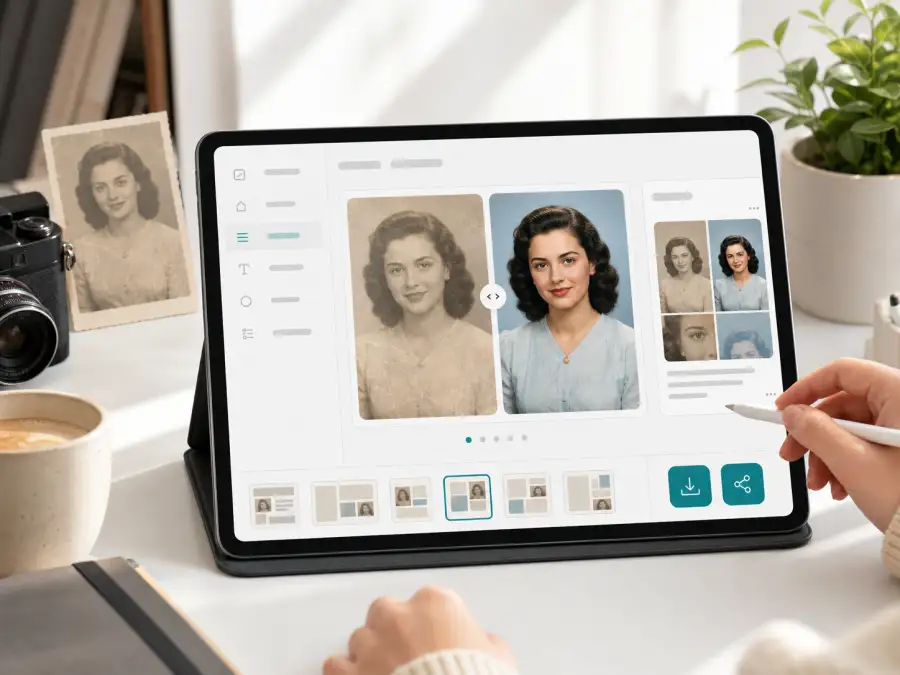
Social Media & Content Creators
Share vintage throwback photos that look sharp and vibrant. Restore old photos for #ThrowbackThursday posts, before-and-after content, family tribute videos, and heritage storytelling. AI restoration turns faded originals into share-worthy digital images.
Why Choose Our Free Online Photo Restoration Tool?
The fastest way to restore old photos — AI-powered, free, and accessible from any device
AI-Powered Precision
Advanced AI analyzes your photo pixel by pixel to detect and repair scratches, fading, blur, and damage. The AI photo restoration engine delivers results that rival professional retouching — automatically, in seconds.
100% Online — No Software to Install
Restore old photos directly in your browser. No downloads, no Photoshop, no plugins. Works on desktop, tablet, and mobile — upload a photo from any device and get a restored result immediately.
Free to Start — No Sign-Up Required
Begin restoring old photos immediately with free daily credits. No account creation, no credit card, no trial expiration. Our free photo restoration covers most personal restoration projects.
Handles Every Type of Photo Damage
Scratches, creases, tears, water stains, fading, yellowing, blur, dust spots, mold — one tool handles all common types of old photo damage. No need for separate tools for each problem.
How to Restore Old Photos Online Free
Restore damaged, faded, and old photos in 3 simple steps — free, online, no software needed
Upload Your Old Photo
Upload a scanned old photo, damaged print, or faded vintage image in JPG, PNG, or WEBP format. Use the highest-resolution scan available — flatbed scanner results produce the best restoration quality. Phone captures of old prints also work.
Use the Restoration Prompt
Keep the default AI restoration prompt for balanced scratch repair, face enhancement, color recovery, and faithful preservation. Edit it only when you want black-and-white output, colorization, or a specific repair style.
Restore with AI
Click Generate and let the AI analyze your photo. It automatically removes scratches, enhances blurry faces, restores faded colors, and repairs damage. Customize the prompt for specific requests — colorization, keeping monochrome, or focusing on particular areas.
Download the Restored Photo
Review the restored result and compare it with the original. Download the repaired photo in high resolution for family albums, printing, sharing on social media, or adding to your digital archive.
Old Photo Restoration FAQ
Common questions about restoring old, damaged, and faded photos with AI — answered
Restore Your Old Photos — Free Online, No Download
Upload a damaged, faded, or scratched photo and let AI restore it in seconds. Free daily credits, no sign-up required. Try it now.