



Basic
17% Off
A lower-cost annual plan for consistent use.
1,800credits
= 600 images
~ 450 videos
1,800 credits/year
$11.9$9.9/ month
Billed yearly: $118.80 · Save 17%
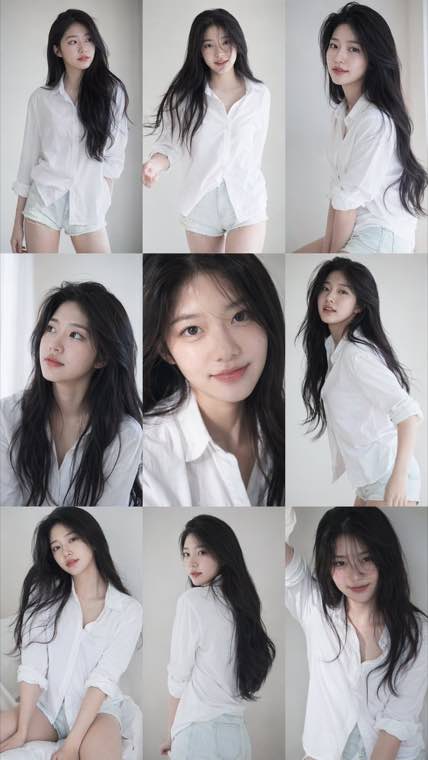
A consistent nine-frame portrait series with soft photobook lighting and natural texture.
Use GPT Image 2 to create images from prompts, edit references, and turn rough concepts into polished AI photos and production-ready visuals.
GPT Image 2 · AI photo generation · Image editing · Production-ready results
Explore the range of visuals you can create with GPT Image 2, from editorial portraits and campaign images to UI concepts, diagrams, and stylized scenes.
Move from idea to output quickly with GPT Image 2 by choosing the right workflow first, then tightening the prompt based on the result.
Write the subject, style, format, lighting, and any text or brand details the image needs to include.
Use text to image for brand-new concepts or image to image when you want to transform an uploaded reference.
Compare multiple outputs, look for the strongest direction, and decide what needs refinement before you continue.
Adjust the prompt, rerun the model, and export the image once it matches the visual brief closely enough for use.
Use GPT Image 2 to create net-new visuals, transform references, and handle the image workflow that fits the job.
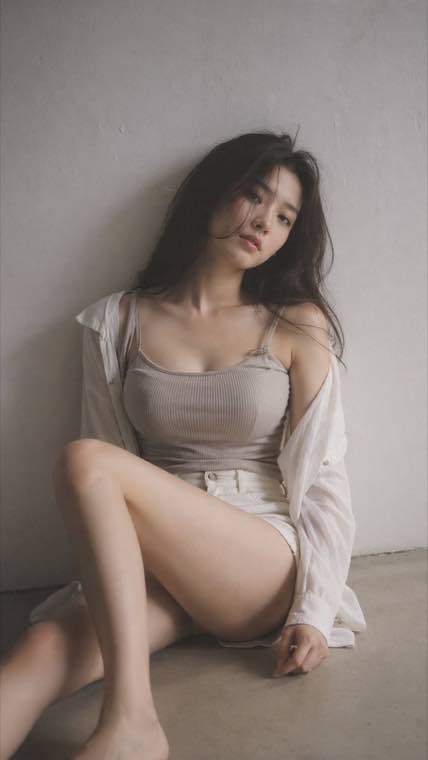
GPT Image 2 is built for teams and solo creators who need useful visuals fast without losing control over quality.

Create ad concepts, product visuals, social creatives, and landing page assets without waiting on a full production cycle.
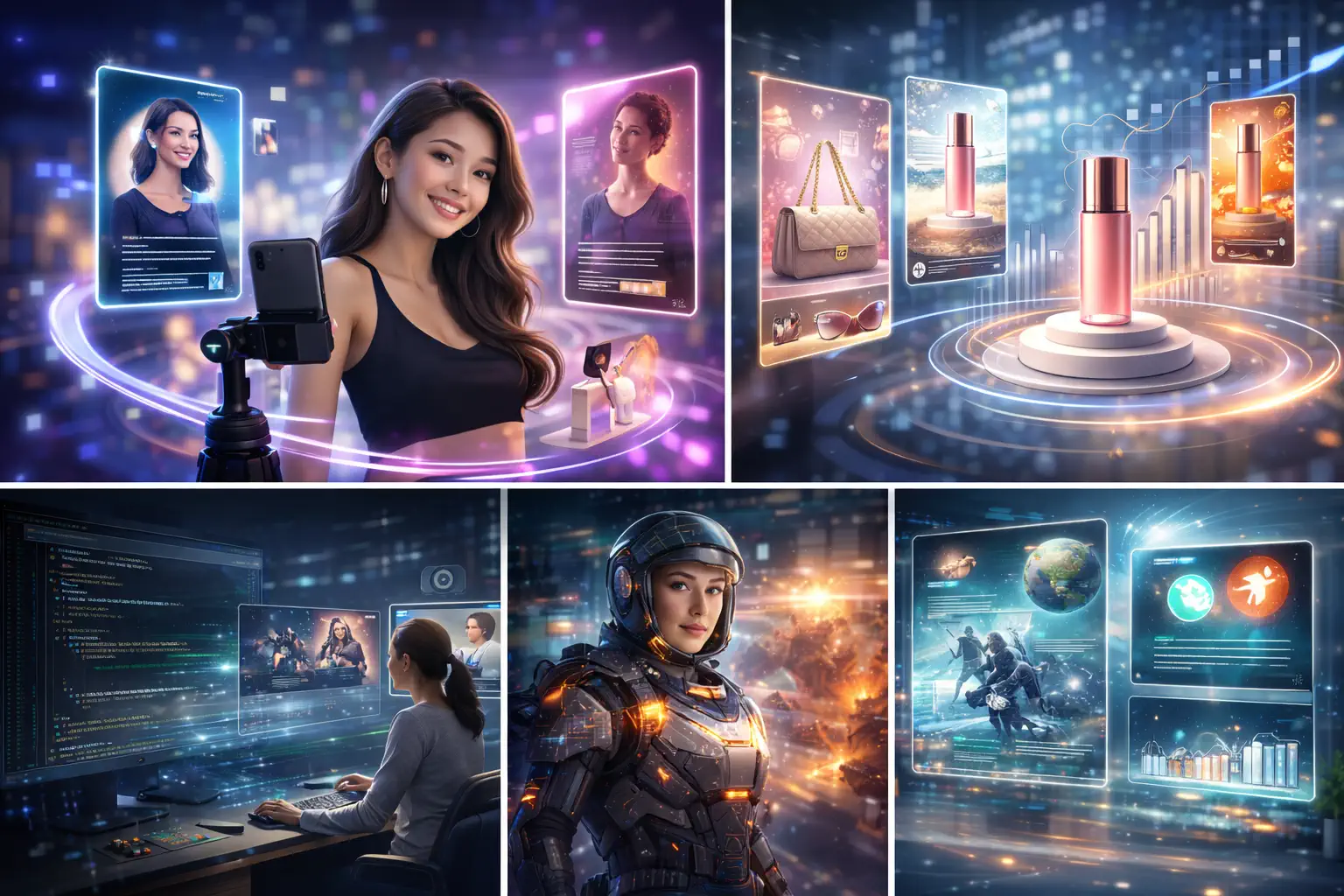
Explore UI ideas, feature art, editorial compositions, and mockups when the team needs visual exploration early.

Build cleaner product scenes, merchandising concepts, and promotional images around the product story you need to tell.
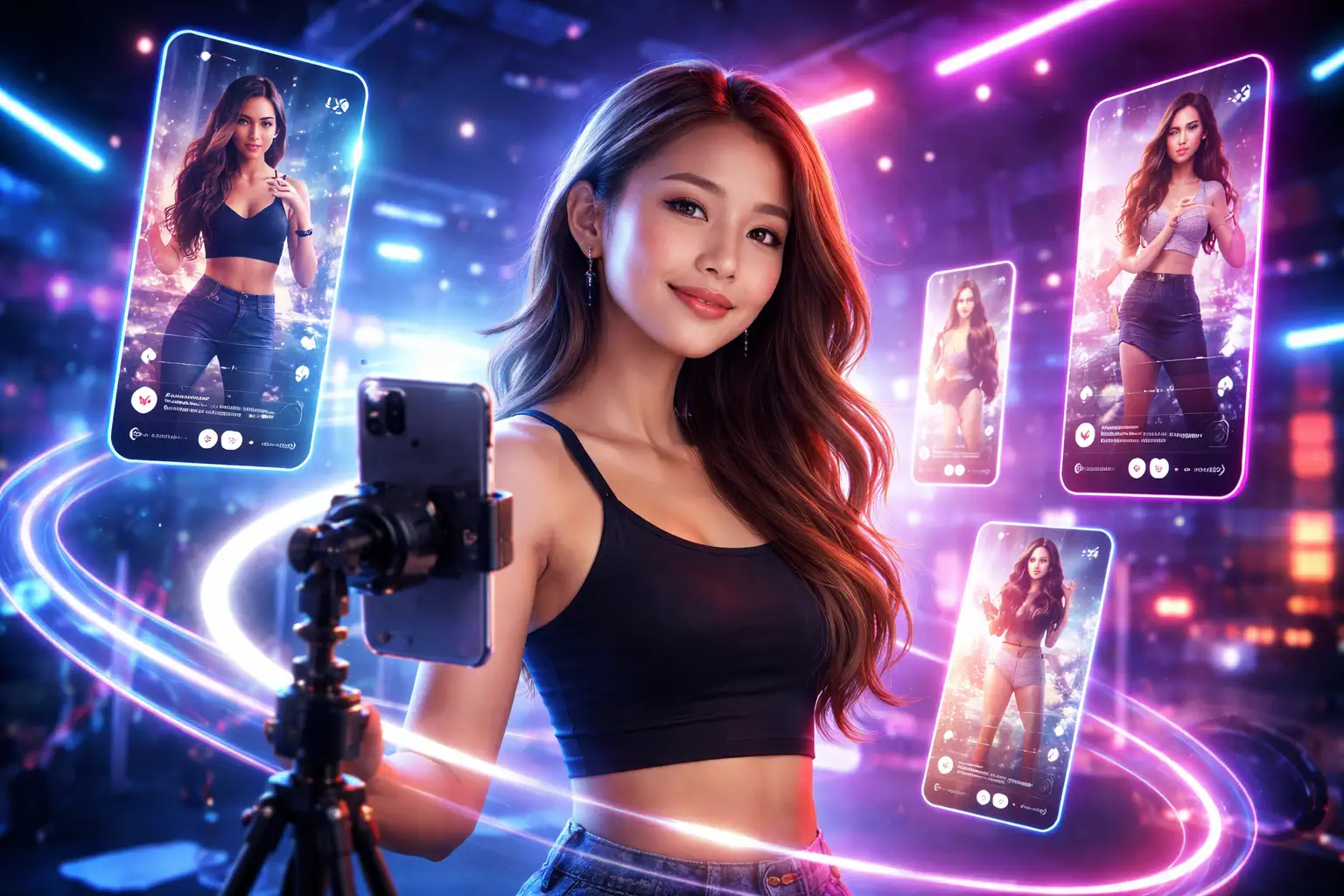
Move from rough brief to thumbnails, poster ideas, editorial images, and client-ready drafts more quickly.
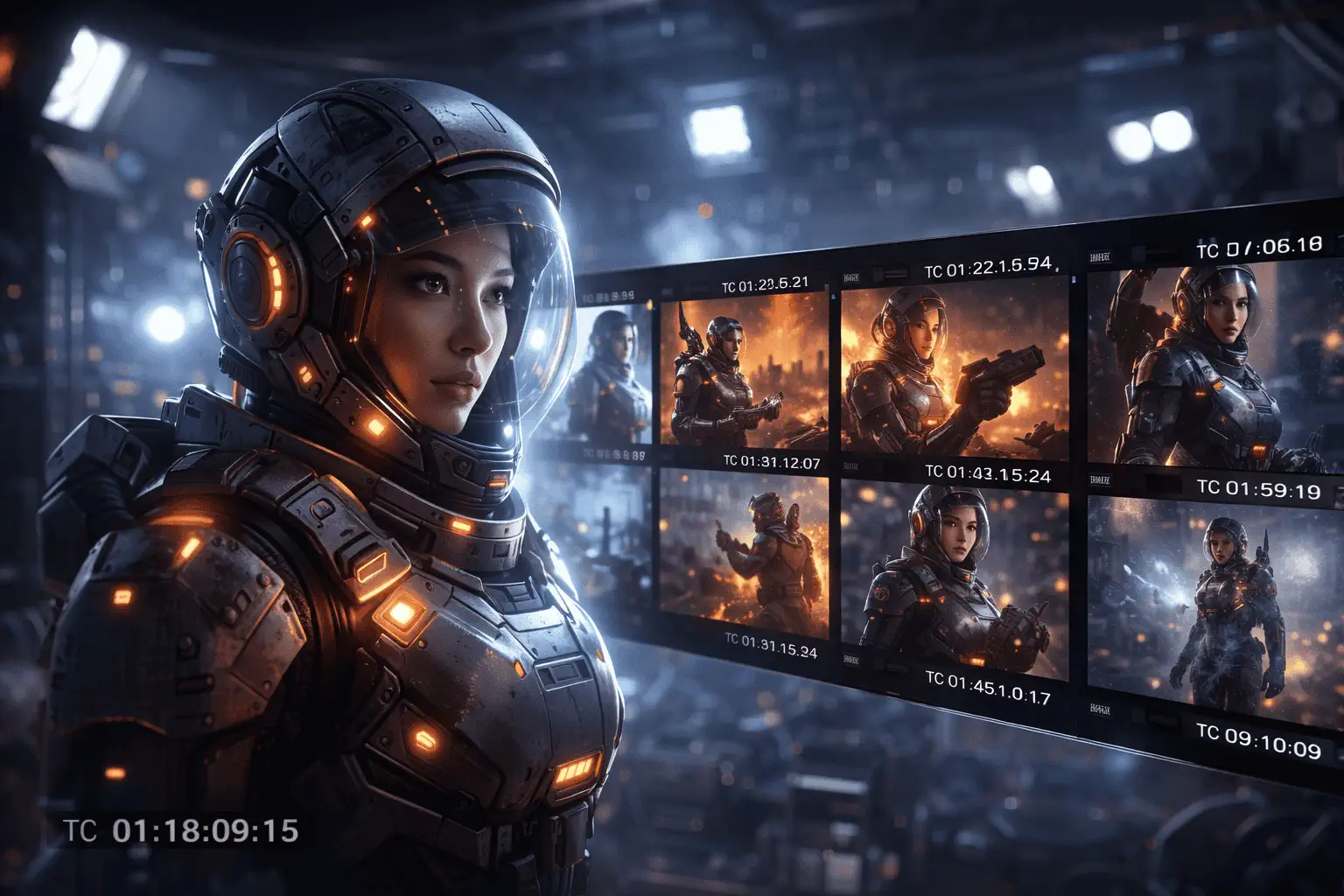
Develop campaign concepts, moodboards, pitch visuals, and fast-turn client drafts without rebuilding every visual from scratch.

Create launch graphics, product storytelling assets, and branded visuals when you need polished output without a large internal design team.
Use GPT Image 2 in one focused workspace instead of stitching together separate image tools every time a project changes direction.
Create from text, edit from references, and switch between major image modes without changing tools.
Start from a high-fidelity workflow when the output needs to look closer to finished creative work.
Generate options quickly, compare directions, and keep refining instead of restarting the process for every change.
Upload existing visuals when you need stability in composition, identity, or subject structure.
Produce images that are better suited for ads, product content, landing pages, and presentation-ready creative work.
Start with a smaller plan, then increase credits and throughput only when your image workload demands it.
17% Off
A lower-cost annual plan for consistent use.
33% Off
A better long-term value plan for ongoing creation.
50% Off
Lock in the lowest credit cost for high-volume workflows.
17% Off
A lower-cost annual plan for consistent use.
/ month
Includes
33% Off
A better long-term value plan for ongoing creation.
/ month
Includes
50% Off
Lock in the lowest credit cost for high-volume workflows.
/ month
Includes
We support the following secure payment methods:


Everything you need to know before choosing a GPT Image 2 workflow and generating images.
Create an image with GPT Image 2 now, or jump into video generation when you want motion instead of a still frame.