




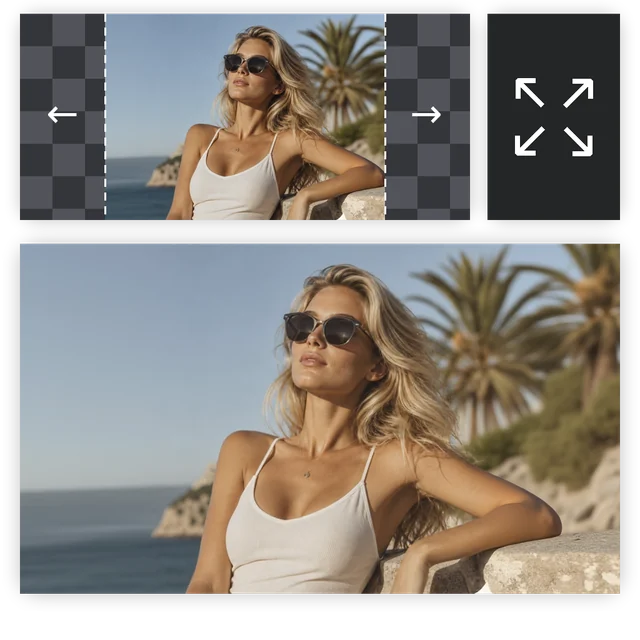
Expand Any Photo Beyond Its Borders — AI Image Expander, Photo Extender & Uncrop Tool
Upload a photo, set how much canvas to add, and let the AI fill in the rest. Restore cropped portraits, extend landscapes to widescreen, adapt images to any aspect ratio, or prepare a photo for print — without Photoshop.
Outpainting • Uncrop AI • Image stretcher • Photo extender
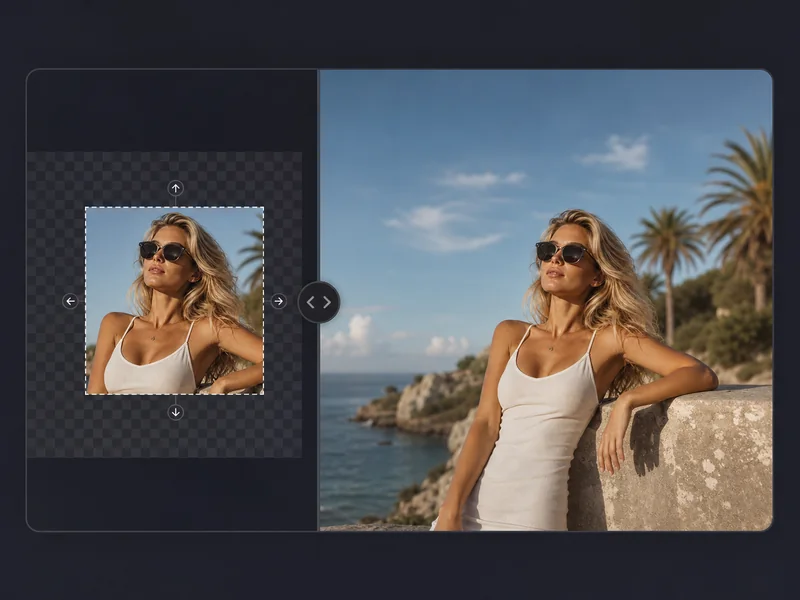
What Is an AI Image Expander?
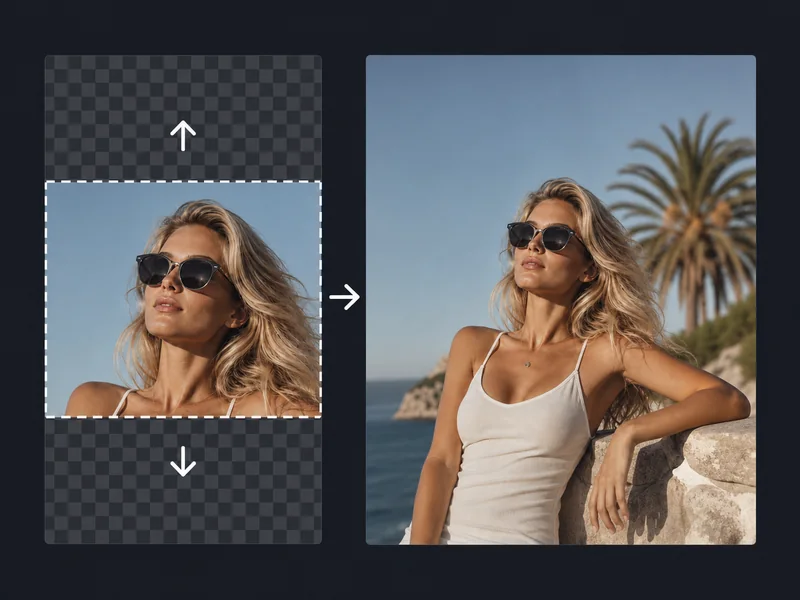
An AI image expander uses outpainting technology to extend a photo beyond its original edges. Point it at any image — a portrait, landscape, or product shot — set how much canvas to add, and the AI image extender generates new background, sky, ground, or context that blends seamlessly with the original. Use it as a photo extender for panoramic output, an image stretcher to hit a target aspect ratio, or an uncrop AI tool to recover photos that were framed too tight.
How to Expand an Image in 3 Steps
Upload your photo, set the expansion direction and size, then let the AI image extender fill the new canvas.
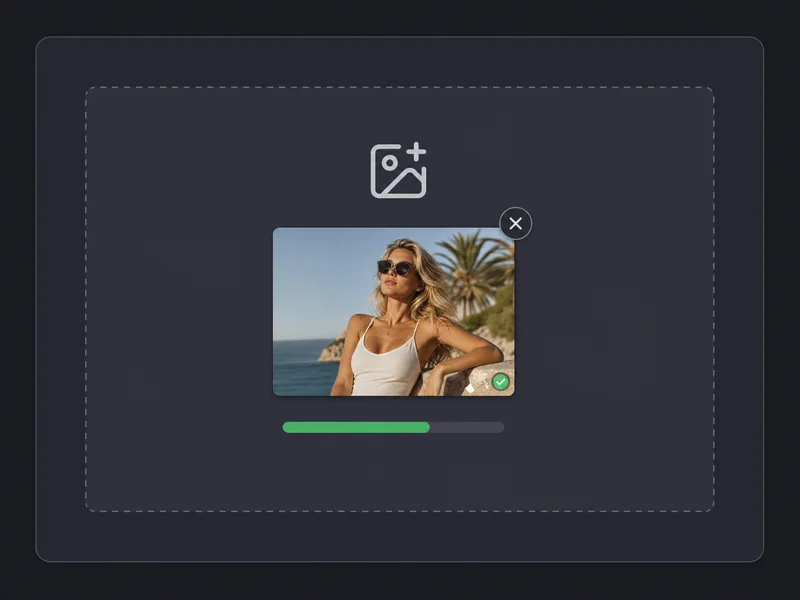
Upload Your Photo
Upload a JPG, PNG, or WEBP image. The AI image expander works with portraits, landscapes, product photos, and any photo you want to extend beyond its current frame.
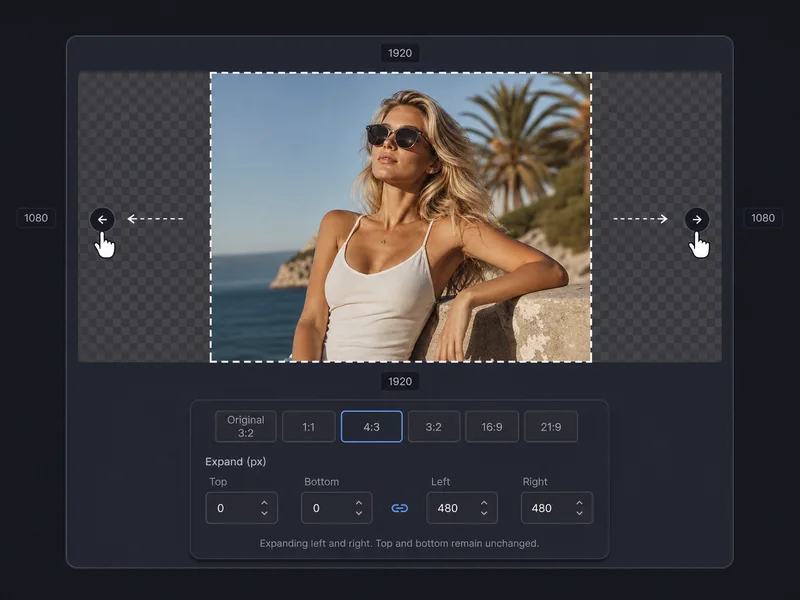
Set Expansion Direction & Size
Choose which sides to extend and by how much, or select a target aspect ratio. The photo extender mode lets you add custom canvas on any side. The image stretcher mode adapts the photo to 16:9, 9:16, 4:3, or square without distorting the original.
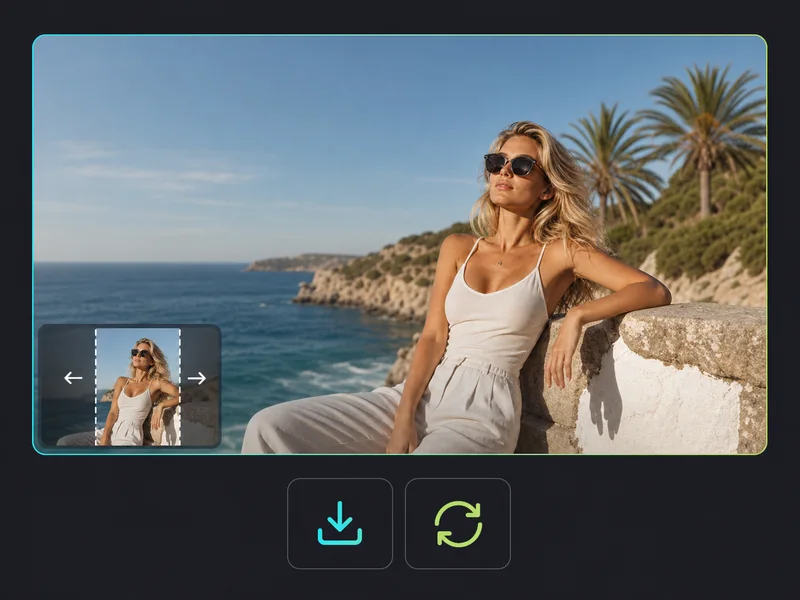
Generate & Download
The AI image extender fills the new canvas area with outpainted content that matches the original's colors, lighting, and texture. Download the expanded image as a high-quality PNG ready for print, social media, or web.
Explore AI Photo Extender for Every Scene
Whether you're recovering a cropped portrait, extending a landscape for a banner, or reformatting a photo for a new platform — here's what the tool handles well.
- Recover portraits where the subject's head or shoulders were clipped
- Restore group photos where someone at the edge got cut out
- Bring back the sky or foreground a tight crop removed from a landscape
- Fix old scanned photos with borders or missing edges
What Creators Say About AI Image Expander
Photographers use it to recover tight crops. Designers stretch images for banners and print layouts. Creators reformat a single photo for every platform at once.
The uncrop AI feature saves photos I thought were ruined. I had a wedding shot where the bride's dress was cut off at the bottom — the AI image expander restored the full gown seamlessly. Clients can't tell it was extended.
Emma Wilson, Portrait Photographer
Emma Wilson
Portrait Photographer
I shoot on a phone, so my landscape photos come out in portrait format. The photo extender converts them to 16:9 for my blog without cropping out anything important. The AI fills in sky and foreground that looks completely real.

Marcus Johnson, Travel Blogger
Marcus Johnson
Travel Blogger
I use the image stretcher every week to adapt photos from square to banner formats. The AI-generated extensions match the original photo so well that my clients never ask what tool I used.
Priya Sharma, Social Media Designer
Priya Sharma
Social Media Designer
Our product photos are shot square, but we need them in widescreen for homepage banners. The AI image extender adds background on both sides that matches the studio setup. It replaced a full reshooting workflow.

Thomas Bennett, Ecommerce Creative Director
Thomas Bennett
Ecommerce Creative Director
The image expander handles architecture photos better than I expected. I needed a building shot extended to fill a full-bleed double page spread — the AI extended the sky and street seamlessly at print resolution.

Clara Schneider, Graphic Designer
Clara Schneider
Graphic Designer
I use the uncrop AI and photo expander together to repurpose one photo for Instagram, YouTube thumbnails, and Twitter headers — all from the same original. Saves me at least an hour per post.

Kwame Mensah, Content Creator
Kwame Mensah
Content Creator
AI Image Expander FAQ
Everything you need to know about expanding, extending, and uncropping photos with AI.
Expand Your Photo Now — Free AI Image Expander
Your photo, extended exactly the way you need it.