

AI Image Angle Changer - Change Photo Angles with AI
Upload one image, choose a camera angle, and generate a realistic new view. Create front, side, back, top-down, low-angle, wide, and close-up image angles without reshooting or 3D modeling.
One image in • Multiple camera angles out • Built for commercial visuals
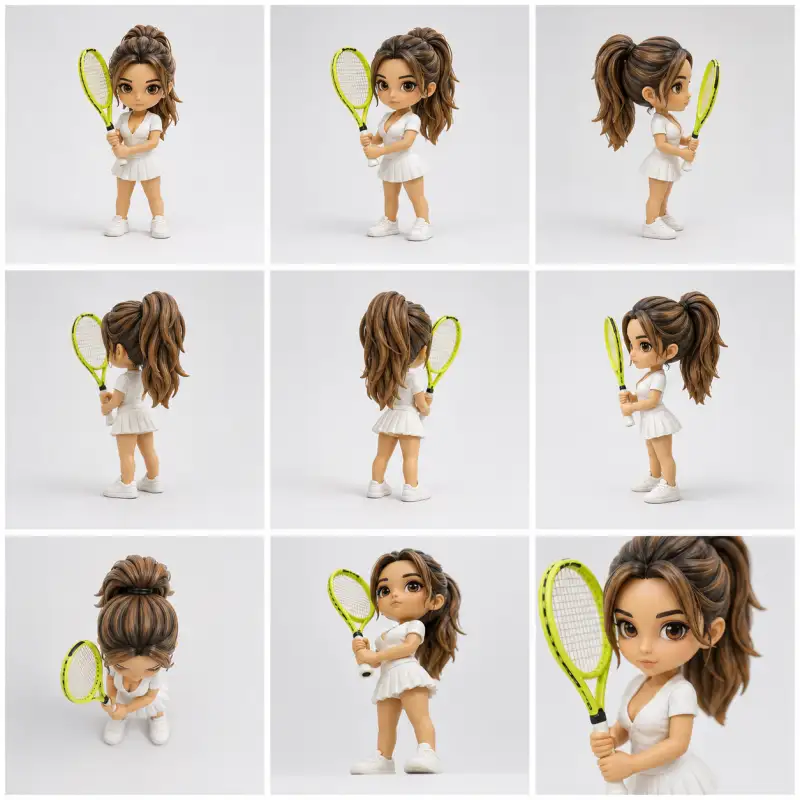
What is AI Image Angle Changer?
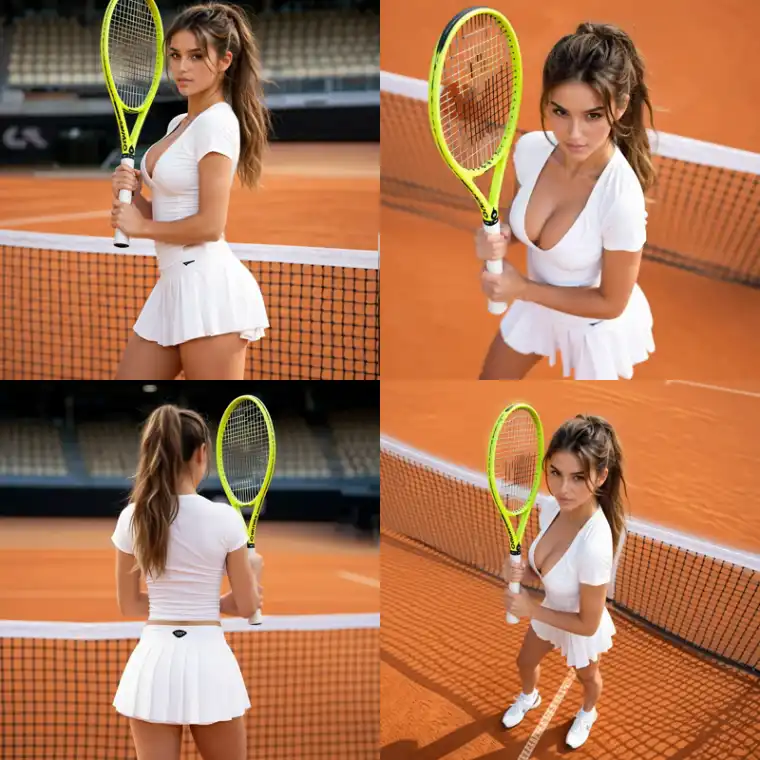
AI Image Angle Changer is a camera-angle editing tool that turns a single uploaded image into new viewpoint variations. Instead of simply rotating a flat picture, it uses AI to reconstruct the subject and scene from a requested camera position, helping you create product angles, fashion views, ad creatives, and social visuals faster.
Change Image Angles with Simple Camera Controls
Use presets or manual camera controls to generate new perspectives from one image.
- Front wide, front-right 3/4, right side, left side, left close, back, top-down, and low-angle presets
- Useful for ecommerce galleries, ad testing, and creative direction
- A faster starting point than manually setting every angle
- Switch to custom controls whenever you need finer adjustment
Who Uses AI Image Angle Changer?
Built for teams and creators who need more visual angles from fewer source images.
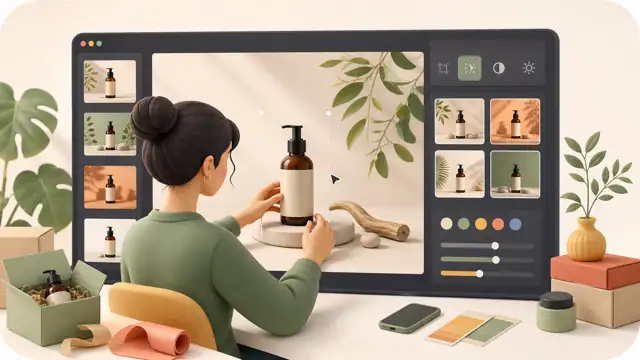
Ecommerce Sellers
Turn one product image into more product-angle views for galleries, detail pages, and ad creatives.
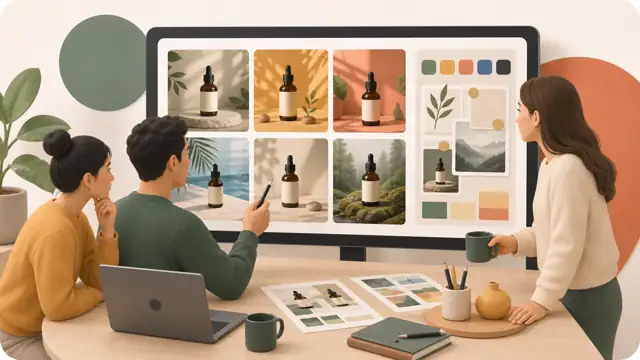
Marketing Teams
Generate different camera-angle options for ad tests, landing pages, banners, and product campaigns.
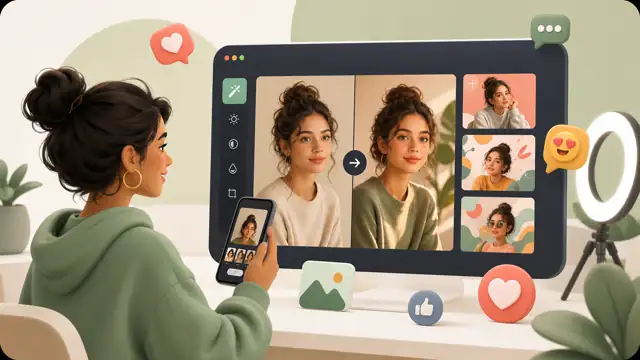
Fashion Brands
Create high-angle, low-angle, side-view, and campaign-style variations for model and outfit images.
Designers
Explore alternate visual directions and present more camera-angle options without building 3D mockups.
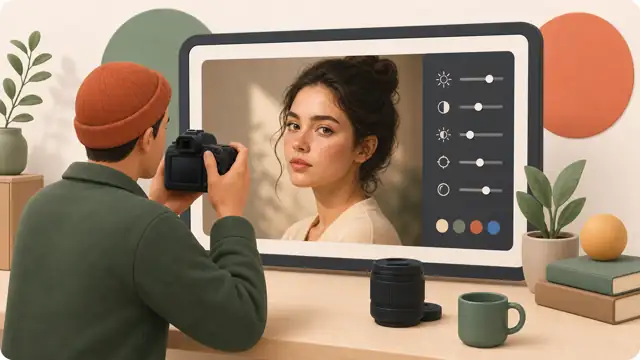
Photographers
Create quick angle concepts for clients before a shoot or expand a limited set of existing photos.
Social Media Creators
Make more visual variations from one image for posts, reels covers, thumbnails, and campaign tests.
Why Choose AI Image Angle Changer?
A lightweight way to create more usable image views from one source image.
Real Camera-Angle Editing
Request a new camera viewpoint instead of just rotating, cropping, or stretching the original image.
Precise Controls
Use angle presets or adjust horizontal angle, vertical angle, and zoom for more control over the final view.
No 3D Modeling
Create new image angles without using 3D modeling, rendering software, or a technical production workflow.
Multiple Outputs
Generate up to 4 variations for the same selected angle per run, so you can compare options and choose the strongest image.
Commercial Use Cases
Designed for ecommerce, advertising, fashion, product marketing, social media, and brand campaigns.
Fast Creative Testing
Test side views, top-down shots, close-ups, wide shots, and hero angles before planning a new shoot.
How to Change Photo Angle with AI
Generate a new camera-angle view in four simple steps.
Upload an Image
Add a product photo, portrait, fashion image, object shot, or creative visual in JPG, PNG, or WebP format.
Choose an Angle
Select a preset such as front-right, side, back, top-down, low angle, front wide, or left close.
Fine-Tune Controls
Adjust horizontal angle, vertical angle, zoom, and output count to guide the generated perspective.
Generate and Save
Click Generate New Angle, compare the outputs, and save the version that fits your project.
AI Image Angle Changer FAQ
Common questions about changing camera angles with AI.
Create a New Image Angle Now
Upload one image and generate realistic new camera-angle views for products, fashion, ads, and creative projects.