AI image models are no longer competing only on beauty.
That was my first thought when I started looking at Seedream 5.0 Pro.
A few years ago, the big question was simple: can this model generate a beautiful image? If the answer was yes, people were impressed. But in 2026, that is no longer enough.
For real creators, marketers, designers, bloggers, and SaaS teams, the question has changed.
Can the model render readable text?
Can it edit one specific part of an image without destroying the rest?
Can it create a clean infographic instead of a messy poster full of fake labels?
Can it understand layout, hierarchy, and design intent?
That is why Seedream 5.0 Pro is interesting.
ByteDance’s Seedream 5.0 Pro is positioned as a professional-grade multimodal AI image generation and editing model. It is not only designed to create good-looking pictures. It is designed to support more serious creative workflows, including text-heavy posters, precise regional editing, image composition, product visuals, multilingual layouts, and complex information visualization.
In this review, I will focus on three practical tests that matter most for real users:
- Text rendering
- Precise editing
- Infographic generation
This is not just a “wow, look at this image” review.
This is about whether Seedream 5.0 Pro can actually help you produce better visual content faster.
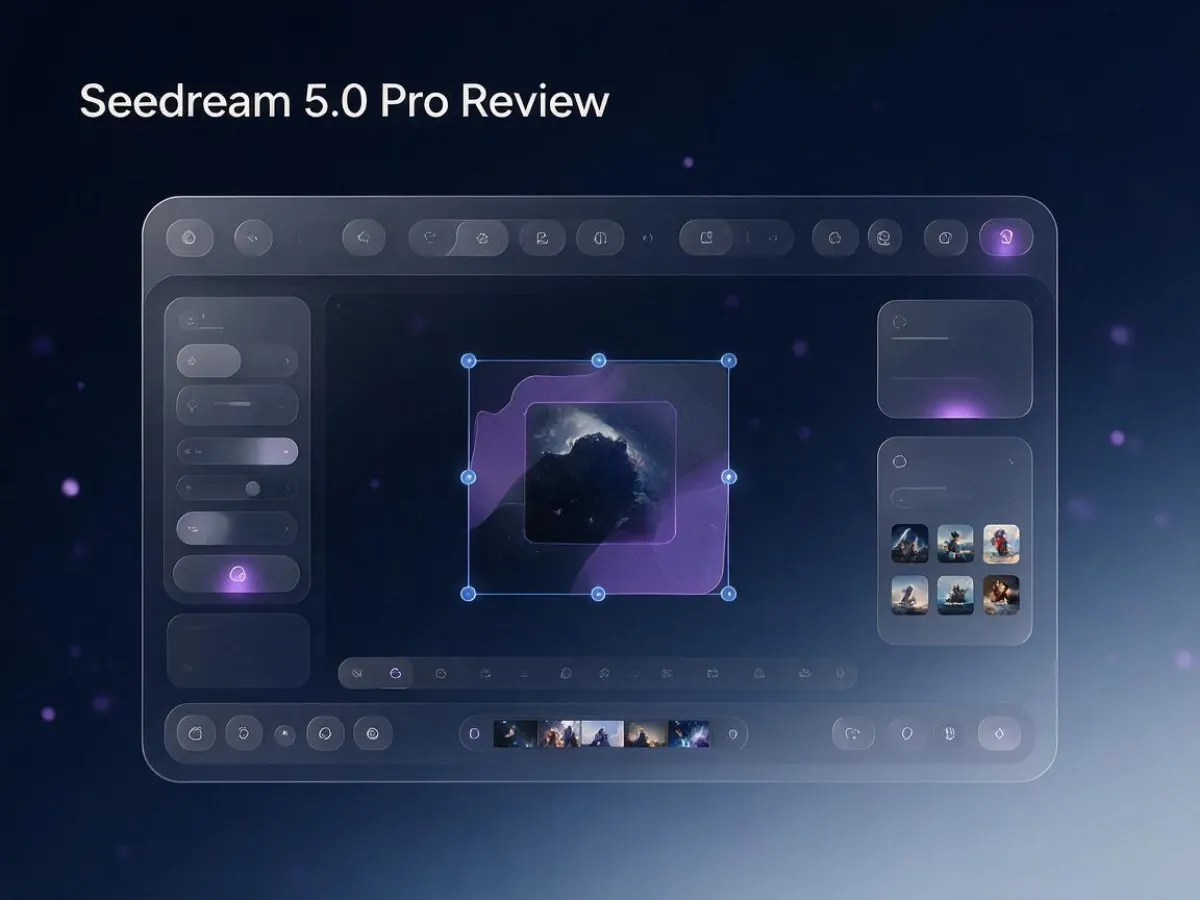
What Is Seedream 5.0 Pro?
Seedream 5.0 Pro is part of ByteDance’s Seedream image model family. Compared with lighter or earlier versions, Seedream 5.0 Pro is focused more on professional output, stronger prompt understanding, image editing control, realistic image quality, and complex visual composition.
The important word here is “Pro.”
Many AI image tools can generate a beautiful fantasy portrait, a cinematic landscape, or a clean product mockup. But professional creative work is different. You usually do not stop after the first generation.
You generate an image.
Then you revise it.
You change the text.
You adjust the product color.
You localize the poster into another language.
You replace one object.
You keep the same character.
You fix the layout.
You test another version for an ad.
This is where many image models break down. They are good at first drafts, but weak at controlled iteration.
Seedream 5.0 Pro seems to be built around this exact pain point. Its strongest promise is not just “better images.” Its strongest promise is “better workflow control.”
That makes it especially relevant for people who use AI images for business, content, and design instead of pure entertainment.
Why Text Rendering Matters So Much
Text rendering has always been one of the most frustrating problems in AI image generation.
You ask for a poster that says “Summer Sale,” and the model gives you “Sumer Saie.”
You ask for a product label, and the letters become strange symbols.
You ask for an infographic, and the small captions look like broken alien text.
This is not a small problem. For many real-world use cases, text is the image.
A blog cover needs a readable title.
A YouTube thumbnail needs a strong phrase.
A product poster needs a clear offer.
A SaaS graphic needs labels.
An infographic needs headings, numbers, and sections.
A localized marketing image needs correct multilingual text.
If the model cannot render text, the output becomes only a concept image. You still need to manually rebuild the design in Canva, Figma, Photoshop, or another editor.
Seedream 5.0 Pro is clearly trying to solve this problem.
Its text rendering capability appears much stronger than older image models, especially for short and medium-length text. This makes it useful for posters, blog covers, marketing cards, product graphics, and educational visuals.
The key improvement is not only spelling. It is also layout.
A good text rendering model needs to understand where text should go, how large it should be, how it relates to other elements, and how it fits into the visual hierarchy.
For example, a poster should usually have:
- A large main headline
- A smaller subtitle
- One or two supporting details
- A clear visual focus
- Enough negative space
- Good contrast between text and background
Seedream 5.0 Pro performs best when you give it this kind of structure.
Instead of writing:
“Make a poster about an AI image tool.”
A better prompt would be:
“Create a 4:3 premium SaaS blog cover image. Main title: ‘AI Image Workflow’. Subtitle: ‘Generate, edit, and export professional visuals faster’. Use a dark blue and purple gradient background, clean UI panels, large readable text, and strong negative space on the left.”
That kind of prompt gives the model a clear design task.
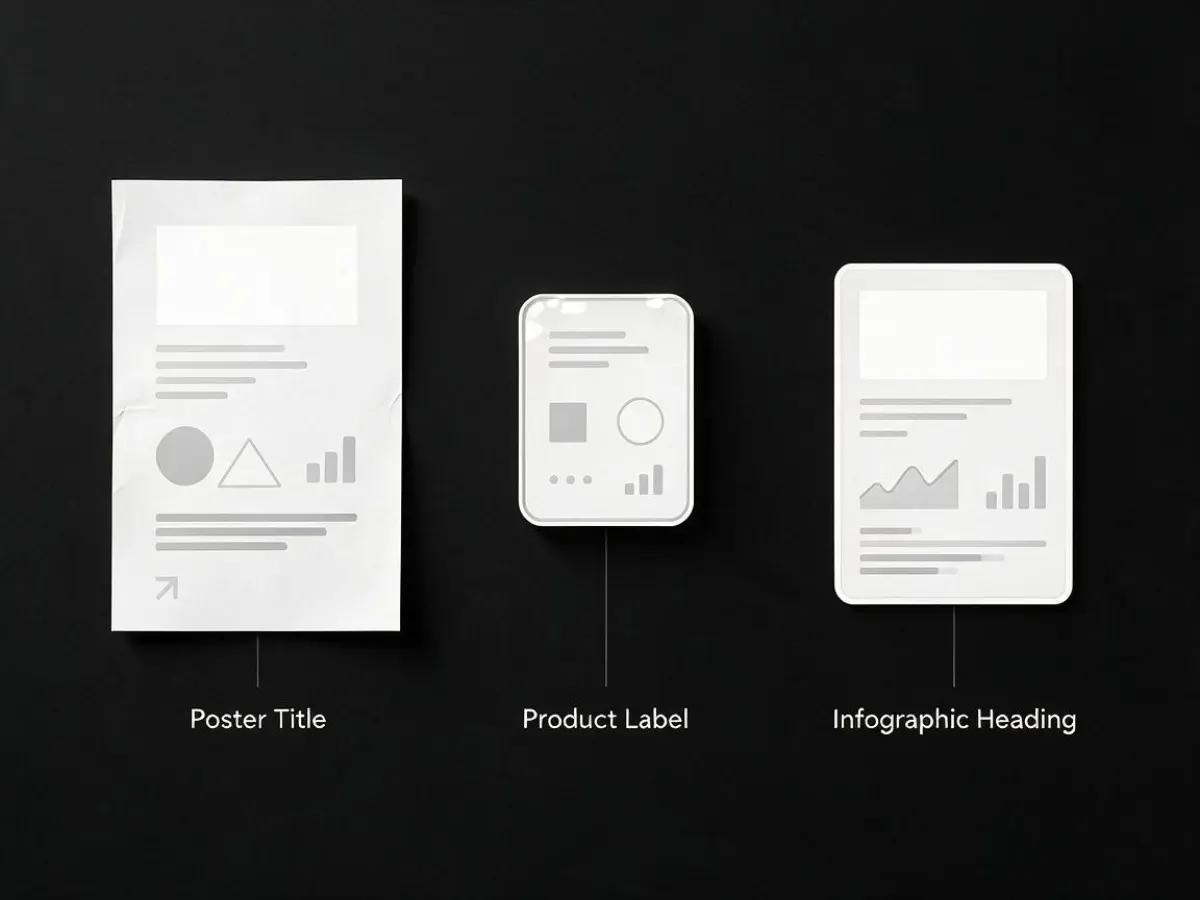
Text Rendering Test: What Works Well
In normal-density text scenarios, Seedream 5.0 Pro looks very promising.
It is suitable for:
- Blog cover titles
- Poster headlines
- Short subtitles
- Product labels
- Social media graphics
- Feature callouts
- UI-style cards
- Simple infographic labels
- Multilingual marketing visuals
The strongest use case is large and medium-sized text.
For example, if you are creating a blog cover for an article titled “Seedream 5.0 Pro Review,” the model should be able to place that title in a clean visual composition with good readability.
If you are creating a product ad with a short offer like “50% Off This Week,” it has a much better chance of producing usable text than older AI image models.
If you are creating a simple infographic with five steps, each step can be labeled clearly if you keep the text concise.
But the important lesson is this:
Seedream 5.0 Pro is better at text rendering, but you should still design around the model’s strengths.
Keep your text short.
Make the text large.
Avoid too many tiny labels.
Do not ask the model to create long paragraphs inside the image.
Do not rely on it for legal fine print.
This is the same rule I would use for most AI image models, even advanced ones. They are becoming much better at text, but they are not yet a full replacement for dedicated typography tools.
Where Text Rendering Still Needs Caution
The main weakness is small text.
When you ask an AI image model to generate tiny text, dense tables, full paragraphs, or many small labels, the risk goes up quickly.
This matters for infographics, dashboards, product packaging, financial charts, and UI mockups.
For example, a model may generate a nice SaaS dashboard image. The main title may be correct. The chart labels may look readable. But the small KPI cards may include random numbers or slightly broken text.
That is dangerous if you publish the image as factual information.
So my practical recommendation is simple:
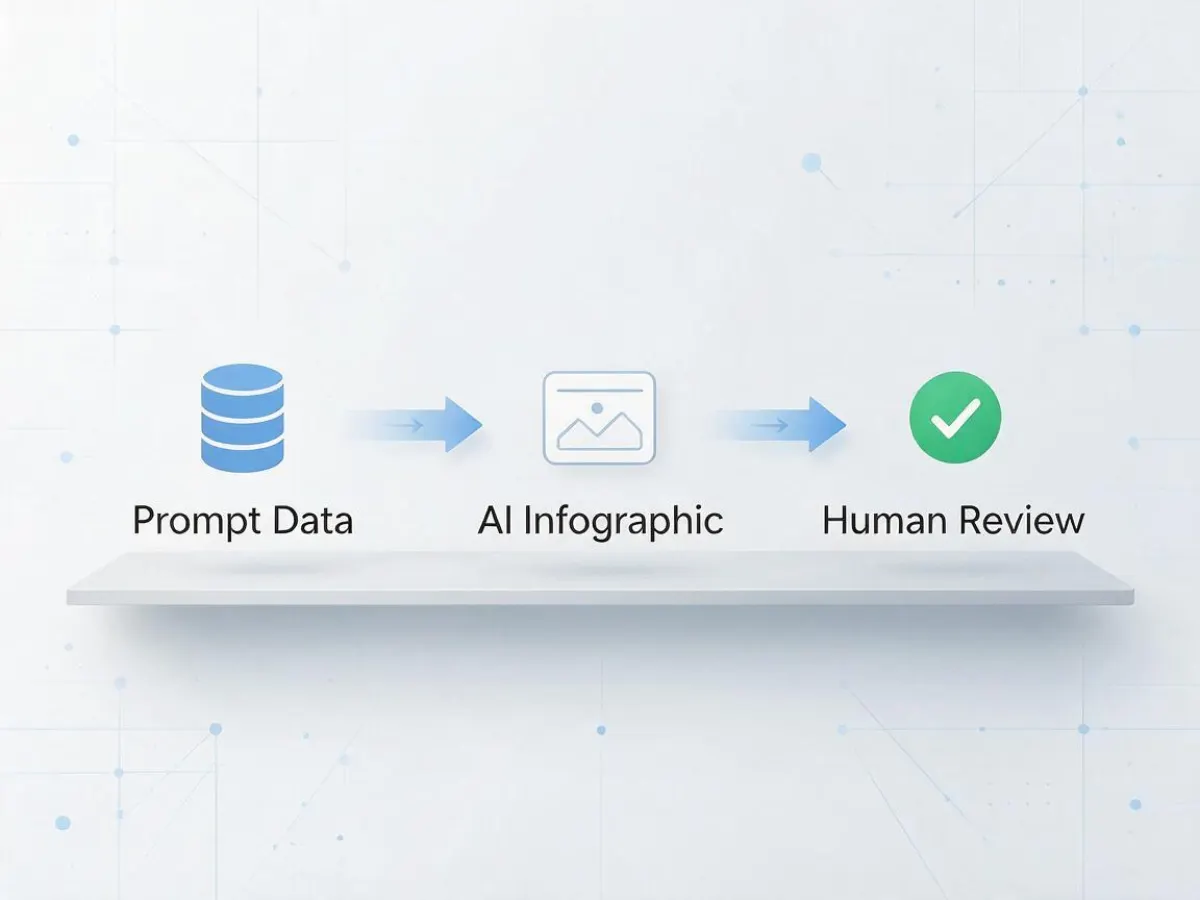
Use Seedream 5.0 Pro to create the visual structure, layout, and first draft. Then manually verify every important word and number before publishing.
For marketing images, this is usually fine.
For financial, medical, legal, or technical infographics, verification is not optional.
Precise Editing: The Real Pro Feature
Text rendering is exciting, but precise editing may be the bigger reason to care about Seedream 5.0 Pro.
Why?
Because real creative work is iterative.
You almost never get the perfect image in one generation.
You may like the composition but dislike the product color.
You may like the background but want to replace the object.
You may like the model’s pose but need a different outfit.
You may like the poster but need to change only the headline.
You may like the lighting but need to remove one distracting object.
This is where many AI image tools fail.
They do not “edit” the image. They regenerate it.
You ask them to change one small thing, and suddenly the whole scene changes. The face is different. The product becomes inconsistent. The background shifts. The lighting changes. The layout breaks.
Seedream 5.0 Pro is important because it focuses on region-level editing and controlled changes.
The goal is simple:
Change the selected part while keeping the rest of the image stable.
That is exactly what professional users need.

Precise Editing Test: Why It Matters in Real Workflows
Let’s say you are creating an e-commerce ad.
You generate a product image with a skincare bottle on a marble table. The lighting looks premium. The background is clean. The composition is strong.
But the bottle cap is the wrong color.
With a weak editing model, changing the cap may also change the bottle, the label, the table, and even the lighting.
With a stronger precise editing model, you should be able to say:
“Only change the cap color to matte gold. Keep the bottle, label, lighting, background, and camera angle unchanged.”
That is a much more useful workflow.
The same applies to many other cases:
- Replace one object in a scene
- Change the material of a product
- Edit only the background
- Keep the same character while changing clothing
- Add or remove a small prop
- Modify a logo placement
- Adjust one section of a poster
- Localize text while preserving design
This is why precise editing is not a small feature. It is the bridge between AI image generation and real design production.
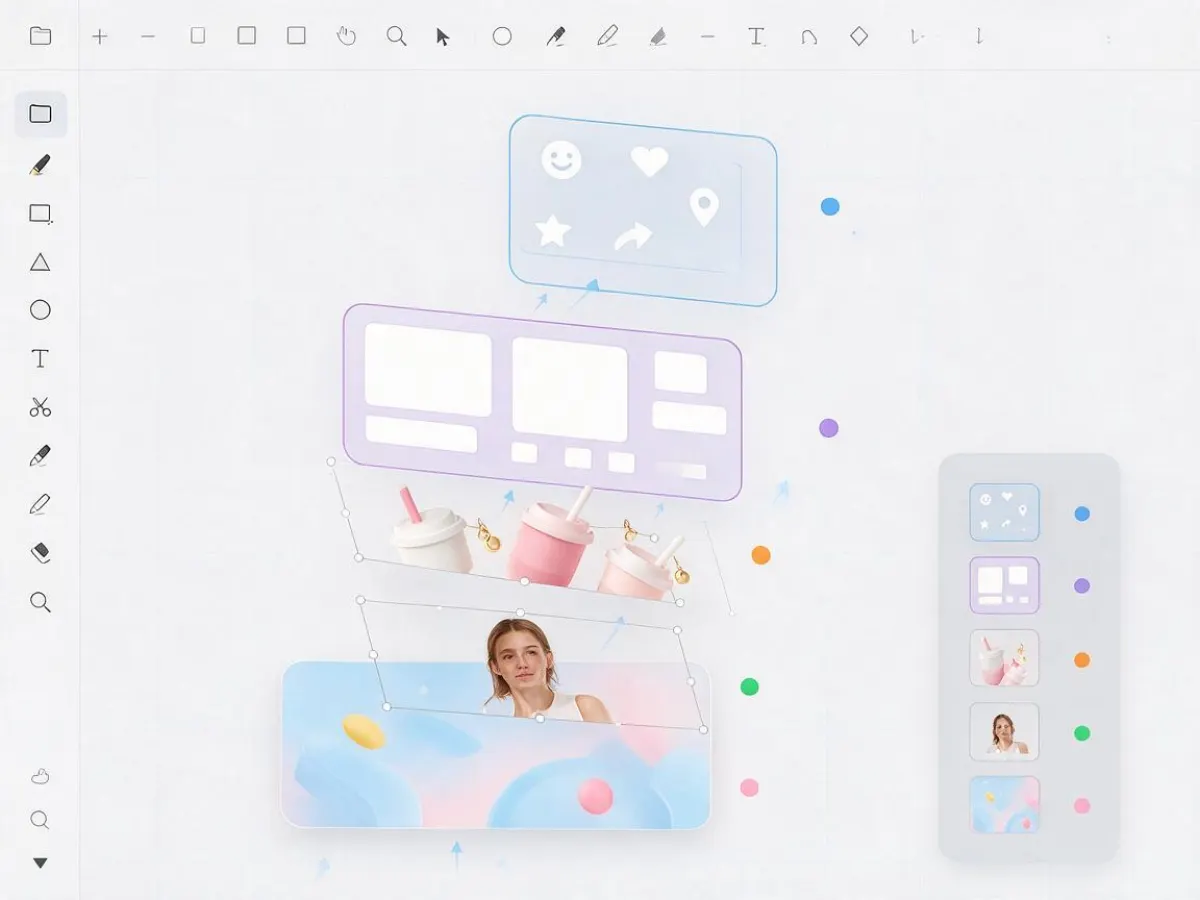
Layer Separation: A Big Step Toward Design Workflows
One of the most interesting ideas around Seedream 5.0 Pro is layer separation.
Traditional AI image outputs are flat raster images. Everything is baked into one image. The text, object, background, shadow, and lighting are all merged together.
That is fine for casual use, but it is limiting for professional design.
Designers usually think in layers:
- Background
- Main subject
- Product
- Text
- Icons
- Decorative elements
- Shadows
- Effects
If AI can understand and separate these components, the workflow becomes much more powerful.
For example, you could create a poster and then separate the product, text, and background into different editable parts. You could reuse the same background with a new product. You could localize the text into another language. You could remove the character while keeping the environment.
This is the direction that makes Seedream 5.0 Pro feel less like a toy and more like a production tool.
Of course, users should still be realistic. A generated image is not automatically the same as a fully editable Figma file. But if the model can preserve structure and support region-aware editing, it can save a lot of time in real creative workflows.
Infographic Test: The Most Interesting Capability
The most interesting part of Seedream 5.0 Pro may be infographic generation.
Why?
Because infographics are hard.
A normal AI image only needs to look good. An infographic needs to communicate information clearly.
That means the model has to handle:
- Layout planning
- Visual hierarchy
- Text rendering
- Chart structure
- Icons
- Labels
- Spacing
- Data relationships
- Design consistency
This is much harder than generating a cinematic portrait.
Many AI image models can create something that looks like an infographic from far away. But when you zoom in, the numbers are fake, the labels are broken, the charts do not match the data, and the layout is confusing.
Seedream 5.0 Pro appears to be designed specifically to improve this kind of complex information visualization.
That makes it very useful for content websites, SEO blogs, SaaS brands, education products, YouTube creators, and AI tool directories.
For example, you could use it to create:
- AI model comparison graphics
- Workflow diagrams
- Feature explanation cards
- Timeline visuals
- Product architecture diagrams
- Social media carousel graphics
- Blog illustrations
- Data-style dashboard mockups
- “How it works” images
- Educational explainers
This is especially valuable for SEO content.
A strong infographic can make a blog post more readable, more shareable, and more visually trustworthy.
Infographic Prompting: How to Get Better Results
If you want good infographic results from Seedream 5.0 Pro, your prompt must be structured.
A vague prompt will produce a vague image.
For example, this is weak:
“Create an infographic about AI image generation.”
This is better:
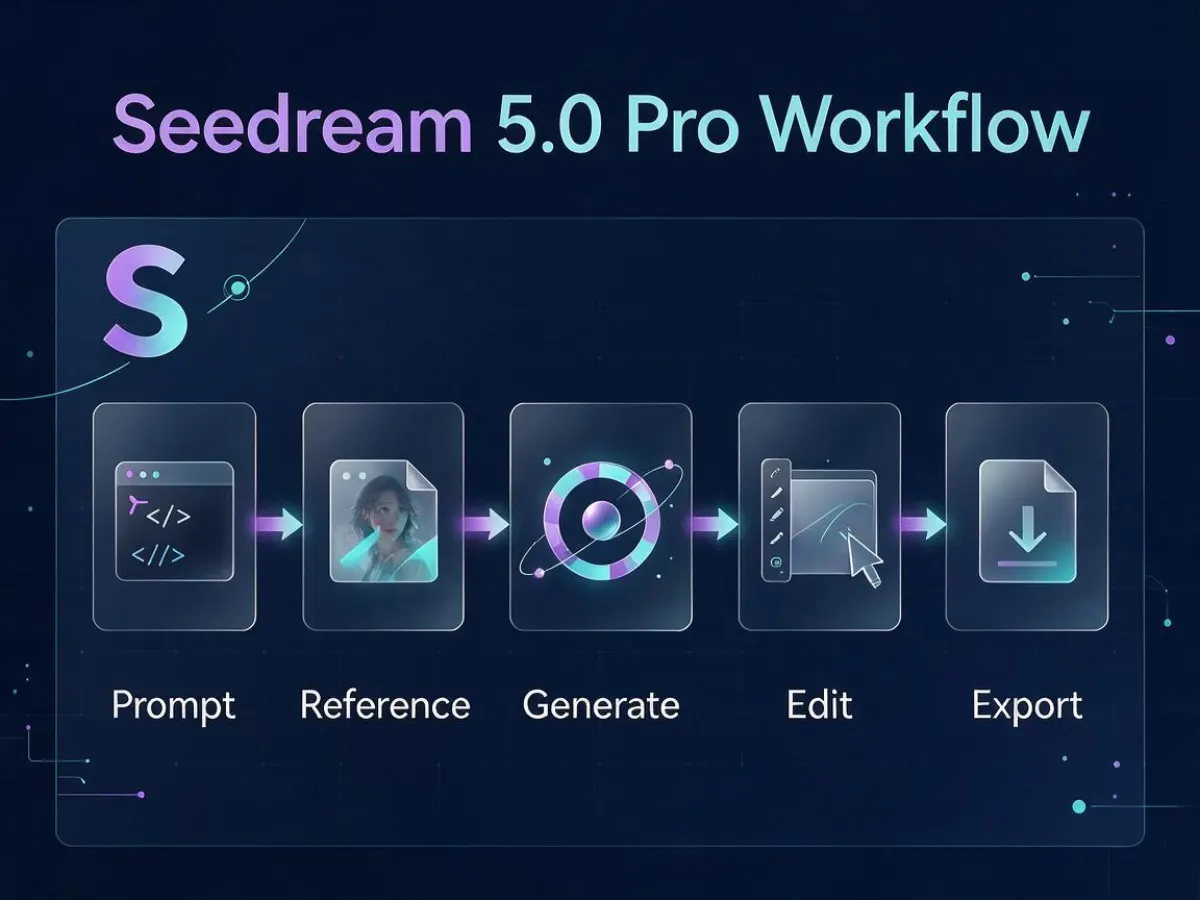
“Create a 4:3 professional infographic titled ‘AI Image Generation Workflow’. Include five steps: 1. Write Prompt, 2. Upload Reference, 3. Generate Image, 4. Edit Region, 5. Export Final. Use clean SaaS-style design, large readable English text, blue-purple gradient background, simple icons, and clear left-to-right flow.”
This is even better:
“Create a 4:3 premium SaaS infographic titled ‘Seedream 5.0 Pro Workflow’. Use five clean sections: Text Prompt, Reference Images, Precise Editing, Infographic Layout, Final Export. Each section should include one simple icon and one short label. Keep all text large and readable. Do not include small paragraphs. Do not add extra statistics. Use a clean dark blue and purple editorial tech style.”
Notice the difference.
The better prompt gives the model:
- Exact title
- Exact sections
- Exact text
- Visual direction
- Layout direction
- Text size constraint
- What not to include
This matters a lot.
Seedream 5.0 Pro is powerful, but it is not a mind reader. If you want a clean infographic, you need to give it a clean structure.
Infographic Test: What to Watch Out For
The biggest risk with AI-generated infographics is invented information.
If you do not give the model exact data, it may create plausible-looking numbers.
That can be useful for mockups, but dangerous for published content.
For example, if you ask it to create a SaaS dashboard, it may generate revenue numbers, growth percentages, or user metrics that look realistic. But those numbers may not come from anywhere.
So if your infographic includes real data, you should provide the exact numbers in the prompt.
Do not write:
“Create a chart showing strong growth.”
Write:
“Create a bar chart with Q1: 120K, Q2: 180K, Q3: 240K, Q4: 310K.”
Even then, you should still verify the final image.
This is the rule I would use:
Seedream 5.0 Pro is good for visualizing information, but you are still responsible for factual accuracy.
Best Use Cases for Seedream 5.0 Pro
Seedream 5.0 Pro is especially useful for creators who need practical visuals, not just artistic images.
The best use cases include:
1. Blog Cover Images
If you run an AI tools blog, Seedream 5.0 Pro can help you create premium article covers with readable titles and strong tech-style visuals.
2. AI Model Comparison Graphics
For articles like “Seedream 5.0 Pro vs Nano Banana Pro” or “Seedream 5.0 Pro vs GPT Image 2,” you can generate structured comparison visuals.
3. SaaS Marketing Images
You can create product feature cards, workflow graphics, hero images, and social posts.
4. E-commerce Creative Testing
You can test product backgrounds, ad concepts, color variations, and lifestyle scenes.
5. Educational Infographics
You can explain complex ideas with simple visual diagrams.
6. Multilingual Marketing Visuals
Because multilingual text rendering is becoming more important, Seedream 5.0 Pro can be useful for localized content.
7. Precise Image Editing
You can make regional changes without fully regenerating the entire image.
Seedream 5.0 Pro vs Normal AI Image Generators
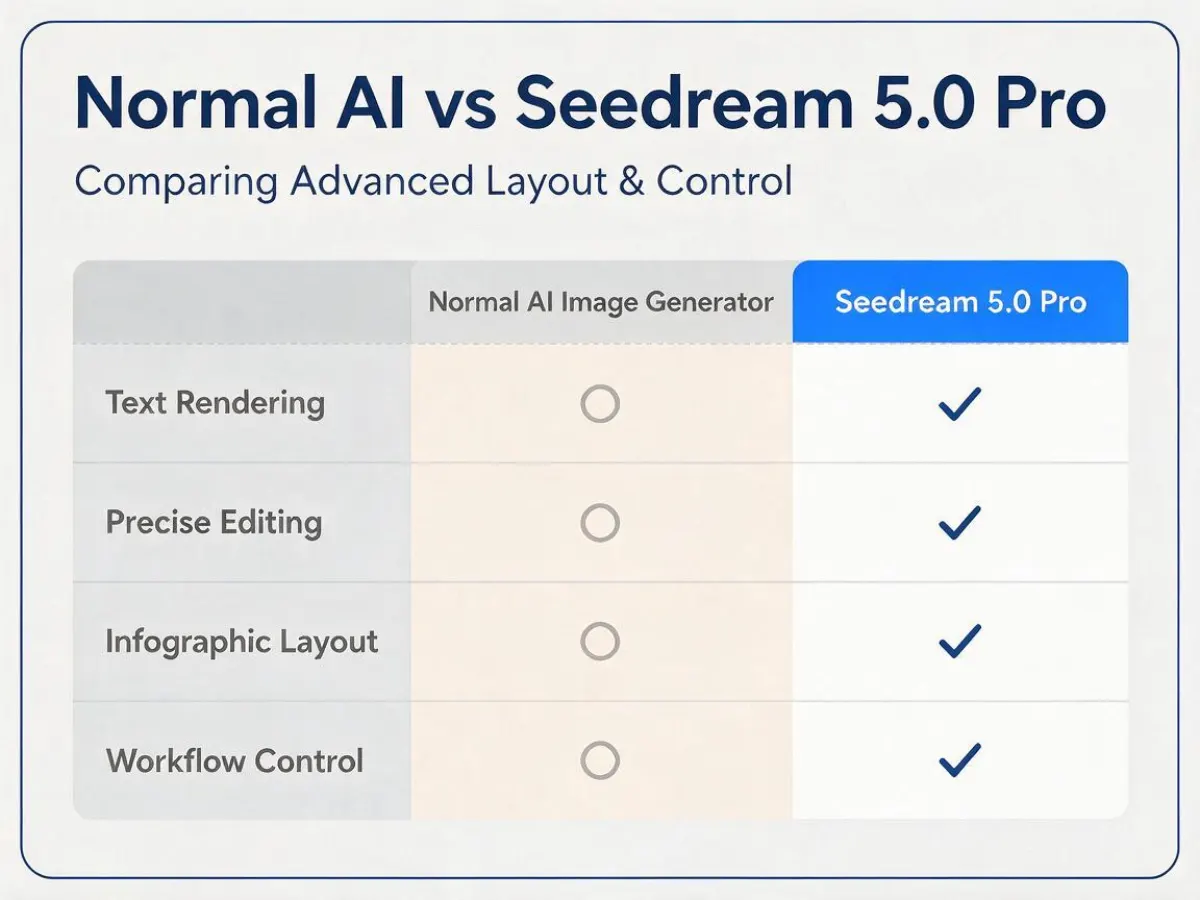
The biggest difference is workflow depth.
A normal AI image generator is mainly about first-generation output.
Seedream 5.0 Pro is more about controlled visual production.
That means it is not only competing on beauty. It is competing on usefulness.
The key advantages are:
- Better text rendering
- Stronger layout understanding
- More useful infographic generation
- Region-aware editing
- Better design workflow support
- More professional output control
- Stronger multilingual potential
This does not mean Seedream 5.0 Pro is perfect.
It still needs human review. It still may struggle with tiny text. It still may invent data if you do not provide exact numbers. It still may require several iterations for a polished final result.
But the direction is clear.
Seedream 5.0 Pro is moving AI image generation closer to real design production.
My Verdict
Seedream 5.0 Pro is one of the most interesting AI image models for professional visual workflows.
Its biggest strength is not simply that it can generate beautiful images. Many models can do that now.
Its real strength is that it tries to solve the problems creators actually face after the first image is generated.
Can I change only this part?
Can I keep the same design while editing the text?
Can I create an infographic that is actually readable?
Can I use this image in a blog, ad, landing page, or social post?
That is where Seedream 5.0 Pro becomes valuable.
For text rendering, it is strong enough for many practical marketing and content use cases, especially when the text is short and large.
For precise editing, it offers the kind of control that professional creators need.
For infographic generation, it may become one of the most useful tools if you provide structured prompts and exact information.
The bottom line is this:
Seedream 5.0 Pro is not just an AI art model. It is a serious step toward AI-assisted design workflows.
If you create content, ads, product images, blog visuals, or educational graphics, Seedream 5.0 Pro is worth testing.
Just remember one thing:
Use it as a powerful creative assistant, not as an automatic source of truth.
Always check the text.
Always check the numbers.
Always check the final layout.
Do that, and Seedream 5.0 Pro can become a real advantage in your AI image workflow.
References