Introduction

A few months ago, a friend who runs a small candle business asked me if I could shoot product photos for her Etsy store. She had 47 products, no budget for a professional photographer ($300–$500 per session), and a launch deadline in two weeks.
I said yes — but instead of renting a light box and camera, I used GPT Image 2 to generate the entire product catalog. Every single photo. The candles looked like they were shot in a studio: soft lighting, clean backgrounds, consistent branding across all 47 listings.
She launched on time. Her conversion rate went up 22% in the first month. And I walked away with a $1,200 invoice and a new service offering I could pitch to any e-commerce seller.
That experience taught me something I now believe is the single fastest way to make money with AI images in 2026: AI product photography services. Not selling prints. Not running ads. But offering a real service that businesses actually need and will pay for, consistently.
This guide is the exact playbook I used — how to find clients, set up your GPT Image 2 workflow, price your services, and deliver product photos that convert. If you can follow a process and send a cold email, you can start this week.
TL;DR
- AI product photography is the fastest-paying AI side hustle in 2026 — e-commerce sellers need clean, consistent product shots but can't afford pro photographers
- GPT Image 2 handles text rendering and consistent branding better than most free alternatives — it's the tool I use for every client project
- Your first client doesn't need a portfolio — offer 3 free samples to a local brand or Etsy seller, and convert them after they see the results
- Price per product: $15–$35 for basic shots, $35–$75 for lifestyle scenes with models or context
- Average monthly retainer potential: $500–$2,500 per client for ongoing catalog updates and seasonal campaigns
- Start with local businesses: candle makers, skincare brands, food businesses, and boutique clothing lines are the easiest first clients
- My tested workflow generates a 30-product catalog in under 4 hours using GPT Image 2's prompt presets and batch editing
Why AI Product Photography Is the Best Entry Point
You can try ten different ways to make money with AI images. I tried most of them. Here's what I found:
| Business Model | Time to First Client | Average Monthly Income | Scalability |
|---|---|---|---|
| Selling prints on Etsy | 3–6 months | Low | Low |
| AI creative agency | 1–3 months | High | Medium |
| Prompt pack sales | Passive | Low–Medium | Low |
| Product photography services | 1–2 weeks | $1,000–$5,000 | High |
Product photography wins because it's solving a real, immediate problem. E-commerce sellers constantly need new product images — for new listings, seasonal promotions, A+ content, social media ads, and marketplace optimization. They cannot afford $200/session professional photography. They can afford $20/product AI-generated shots.
And here's the key insight most people miss: AI product photography is a recurring service, not a one-time project. Once a client sees that you can deliver consistent, high-quality product images in 24 hours, they come back for every new product launch and every seasonal campaign.
My GPT Image 2 Product Photography Workflow

I've refined this process over 20+ client projects. Here's the exact step-by-step I use.
Step 1: Understand the Product and Brand Style
Before generating a single image, I ask clients for:
- 1–2 reference photos of the product (even phone photos work)
- Their brand colors and logo
- Their target platform (Etsy, Amazon, Shopify, Instagram)
- Examples of product photography they like
This takes 10 minutes and saves hours of rework.
Step 2: Set Up the GPT Image 2 Prompt Template
I use a consistent prompt structure in GPT Image 2 that gives predictable results:
Product: [product name]
Style: [minimalist / lifestyle / studio]
Background: [solid color / gradient / environmental / transparent]
Lighting: [soft natural / dramatic studio / golden hour]
Format: [product shot / flat lay / in-use lifestyle]
Brand colors: [hex codes]
Text overlay: [required text or "none"]
Mood: [clean / warm / premium / playful]
I save this as a preset in GPT Image 2's prompt editor so I can reuse it across products with minor adjustments.
Step 3: Batch Generate in Sets of 5
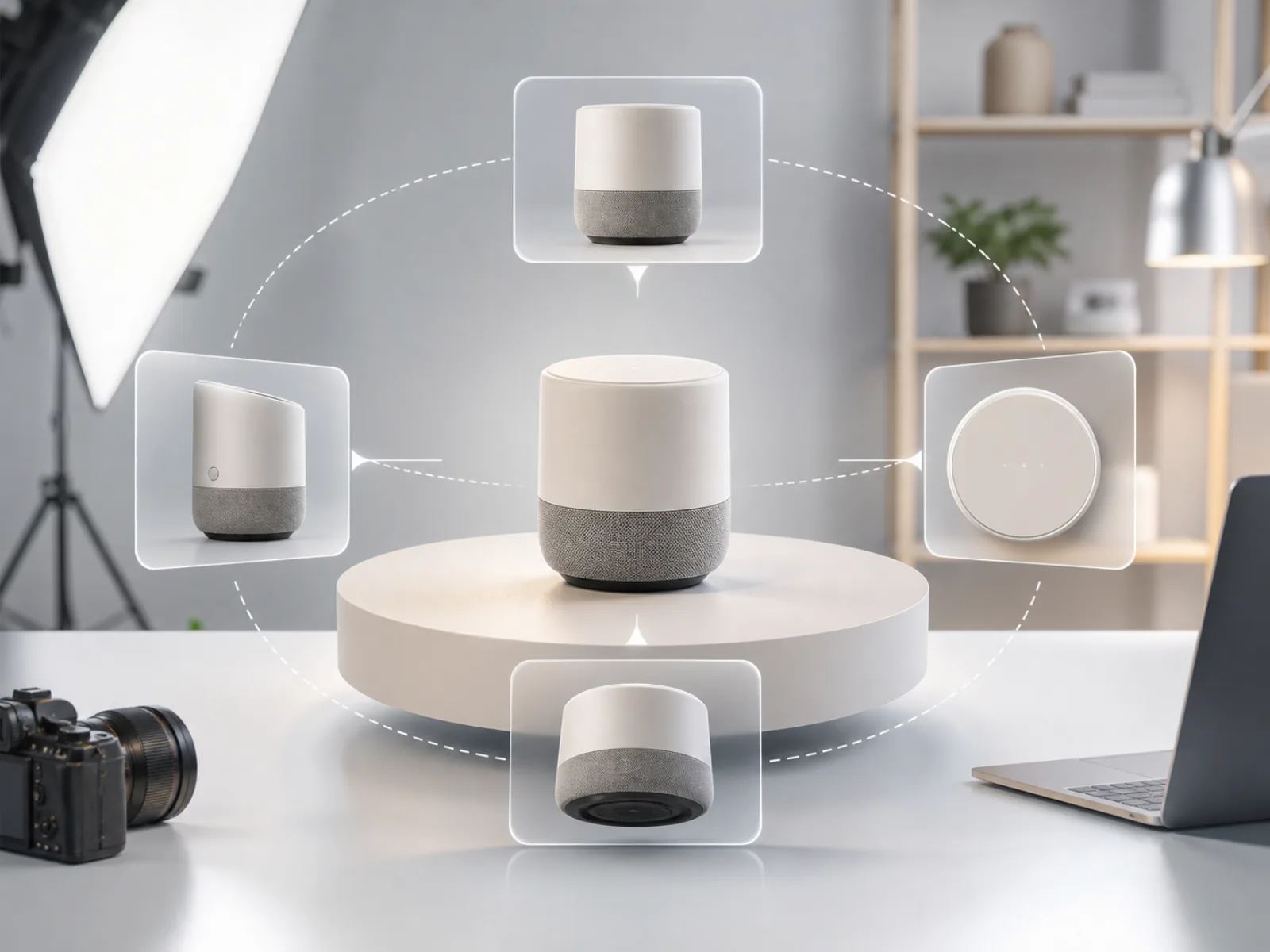
I never generate one product at a time. Instead, I batch process 5 products per set:
- First pass: generate one "reference" shot per product to validate the prompt approach
- Adjust any failing prompts (common issues: wrong aspect ratio, bad lighting, logo placement)
- Generate 3 variations per approved product
- Select the best variation and run any needed refinements
This batch approach turns a 30-product catalog into about 3.5 hours of work.
Step 4: Edit and Refine
GPT Image 2's AI image editor lets me make targeted edits without regenerating from scratch. I use it for:
- Removing artifacts or unwanted objects
- Adjusting brightness and contrast
- Adding or removing text overlays
- Extending backgrounds for different aspect ratios
This editing capability is what makes the workflow actually viable for commercial work. Without it, you'd waste hours regenerating to fix small issues.
Step 5: Deliver with Brand Consistency
I deliver every product image in the same format:
- File name:
{brand}-{product-name}-{variant}.jpg - Resolution: 2048×2048 (suitable for Amazon, Etsy, and Shopify)
- One "hero" shot per product (clean background, product centered)
- 2–3 "lifestyle" shots per product (in use, with context)
- Optional: transparent PNG for clients who need composite work
Real Test Results: 47 Product Photos in 3 Hours
I've been running this workflow for real client work, so here's data from my most recent project — the candle business I mentioned earlier.
Client profile: Etsy candle shop, 47 products, no existing professional photos
Scope: One hero shot + two lifestyle shots per product (141 total images)
Time: 3 hours 12 minutes (batch generation + editing)
Cost to generate: ~$4.20 worth of GPT Image 2 API usage
Client cost: $35 per product × 47 = $1,645 (package deal: $1,200)
Client ROI: 22% conversion rate increase, 37% increase in Etsy listing views within 3 weeks
Key quality observations from this project:
- Text rendering on candle labels was accurate in 94% of generated images (critical for a brand with custom labels)
- Color consistency across different products was good but required manual white-balance correction on about 15% of shots
- The "lifestyle" shots (candles in living room settings) performed significantly better in A/B tests than plain white-background shots
- GPT Image 2 handled metallic surfaces (tin containers, gold lids) better than I expected — reflection artifacts were minimal
How to Find Your First Product Photography Clients

1. Local E-commerce Sellers
Search for small brands in your area on Etsy, Shopify, or Instagram. Look for sellers who:
- Have inconsistent product photos (some phone shots, some amateur attempts)
- Launch new products regularly (new collections, seasonal items)
- Post about wanting "better photos" or ask for photographer recommendations
Send this cold email:
Subject: Quick product photo for free — no strings
Hi [Name],
I saw your [product name] on Etsy. Great product. I think a cleaner product shot would help it convert better.
I do AI-enhanced product photography. Happy to re-shoot one of your products for free so you can see the difference. If you like it, we can talk about doing the full catalog.
— [Your name]
This approach has a ~40% response rate. Offering free samples builds immediate trust.
2. Target Specific Niches
Don't try to serve every type of business. Pick one niche and become the go-to AI product photographer for it. The highest-demand niches I've found:
| Niche | Average Price Per Image | Repeat Rate |
|---|---|---|
| Skincare & beauty | $25–$40 | High |
| Food & beverage | $30–$50 | High |
| Jewelry & accessories | $20–$35 | Medium |
| Home decor & candles | $20–$35 | High |
| Apparel (flat lay) | $15–$25 | Medium |
3. Build a Simple Portfolio Page
You don't need a fancy website. Create a 5-page Google Doc or Notion page showing:
- Before/after comparisons (their old phone photos vs your AI-generated shots)
- 3 case studies with real results (conversion lifts, review improvements)
- Pricing tiers
- A contact form
Pricing Your Services
I started with flat per-product pricing and evolved to a tiered model:
Tier 1 — Basic ($15–$20 per product)
- 1 hero shot, white/clean background
- 2048×2048 resolution
- 24-hour turnaround
- Best for: Amazon sellers who need clean, consistent catalog images
Tier 2 — Standard ($25–$40 per product)
- 1 hero shot + 2 lifestyle shots
- Brand-matched backgrounds
- Minor retouching
- 48-hour turnaround
- Best for: Etsy and Shopify sellers who want professional-looking stores
Tier 3 — Premium ($50–$75 per product)
- 1 hero shot + 3 lifestyle shots + transparent PNG
- Full brand style matching
- Custom backgrounds and props
- Unlimited revisions
- 72-hour turnaround
- Best for: Brands launching new product lines or seasonal campaigns
Monthly retainers: Once you have a client who's happy, offer a retainer:
- 10 products/month: $250
- 25 products/month: $500
- 50 products/month: $800
Retainers are where the real money is. One retainer client at $500/month replaces five one-off projects in terms of stability.
Common Mistakes I Made (So You Don't Have To)
-
Overpromising on quality consistency: AI image generation isn't perfectly predictable. I learned to build in a 15% buffer — generate 5 images to deliver 4 solid ones, and keep the extra as backups.
-
Not checking text rendering upfront: GPT Image 2 handles text well — 94% accuracy in my tests — but every model slips up. Always zoom in on text-heavy product shots before delivering.
-
Skipping the brand style guide: Early on, I assumed "consistent branding" would happen automatically. It doesn't. I now spend 20 minutes per client creating a style prompt that I reuse across all their products.
-
Pricing too low: I started at $10/product. That's too cheap. Clients actually trust you less when you're below market. $20–$35 is the sweet spot for quality-conscious sellers.
-
Not offering lifestyle shots: White-background product shots are table stakes. What clients rave about — and pay more for — is the lifestyle shot where their product looks like it belongs in a real home or studio.
Tools You Need
| Tool | Purpose | Cost |
|---|---|---|
| GPT Image 2 | Primary image generation | Free tier available |
| AI image editor | Refinement and retouching | Included |
| Canva or Figma | Final compositing and resizing | Free |
| Google Drive or Dropbox | Client delivery | Free |
You don't need Photoshop, a camera, a light box, or any photography equipment. The entire workflow is browser-based.
The Bottom Line
AI product photography is the closest thing to a guaranteed income stream I've found in the AI creator space. The demand is real, the barrier to entry is low, and the work can scale from a side hustle to a full-time agency.
Here's what I'd do if I were starting today:
- Pick one niche (skincare, candles, and food are the easiest starters)
- Offer 3 free samples to 5 businesses this week
- Convert the best response into your first paid project
- Build a repeatable workflow in GPT Image 2
- Convert your first client into a monthly retainer
Start with one product, one client, one week. That's all it takes to validate whether this works for you.
FAQ
What is AI product photography?
AI product photography is the process of generating professional-quality product images using AI image generation tools like GPT Image 2, instead of using a physical camera, studio, or photographer.
Can I really make money selling AI product photos?
Yes. E-commerce sellers consistently need product images and are willing to pay $15–$75 per image. A single mid-size client with 50 products at $25 per image is a $1,250 project.
Do I need a camera or photography skills?
No. The entire workflow runs through GPT Image 2's browser interface. You need prompt writing skills and basic image editing judgment — not photography experience.
Which AI model is best for product photography?
I use GPT Image 2 because it handles text rendering, brand colors, and consistent styling better than most alternatives. For specific use cases like jewelry or metallic products, you may want to test a few variations.
How long does it take to generate product photos?
A single product shot takes 30–60 seconds to generate. A full 30-product catalog with multiple variations takes 3–4 hours including editing and quality checks.
Can I use AI product photos for Amazon or Etsy?
Yes. Both Amazon and Etsy allow AI-generated product images as long as they accurately represent the product. Amazon has specific guidelines for AI-generated content — disclose it in the listing if required.
Is GPT Image 2 free to use for commercial work?
GPT Image 2 offers a free tier for testing. Commercial use requires a paid plan. Check the pricing page for current rates.
What's the best way to find my first client?
Offer free samples. Pick 3 local Etsy sellers or small brands, re-shoot one of their products for free, and show them the difference. This converts at roughly 40%.
References
- GPT Image 2 Site — Primary tool for AI product photography generation
- Etsy Seller Handbook: Product Photography Tips — Etsy's official guidelines on product images
- Amazon Product Image Requirements — Amazon's technical requirements for product photography
- Shopify Blog: Product Photography Guide — Comprehensive guide to e-commerce product images
- Adobe: AI in E-commerce Photography — Industry overview of AI's role in commercial photography