





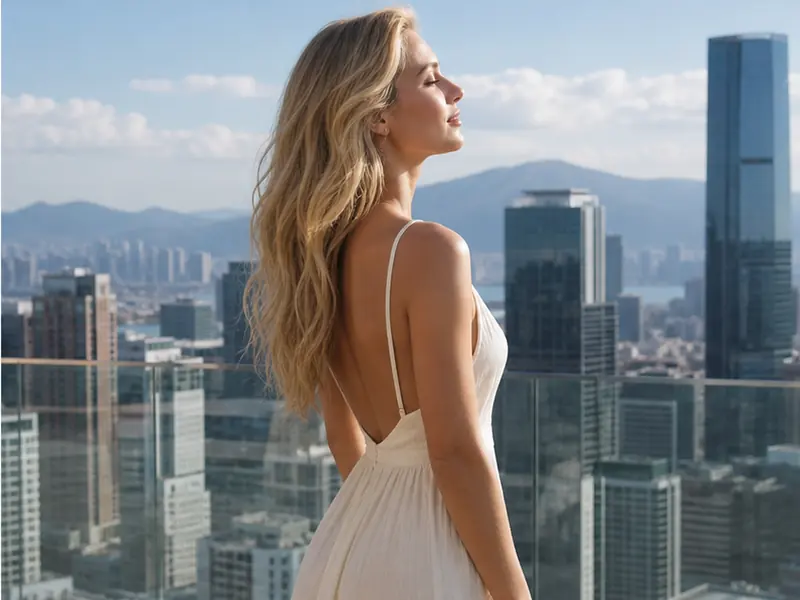
AI Background Changer Free - Change Photo Background & Replace Image Backgrounds Online
Replace image backgrounds in seconds with AI. Change photo background to white, solid colors, custom images, or AI-generated scenes. Perfect for passport photos, product images, and professional portraits.
AI-powered background replacement • One-click color change • Free passport photo background converter
What Is an AI Background Changer?
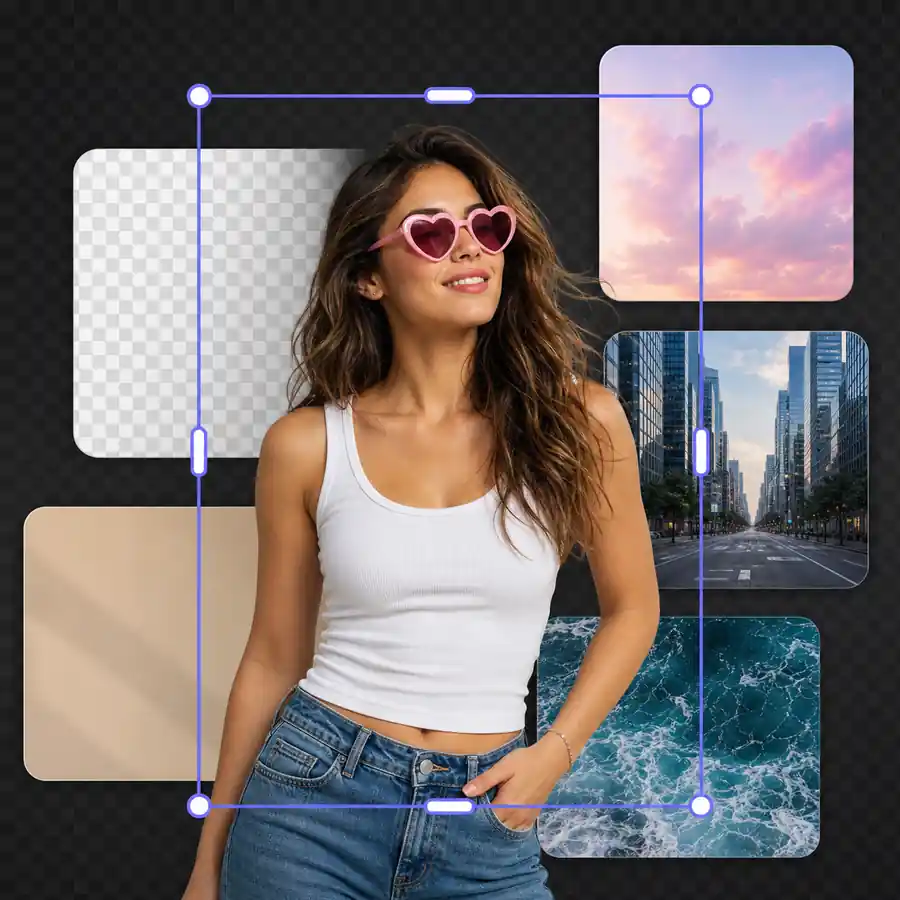
An AI background changer removes the original background from your photo and replaces it with a new one—solid colors (white, blue, red), custom images, or AI-generated scenes. Use it to change photo background for passport photos, product images, professional headshots, or social media posts without manual editing or Photoshop skills.
How to Change Photo Background in 3 Steps
Upload your image, choose a new background style, then generate and download a ready-to-use result.
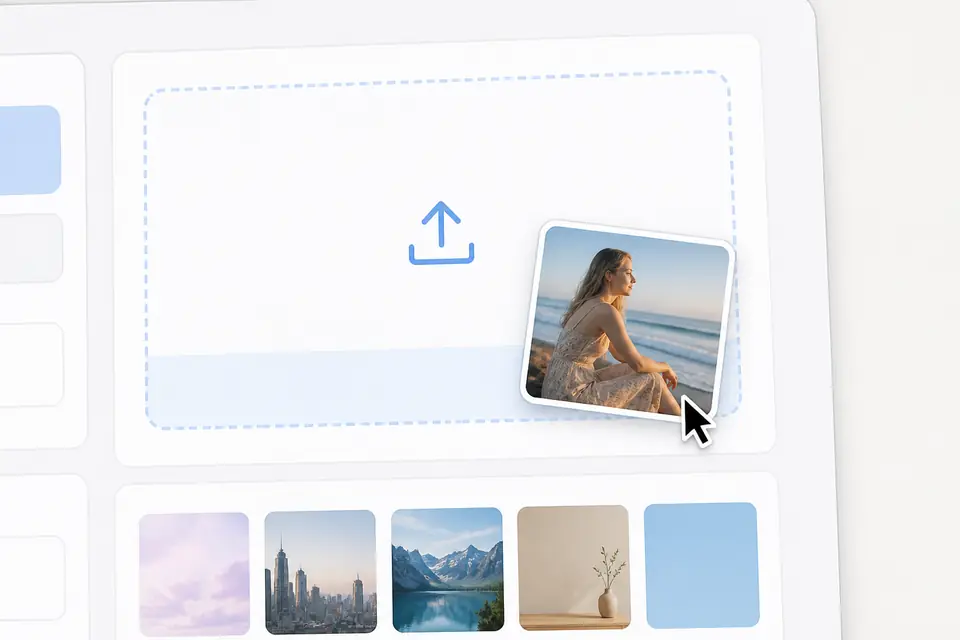
Upload Your Photo
Upload a JPG, PNG, or WEBP image. The AI background changer works with portraits, product photos, passport photos, and any image where you want to replace the background.
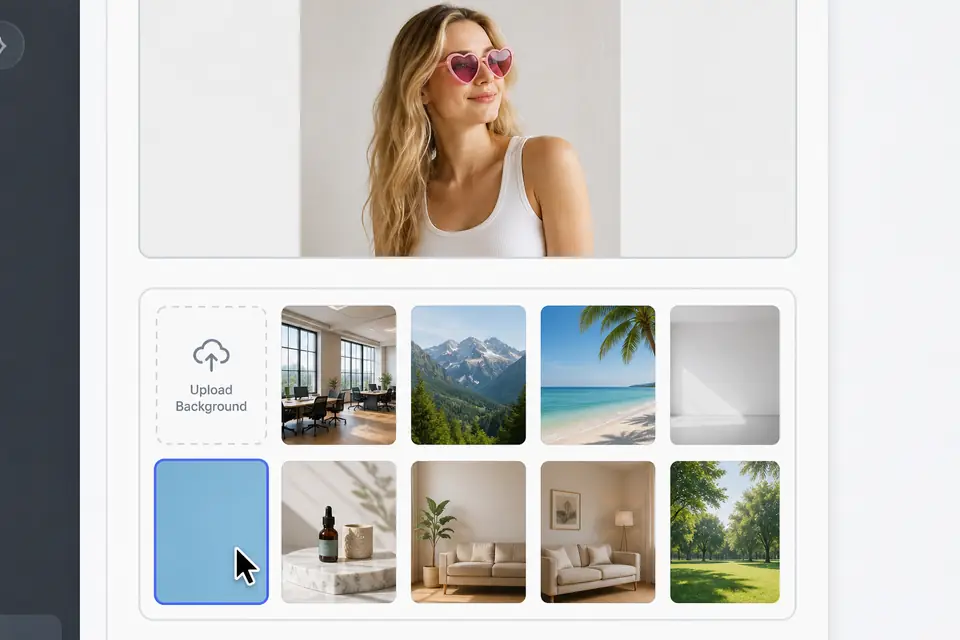
Choose New Background
Select solid colors (white, blue, red, transparent), upload a custom background image, or let AI generate a scene that matches your photo. You can also use the remove-only mode for transparent PNG output.
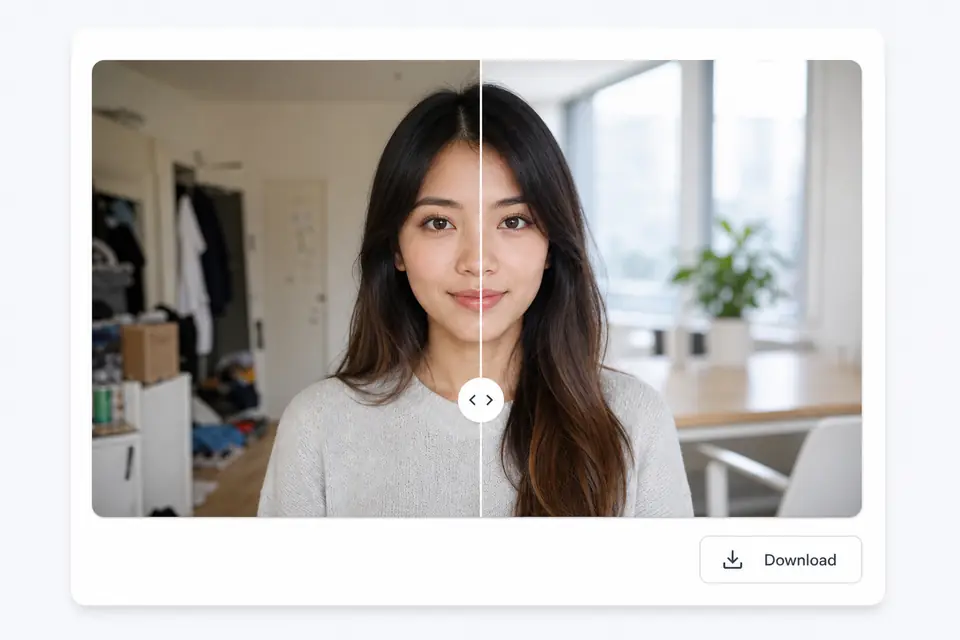
Generate and Download
The AI removes the original background and replaces it with your chosen style. Download the result as a high-quality PNG ready for passports, stores, social posts, or presentations.
What Can You Use an AI Background Changer For?
Replace backgrounds instantly for passport photos, product images, professional portraits, and creative projects.
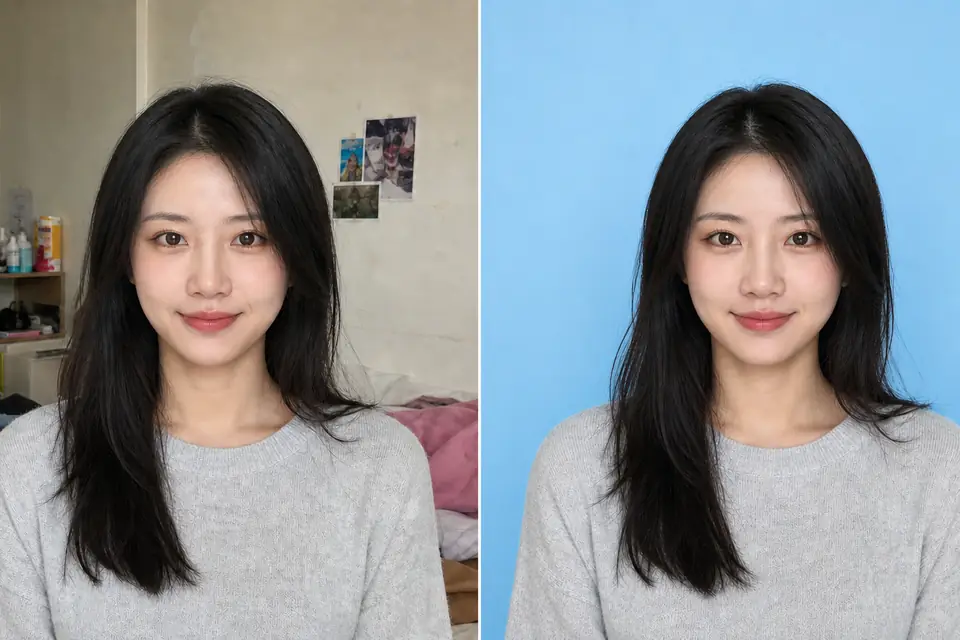
- Change passport photo background to white, blue, or red in one click
- Meet official ID photo requirements for US, EU, UK, India, and other countries
- Fix mixed lighting, shadows, or messy backgrounds from home photo setups
- Download high-resolution JPG or PNG files ready for online passport applications
Loved by Users Who Change Photo Backgrounds Frequently
Teams use AI Background Changer to replace image backgrounds for passport photos, product catalogs, professional headshots, and social media content.
The AI background changer saves us hours every day. We can change passport photo backgrounds to white, blue, or red instantly without retakes or manual editing.

Mei Chen, Passport Photo Service Owner
Mei Chen
Passport Photo Service Owner
I use it to change photo background to white for all my Amazon listings. The AI makes product photos look professional without expensive photo studios or Photoshop skills.

Alejandro Torres, Ecommerce Seller
Alejandro Torres
Ecommerce Seller
The AI-generated backgrounds feature is amazing. I help clients replace image backgrounds with professional office scenes for LinkedIn headshots—it looks so much better than plain colors.

Emily Carter, LinkedIn Career Coach
Emily Carter
LinkedIn Career Coach
I change image backgrounds for Instagram posts, YouTube thumbnails, and Twitter banners. The AI background changer is faster than any other tool I've tried.

Ethan Park, Social Media Manager
Ethan Park
Social Media Manager
My clients love the custom background upload feature. I can replace image backgrounds with their brand colors or specific scenes they need for campaigns.

Ananya Rao, Freelance Photographer
Ananya Rao
Freelance Photographer
The transparent PNG option is perfect when I need to change photo backgrounds for ads. I can place the cutouts anywhere without white boxes ruining the design.

David Miller, Marketing Designer
David Miller
Marketing Designer
AI Image Background Changer FAQ
Answers for common questions about how to change photo background, replace image backgrounds, passport photos, and AI-generated scenes.
Change Your Photo Background Now
Replace any background with AI in seconds. Free, fast, and perfect for passport photos, products, and social posts.